Edit Participant Profile Information
This guide provides a straightforward process for editing participant profile information on the Corrisoft platform. It simplifies the steps needed to navigate the dashboard and make necessary updates, ensuring that users can efficiently manage participant data. By following this guide, users can enhance their experience and maintain accurate records with ease.
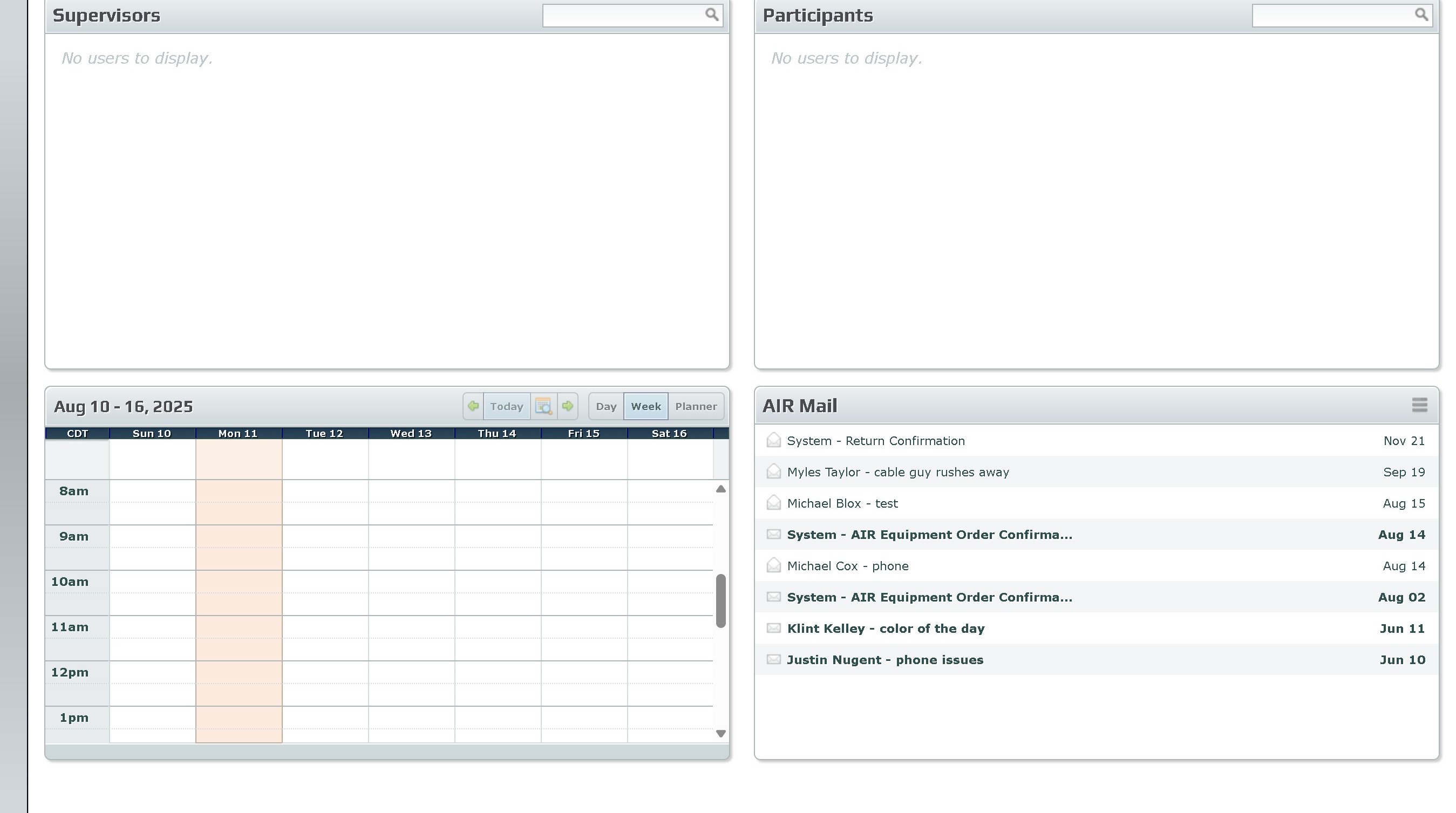
1. Navigate to https://air.corrisoft.com/managers/dashboard
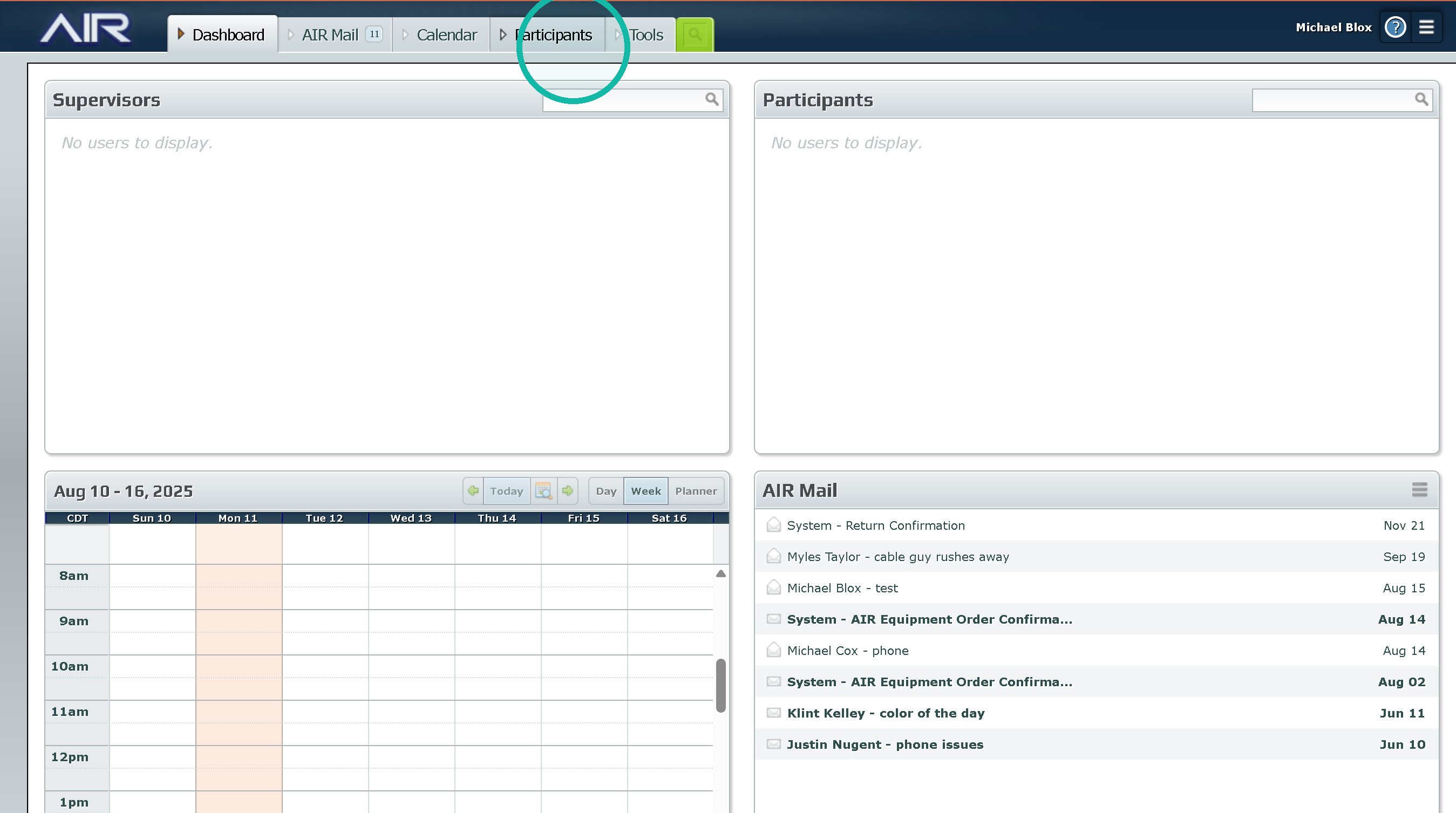
2. Click "Participants"
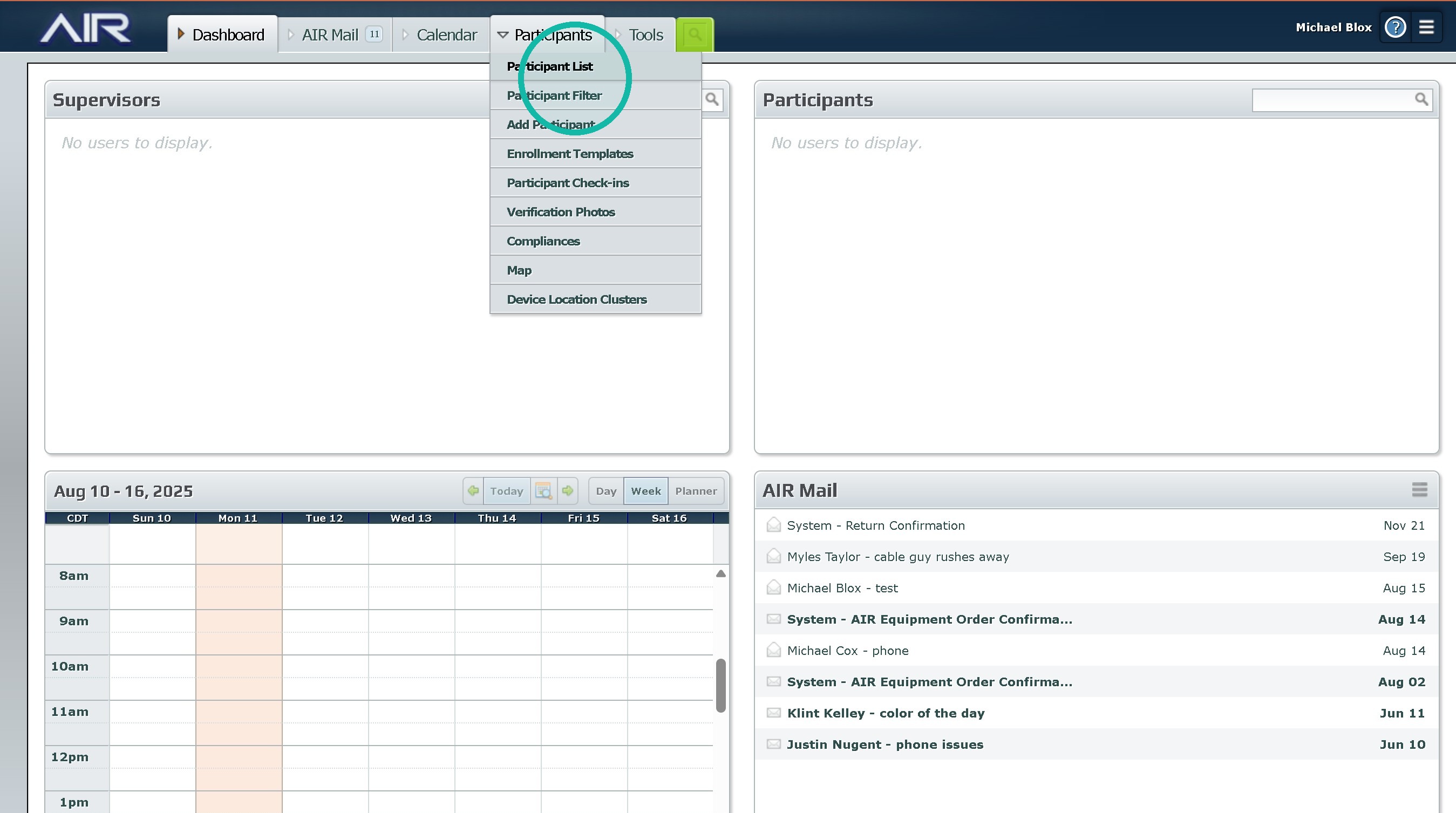
3. Click "Participant List"
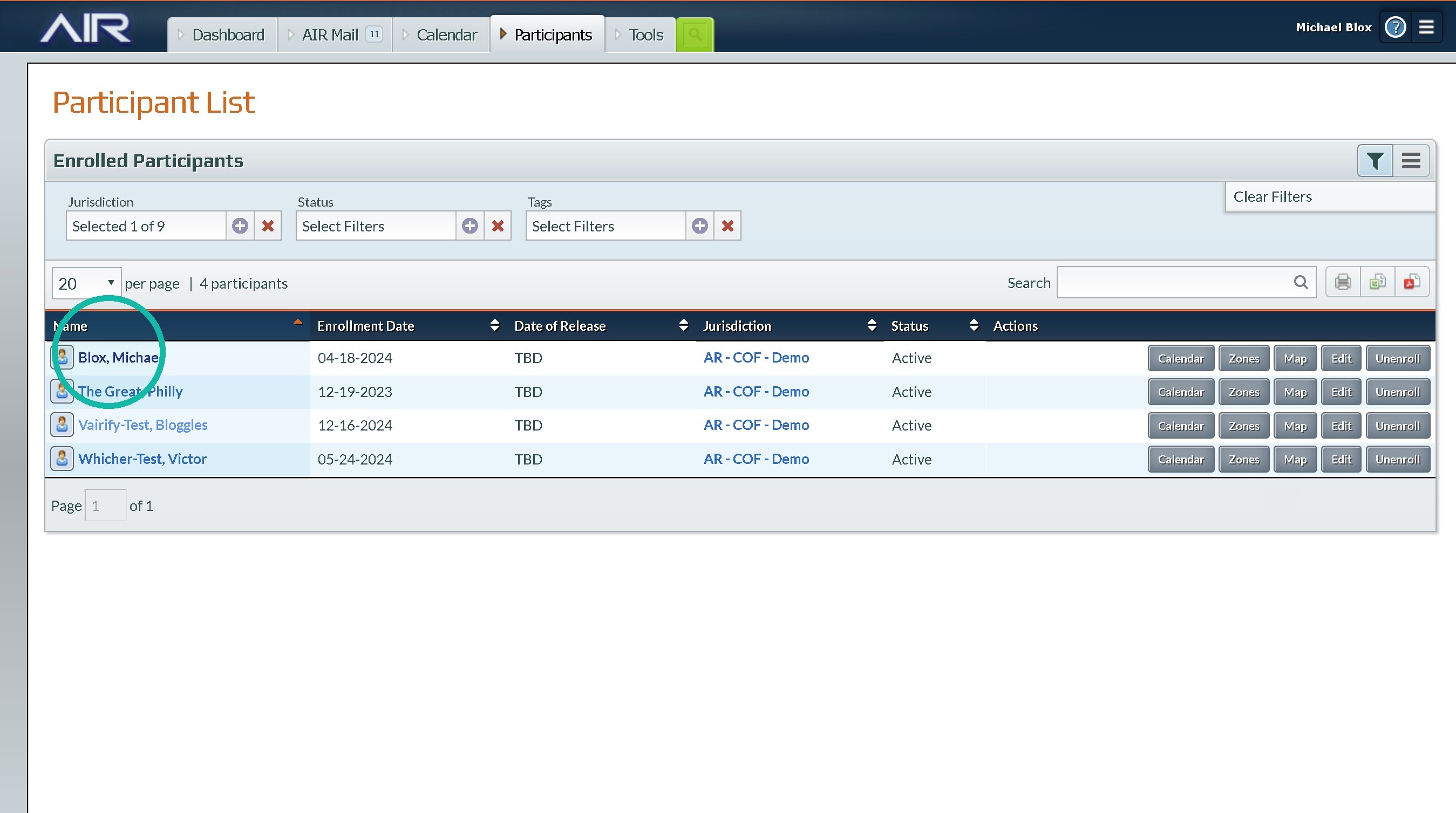
4. Select a Participant
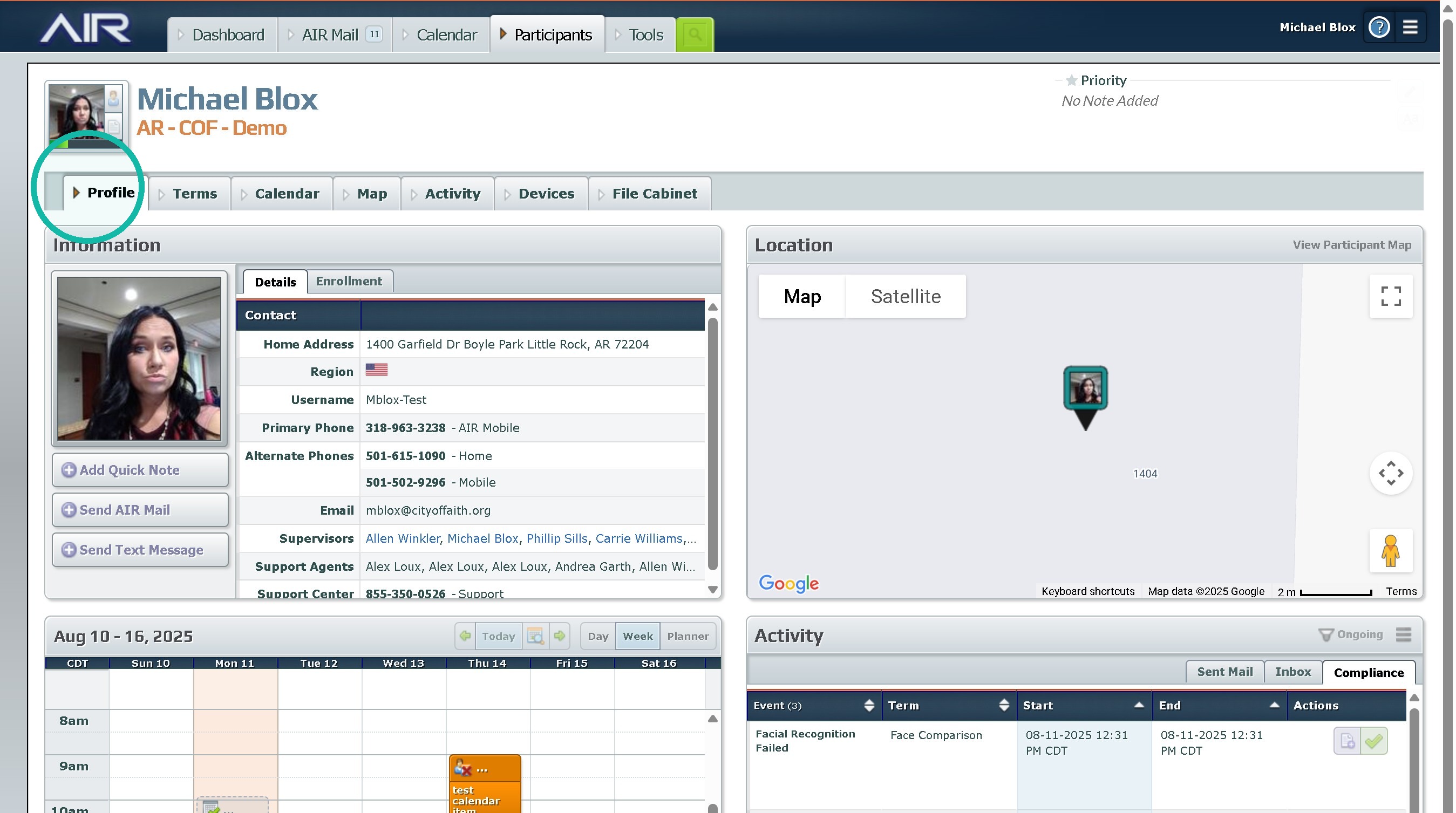
5. Click "Profile"
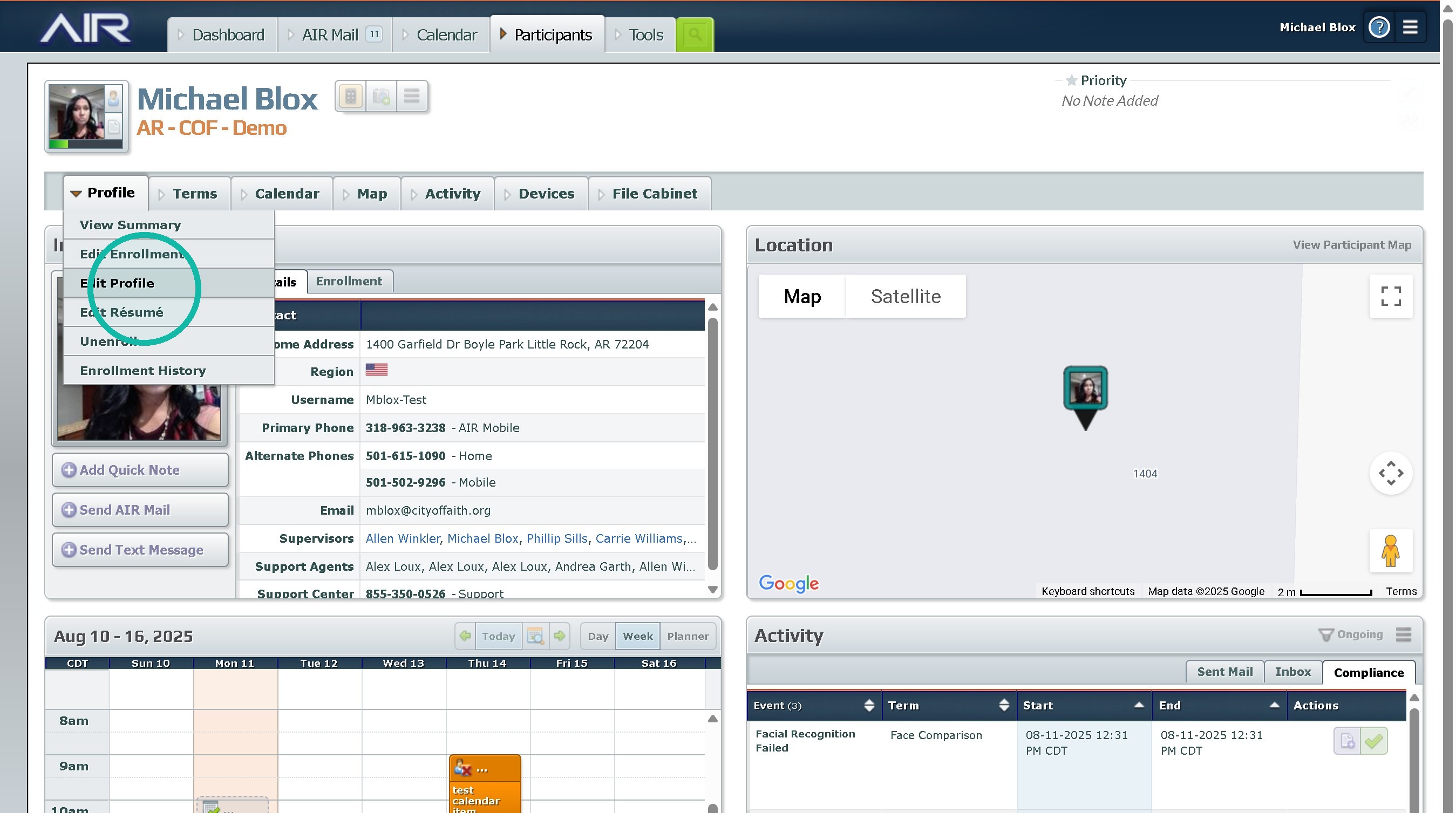
6. Click "Edit Profile"
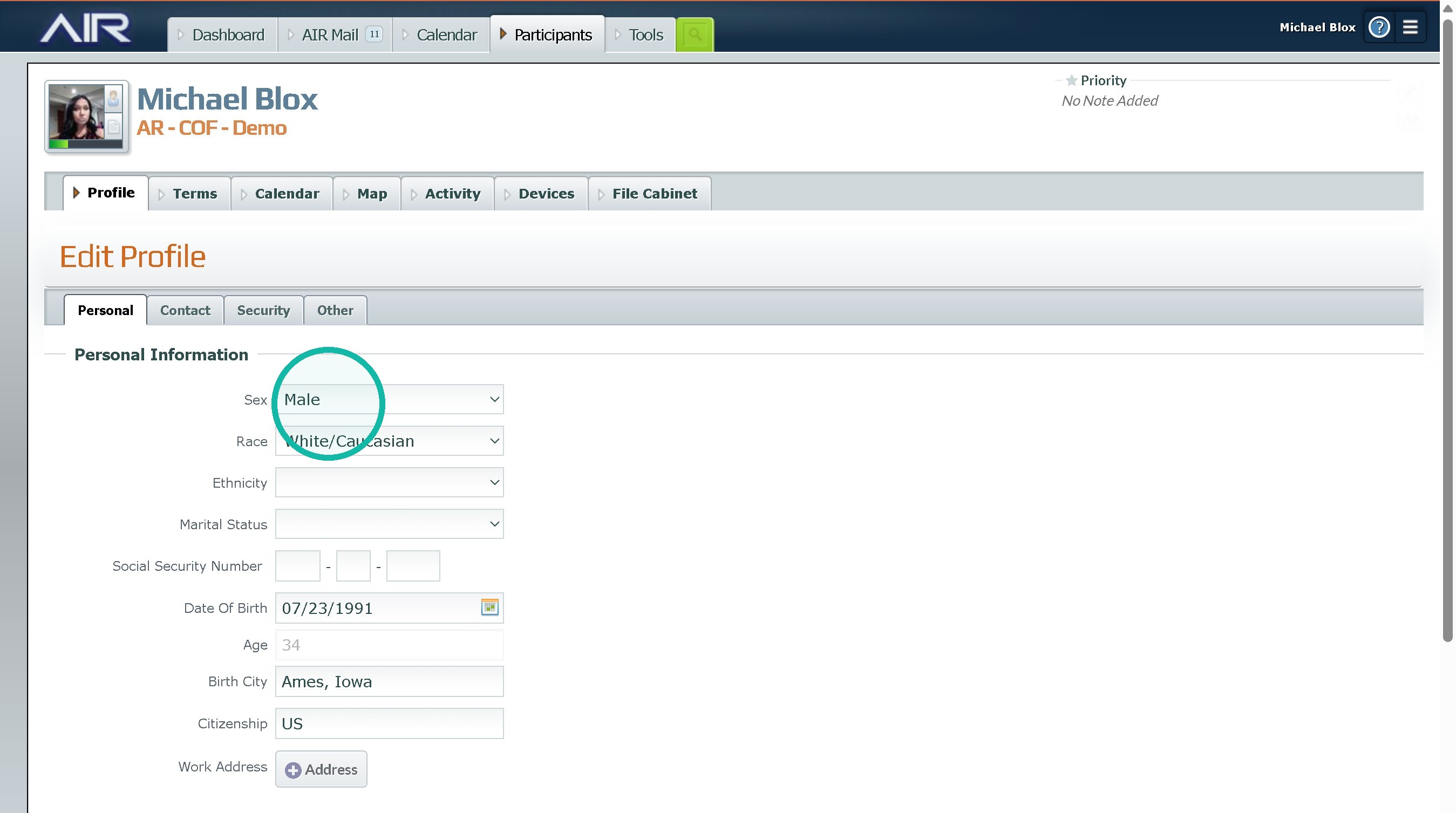
7. Fill out all Necessary Fields
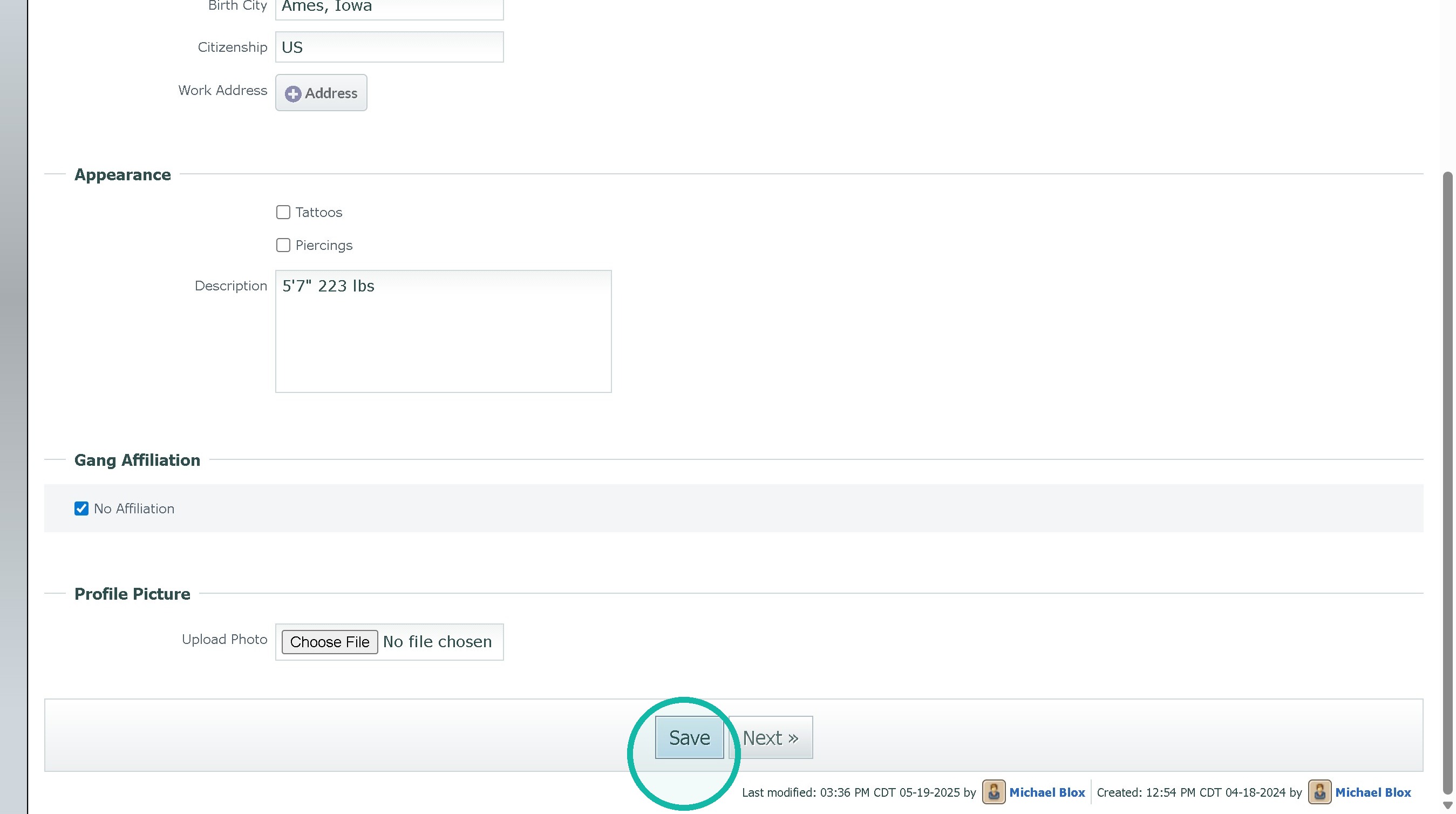
8. Click "Submit"
Was this article helpful?
That’s Great!
Thank you for your feedback
Sorry! We couldn't be helpful
Thank you for your feedback
Feedback sent
We appreciate your effort and will try to fix the article