Create a Zone on Air Platform.
1. Navigate to the user map
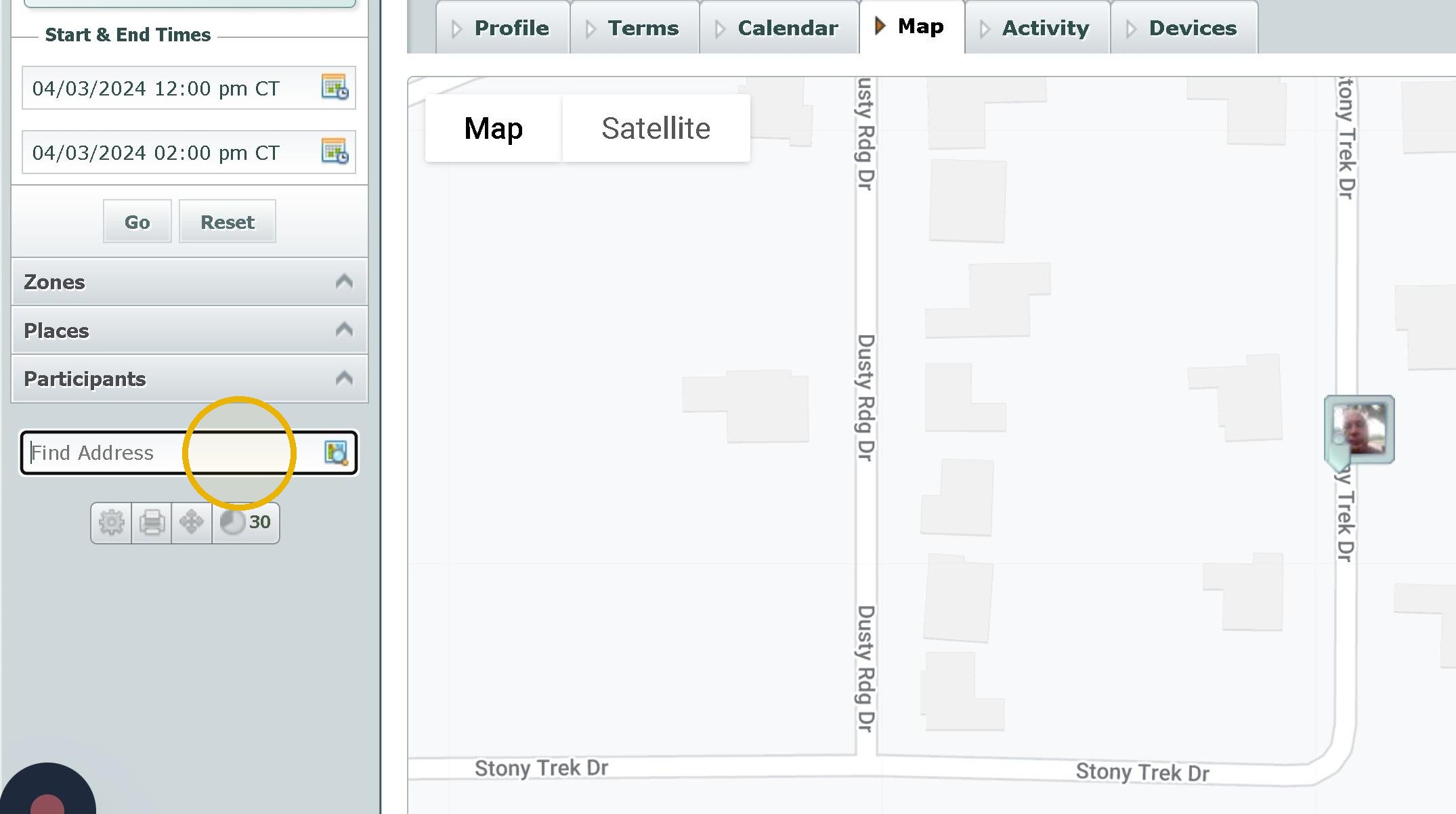
2. Click the "Find Address" field and type in the address here then click the spot on the map it shows
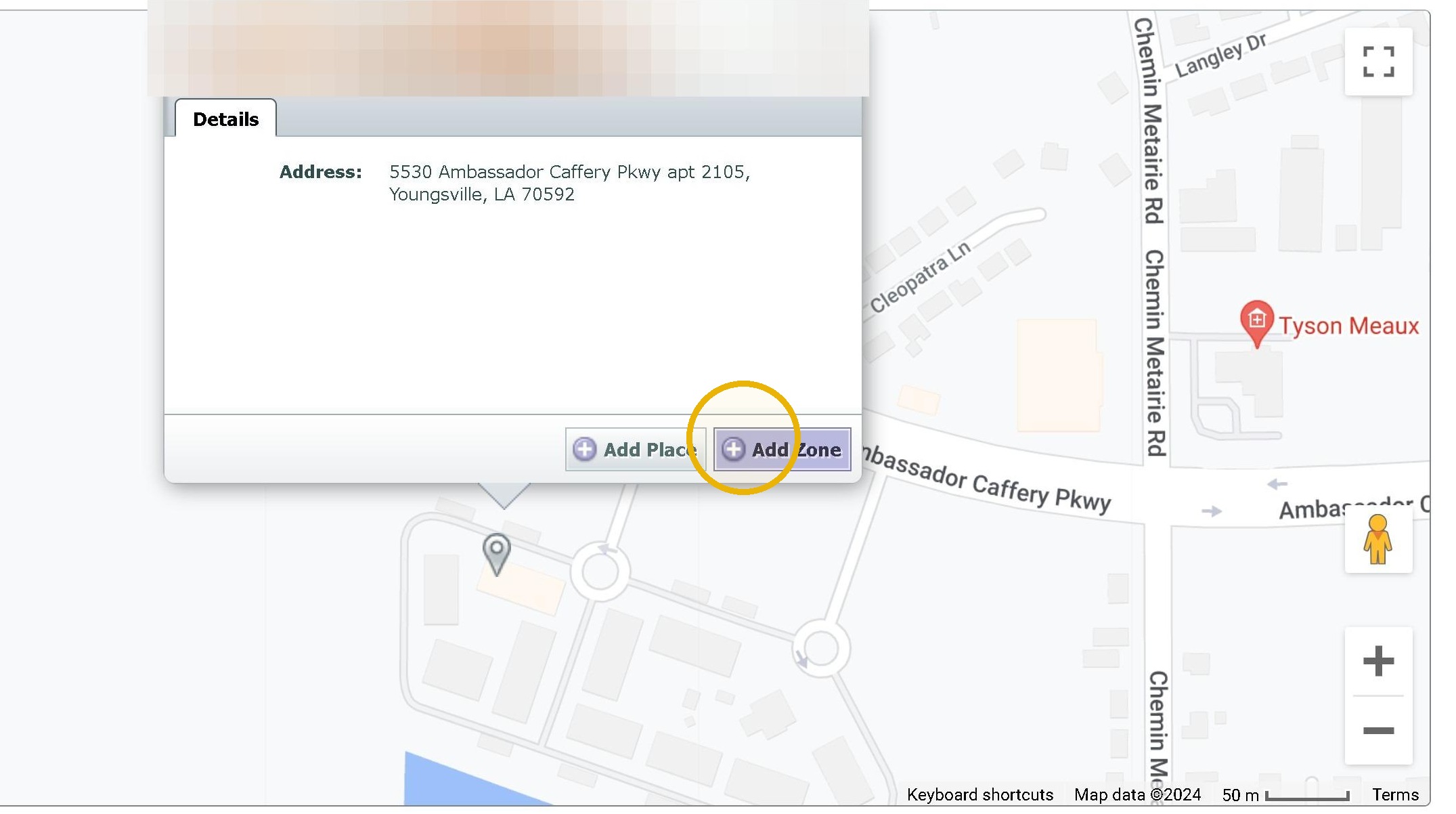
3. Click "Add Zone"
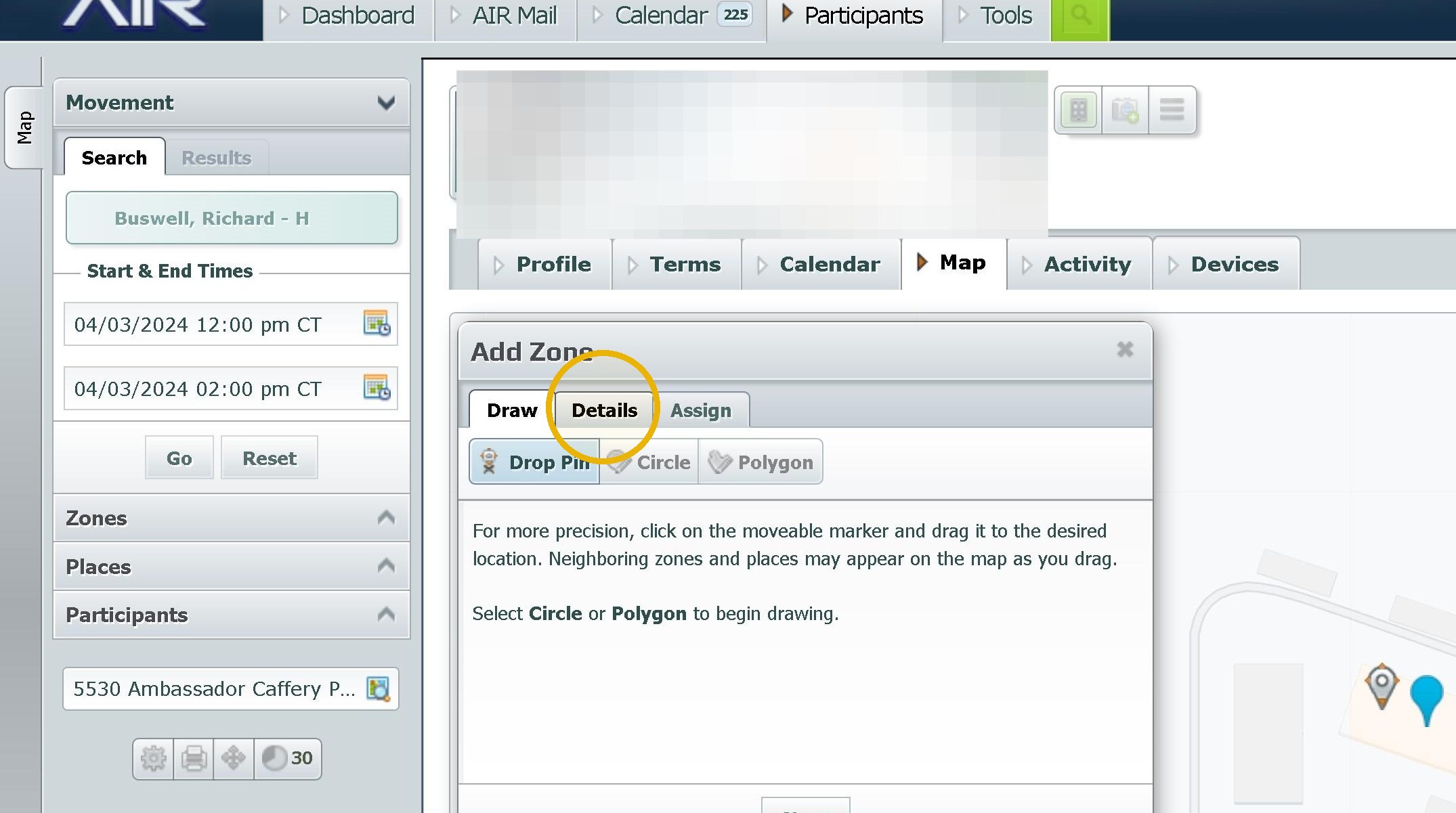
4. Click "Details"
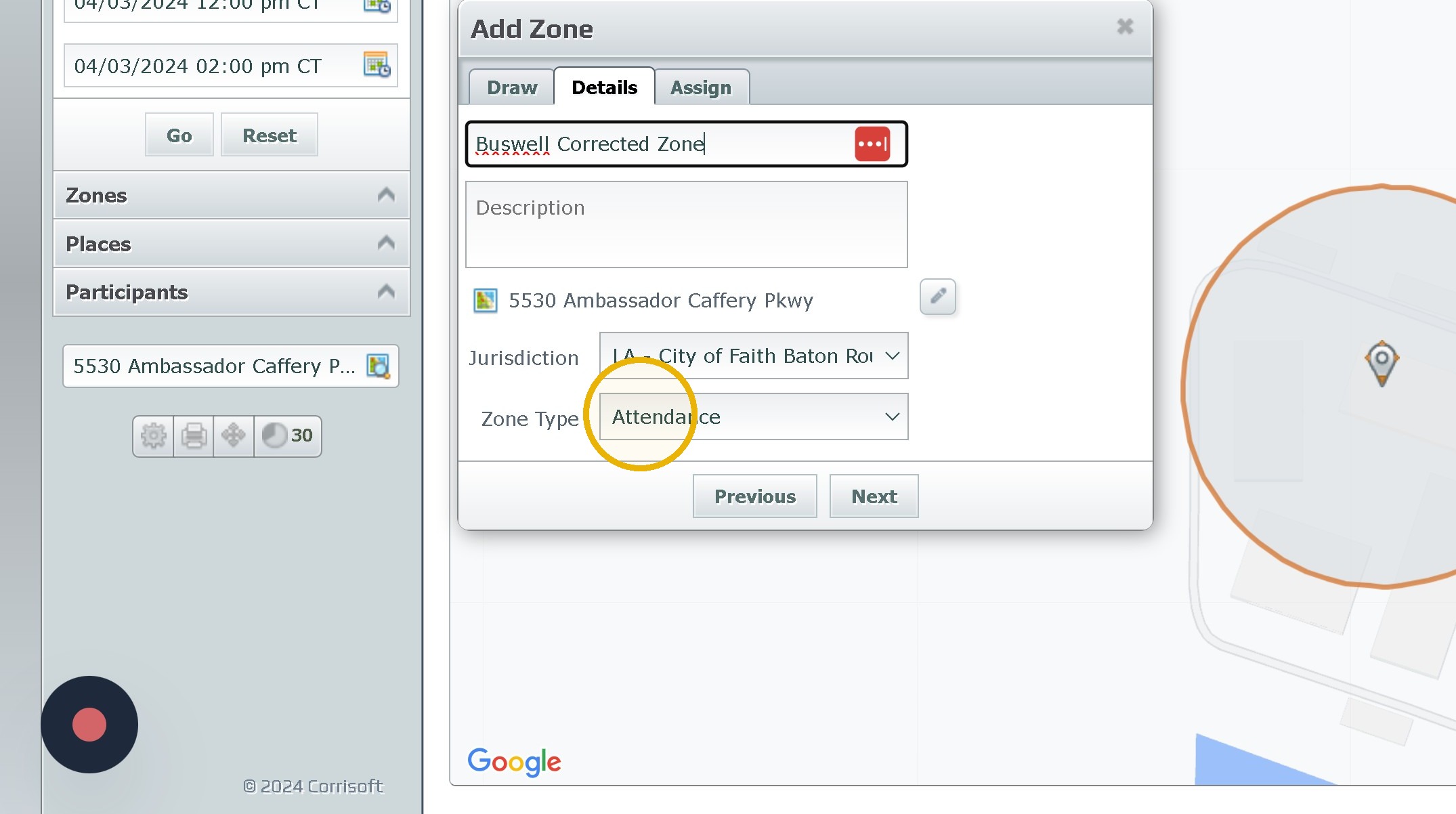
5. Click the "Name" field. Name it appropriately
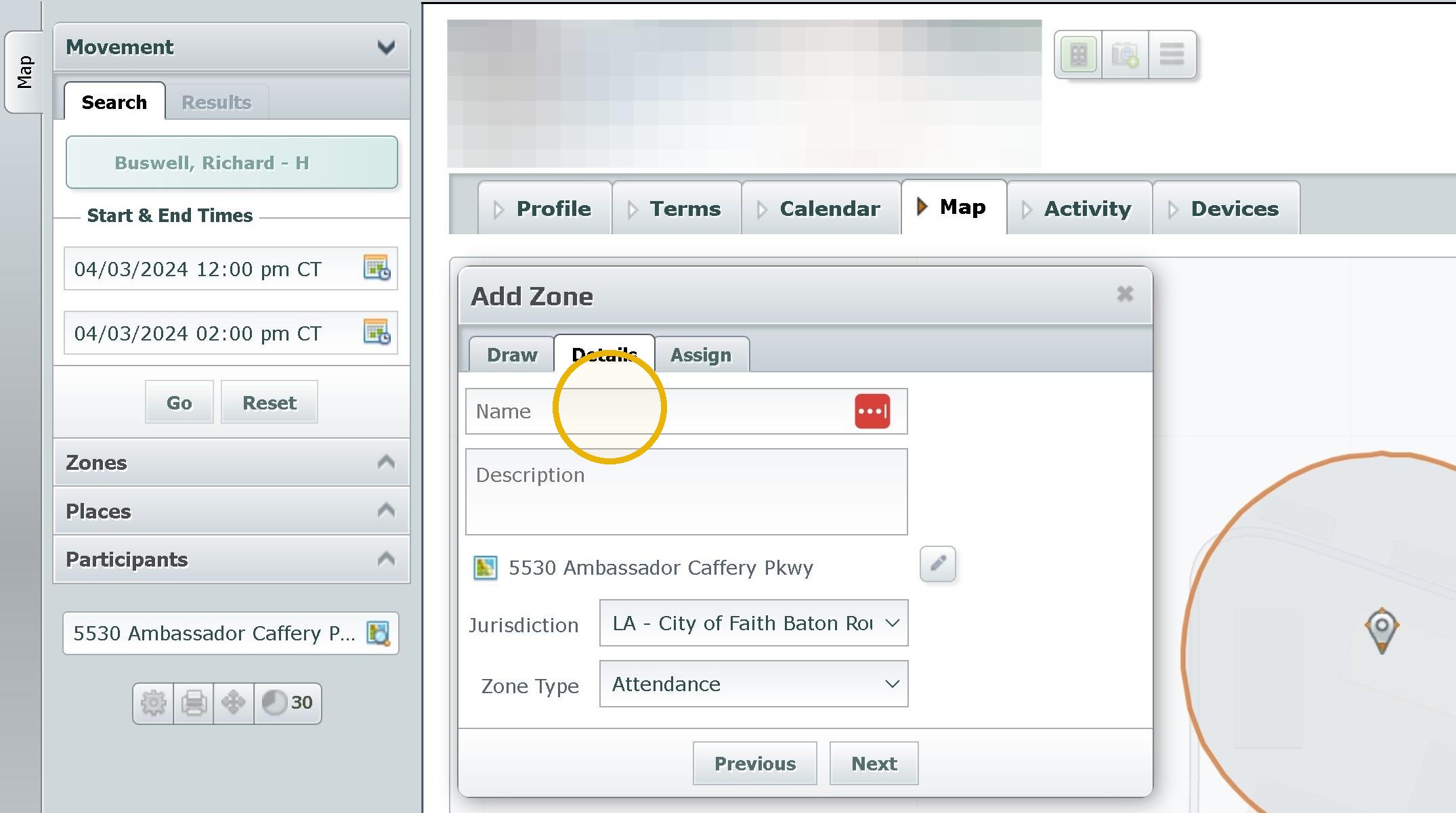
6. Click this dropdown and change it to the appropriate zone type
Boundary- Home Zone
or
Work Attendance Zone
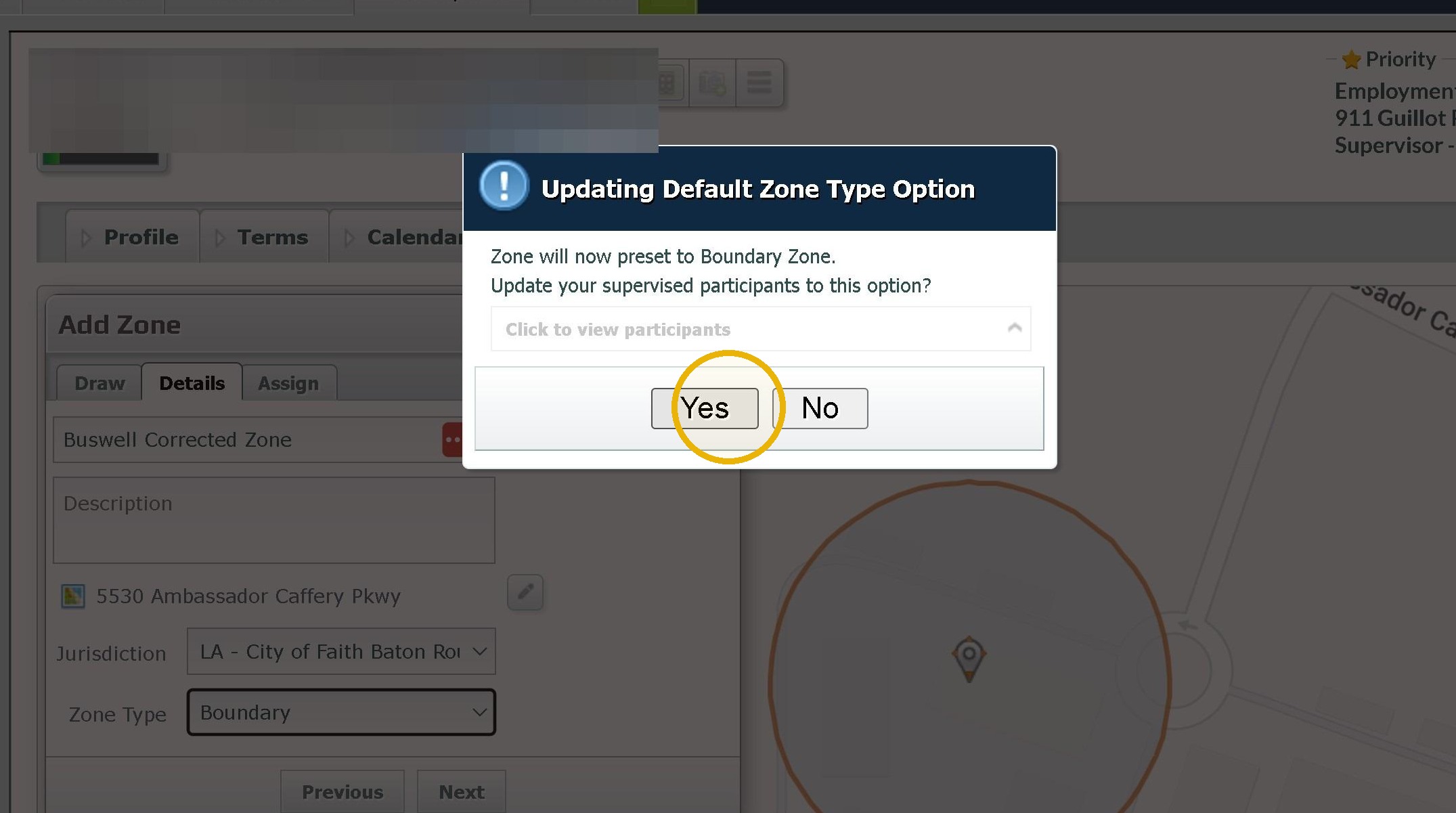
7. Click "Yes" after selecting
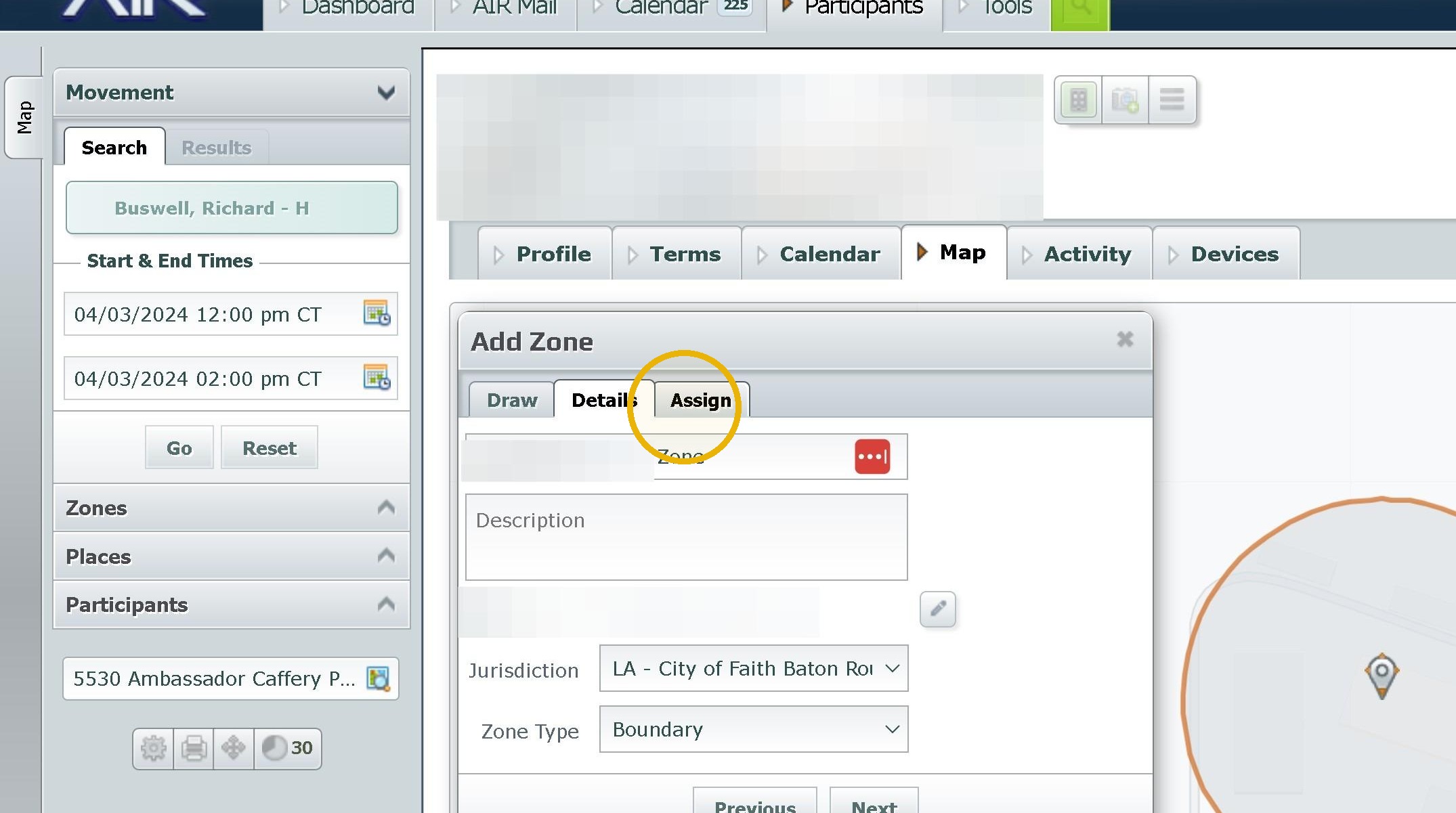
8. Click "Assign"
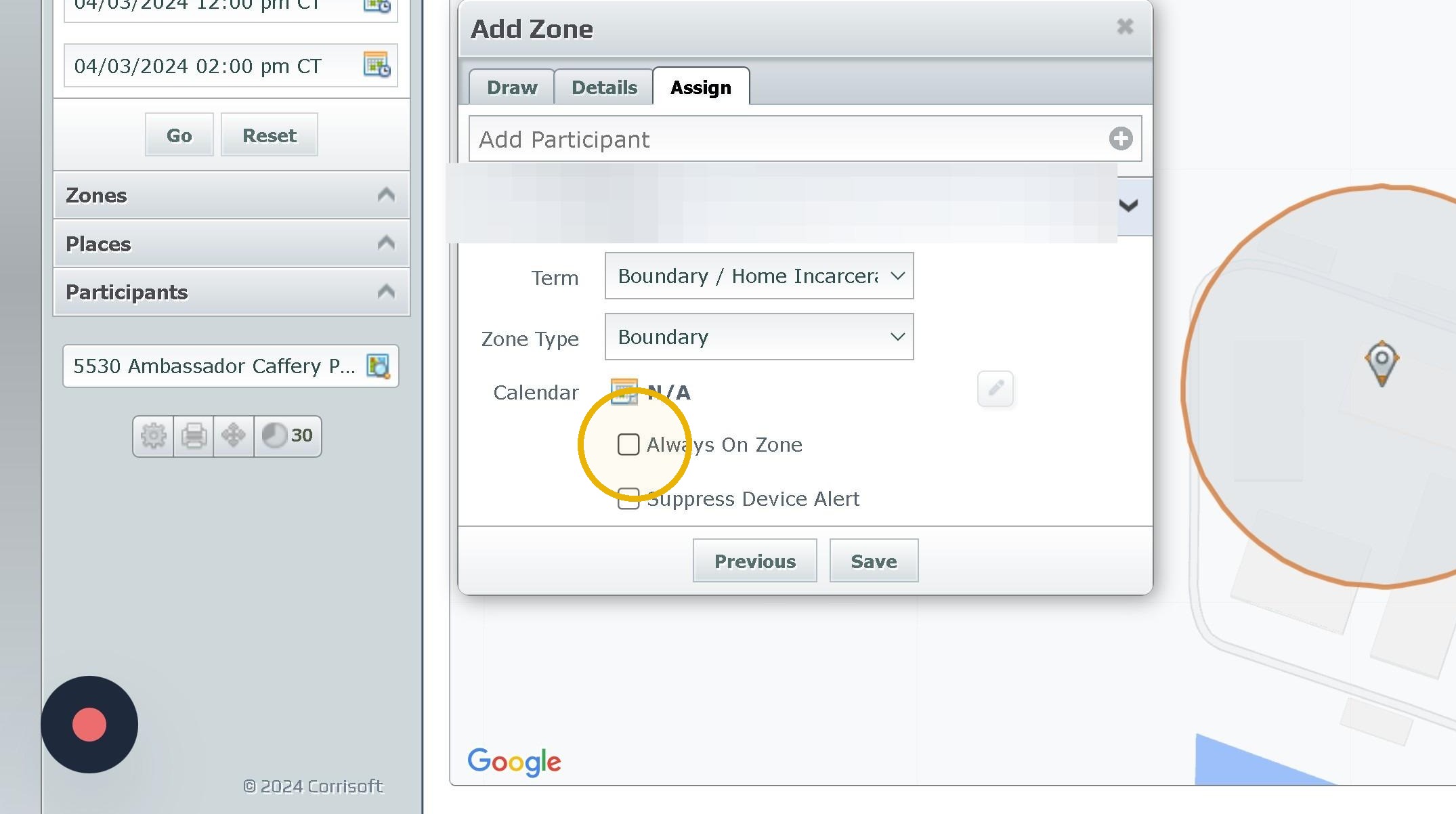
9. Click The Term and Zone Type make sure they match the Zone Type
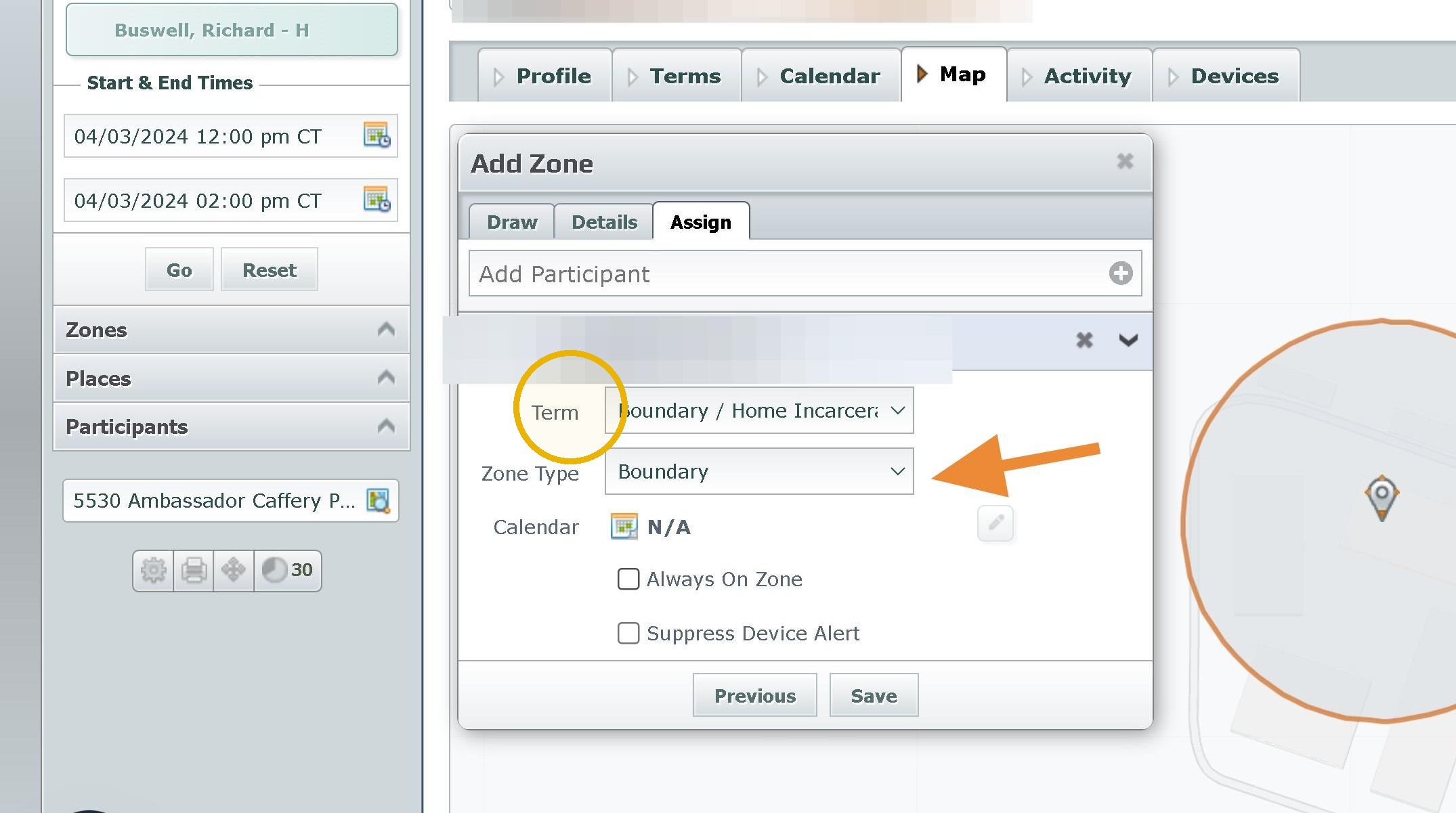
10. Click the "Always On Zone" field if it is a home zone
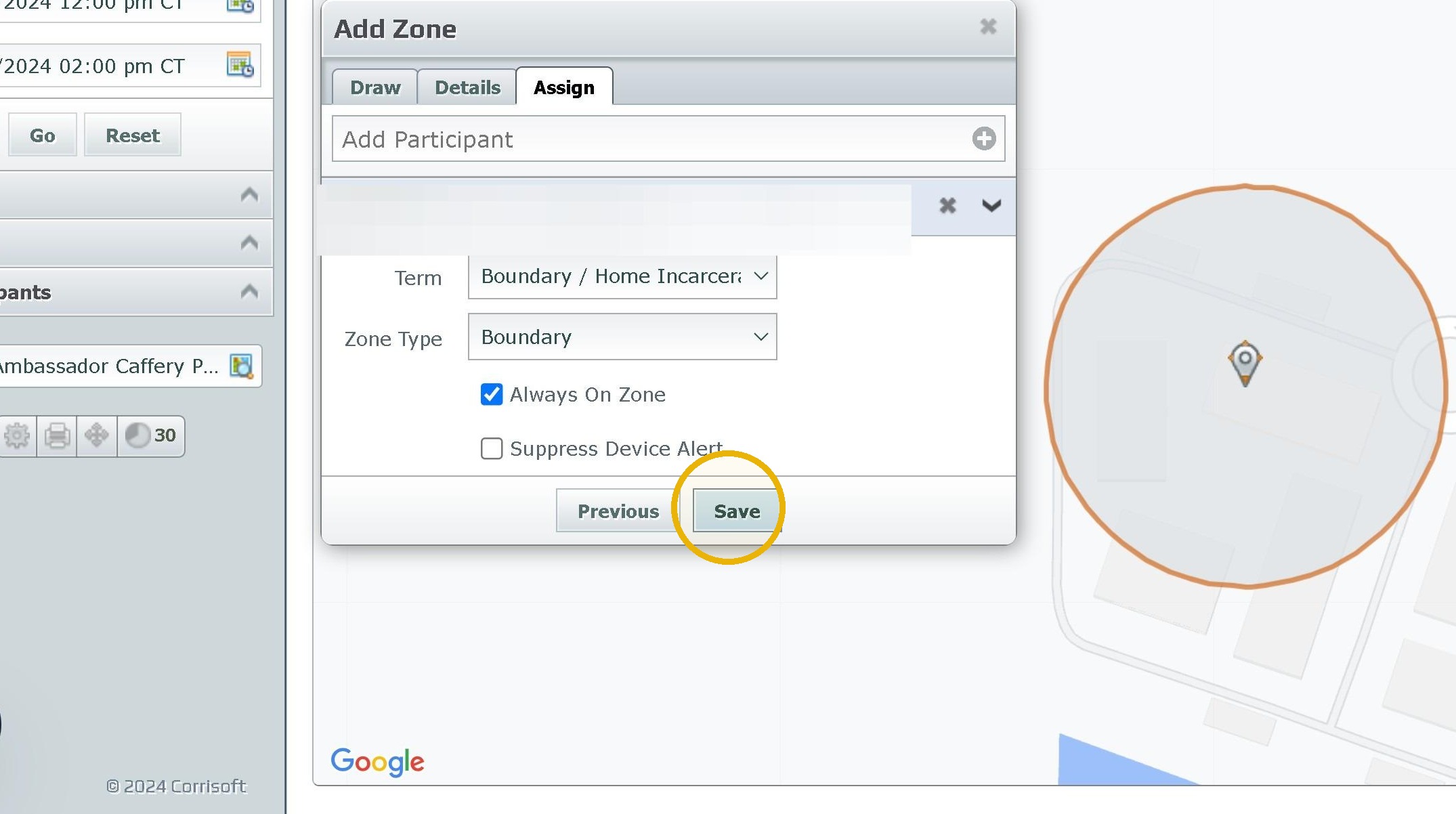
11. Click "Save"
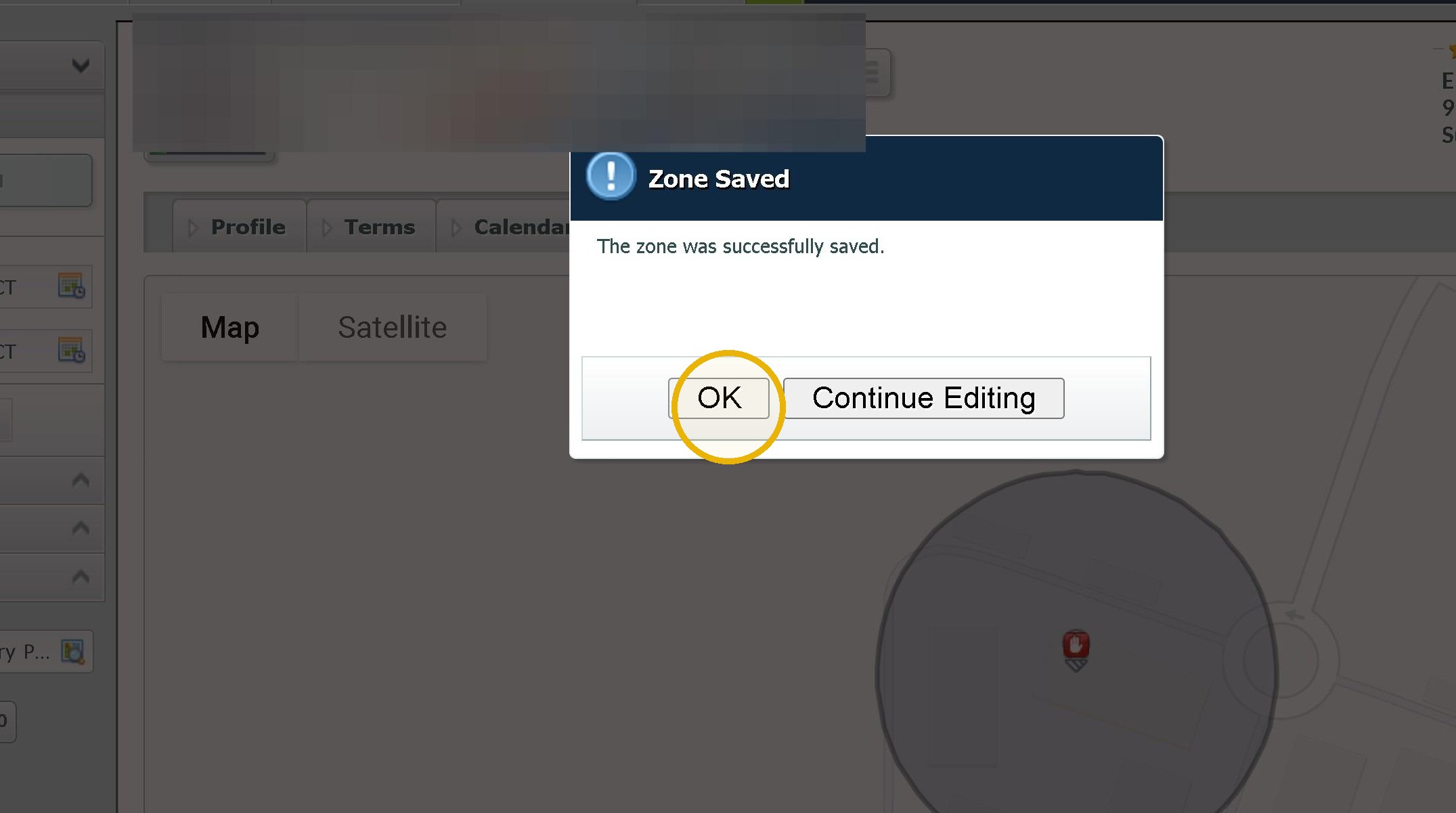
12. Click "OK"
Was this article helpful?
That’s Great!
Thank you for your feedback
Sorry! We couldn't be helpful
Thank you for your feedback
Feedback sent
We appreciate your effort and will try to fix the article