Troubleshooting devices in Air
1. Navigate to https://air.corrisoft.com/
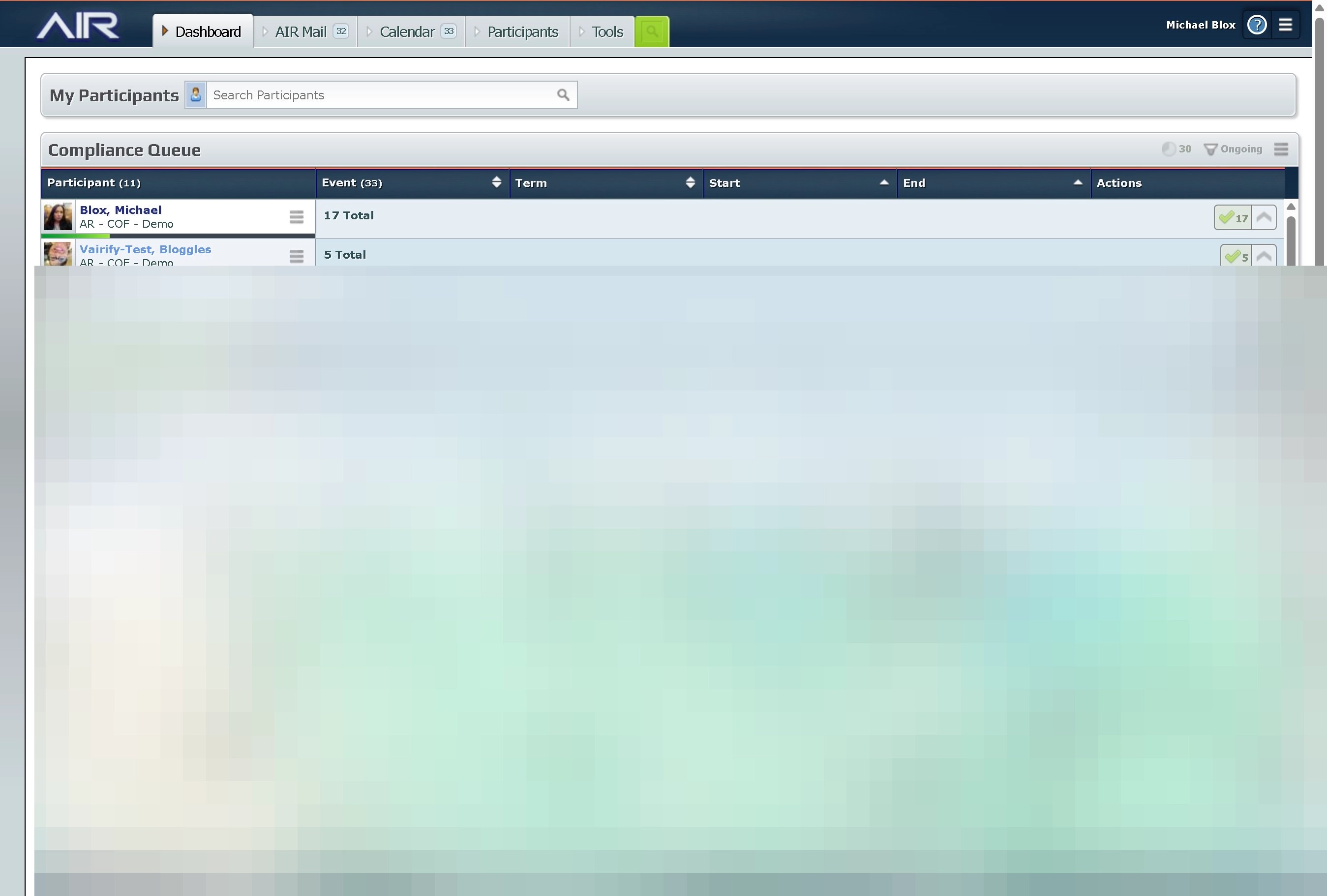
2. Go to the participant page.
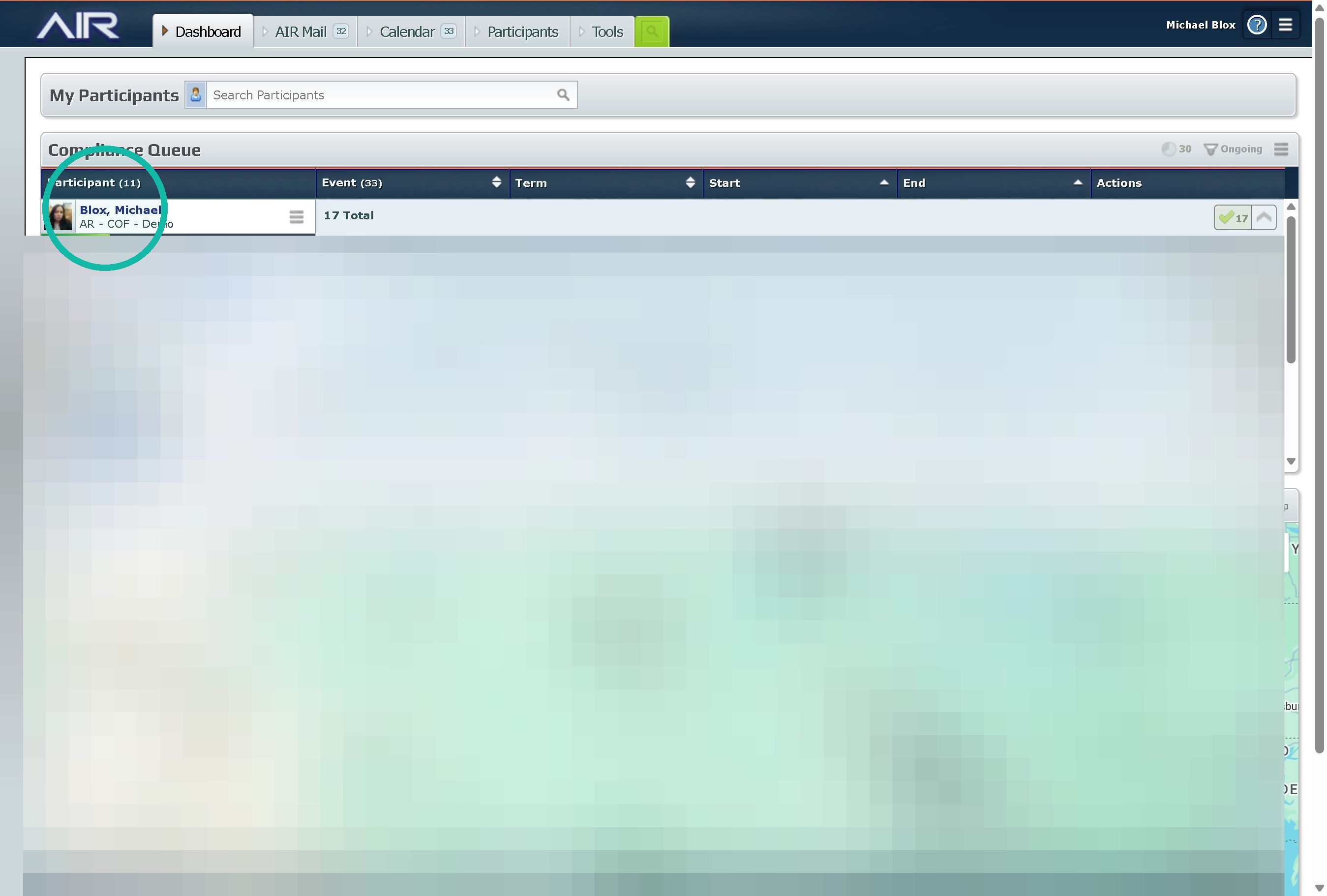
Alert: Depending on the alert will help determine the next step forward most device related issues can be solved in one of two ways. Restarting the device or connecting the wifi.
Comm Gaps and GPS Gaps
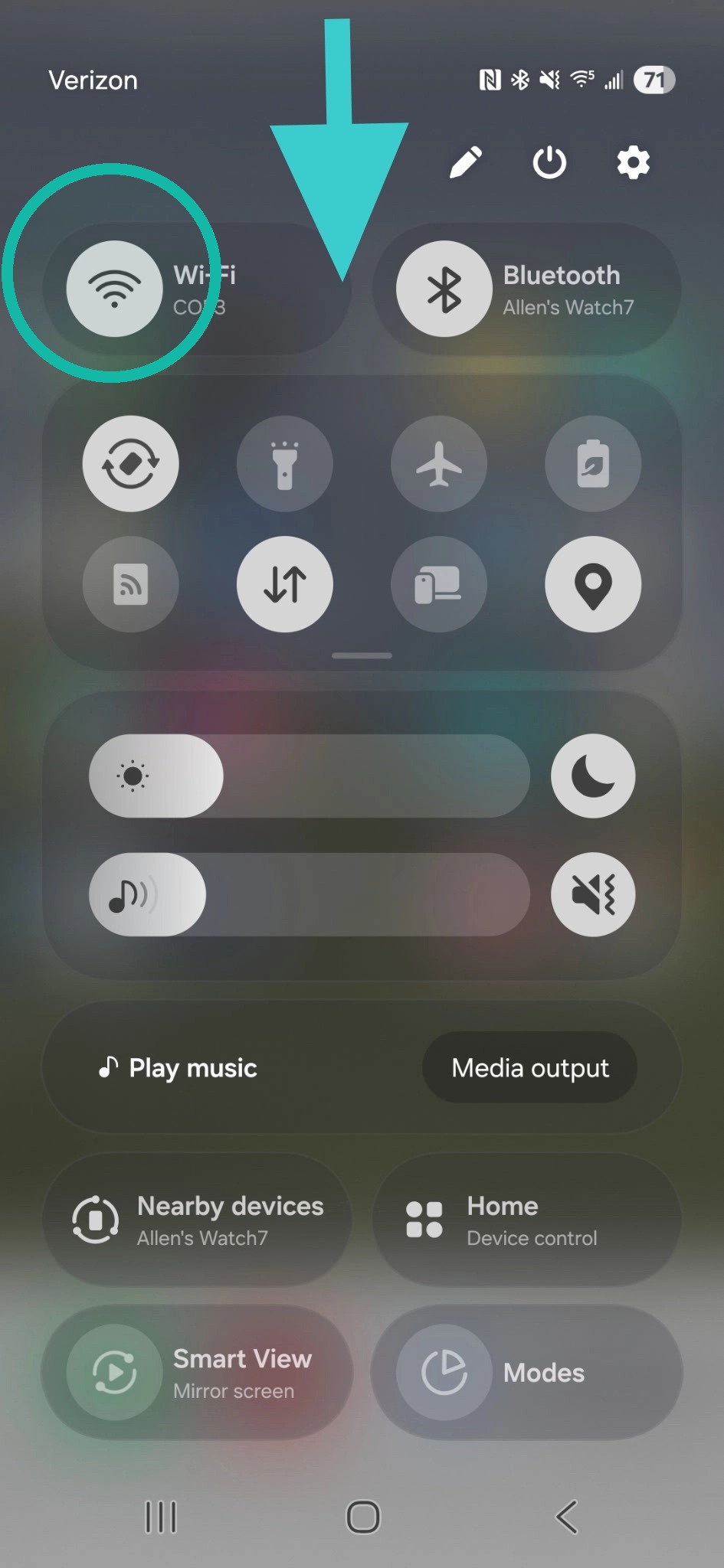
Tip: A Comm Gap or GPS Gap is caused by the server and device not communicating. First Step is Turning on the Wifi
3. Swipe Down on The Phone and select or hold down the wifi button.
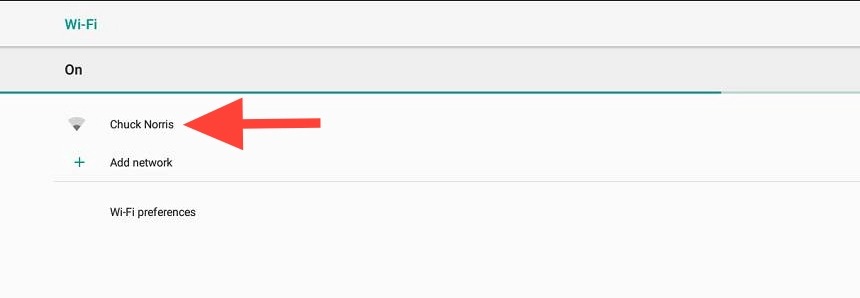
4. Select the Wifi network you'd like to connect to and put in the password.
Alert: If this doesn't work then you will have to move onto trouble shooting the device.
Resetting the device.
Tip: A device that is acting up has a couple of options to Troubleshoot problems
5. Click the "Device Options" hamburger
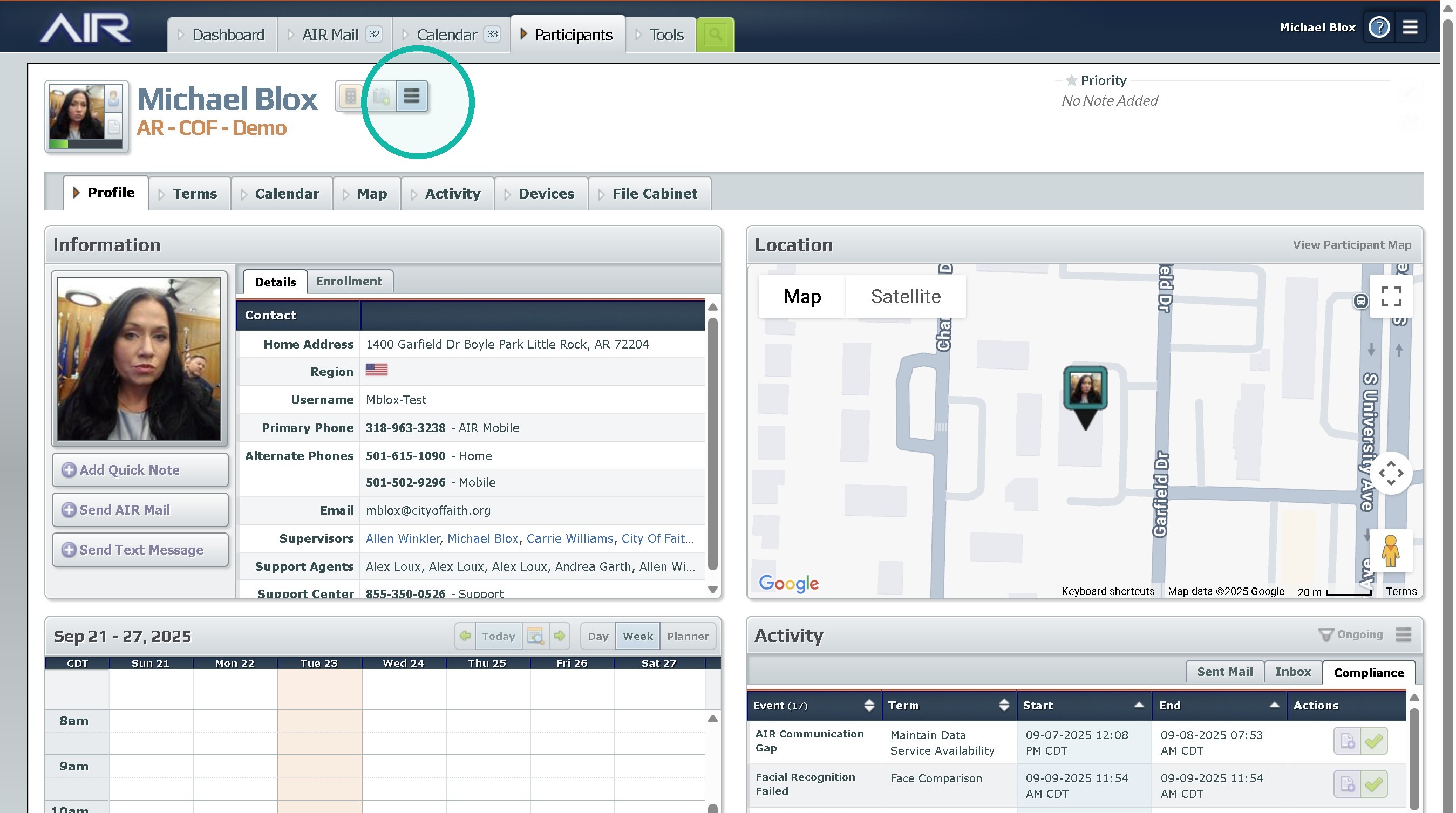
6. Click Reboot Air Phone to cause the phone to force a reset. This can be most commonly seen with strange behaviors in related to the device like items not loading.
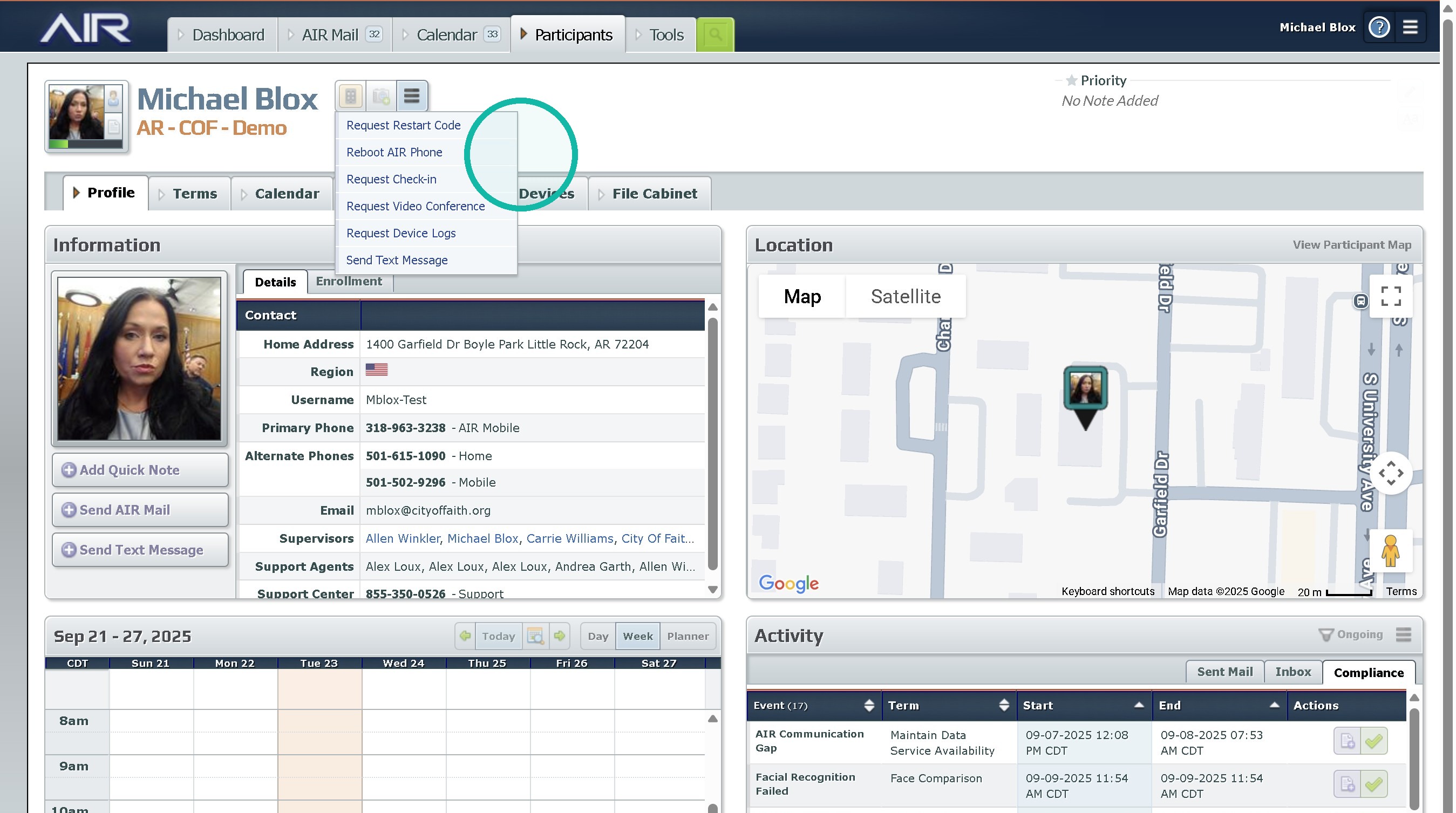
7. Click Request Restart Code will be used when a Reboot fails or the device cannot contact the servers.
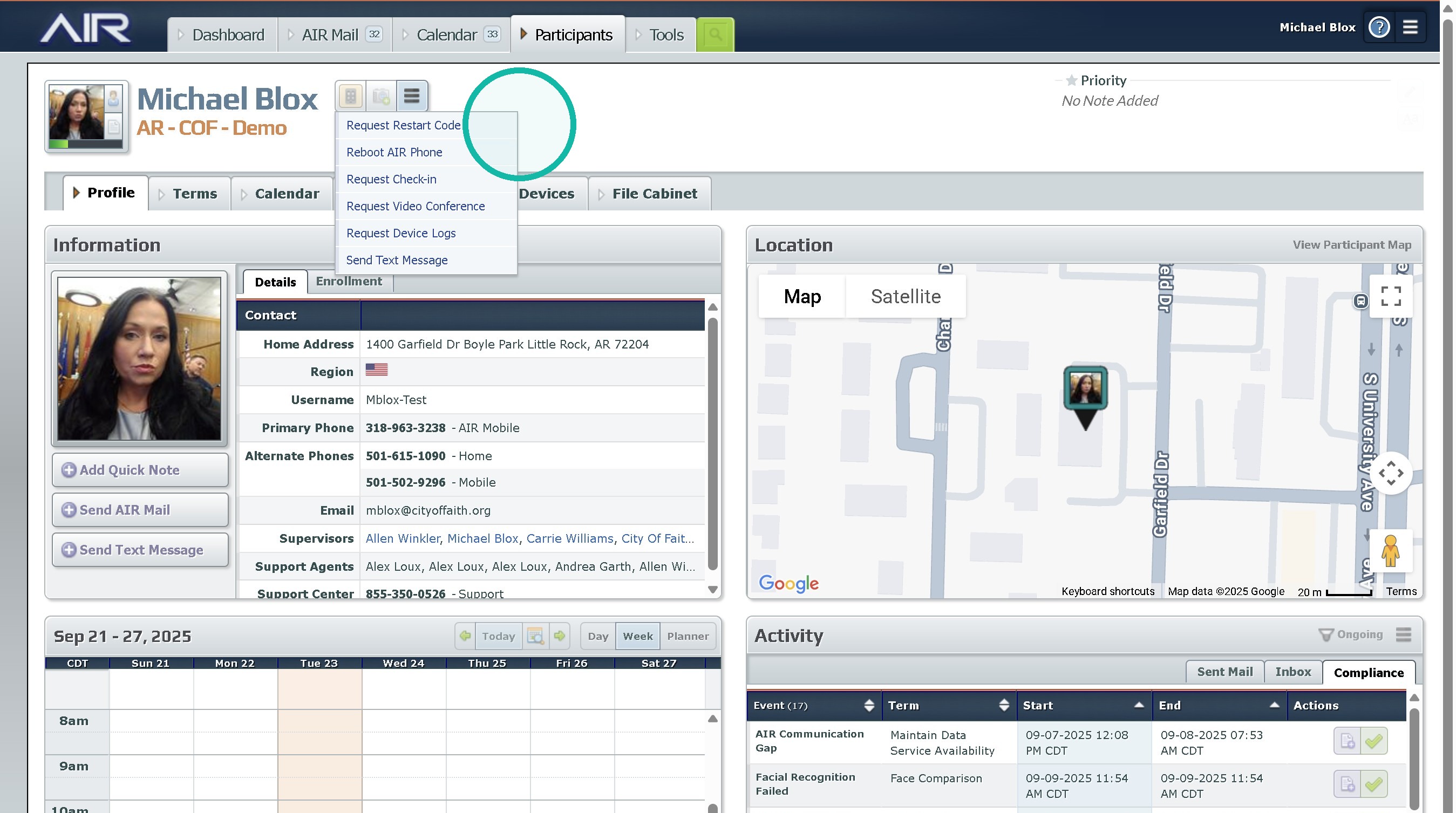
Alert: If none of these work you should consult your supervisor, or A member of the Home confinement team about getting the resident an alternate device.
Was this article helpful?
That’s Great!
Thank you for your feedback
Sorry! We couldn't be helpful
Thank you for your feedback
Feedback sent
We appreciate your effort and will try to fix the article