Sometimes we frequently use the same websites. You can save a shortcut to that website on your computer whenever you need to by following these steps.
- Go to the website you want to create a short cut. (for this sample we'll use Air).
- Click the three dots in the top right of your screen
Go to More Tools and Create Shortcut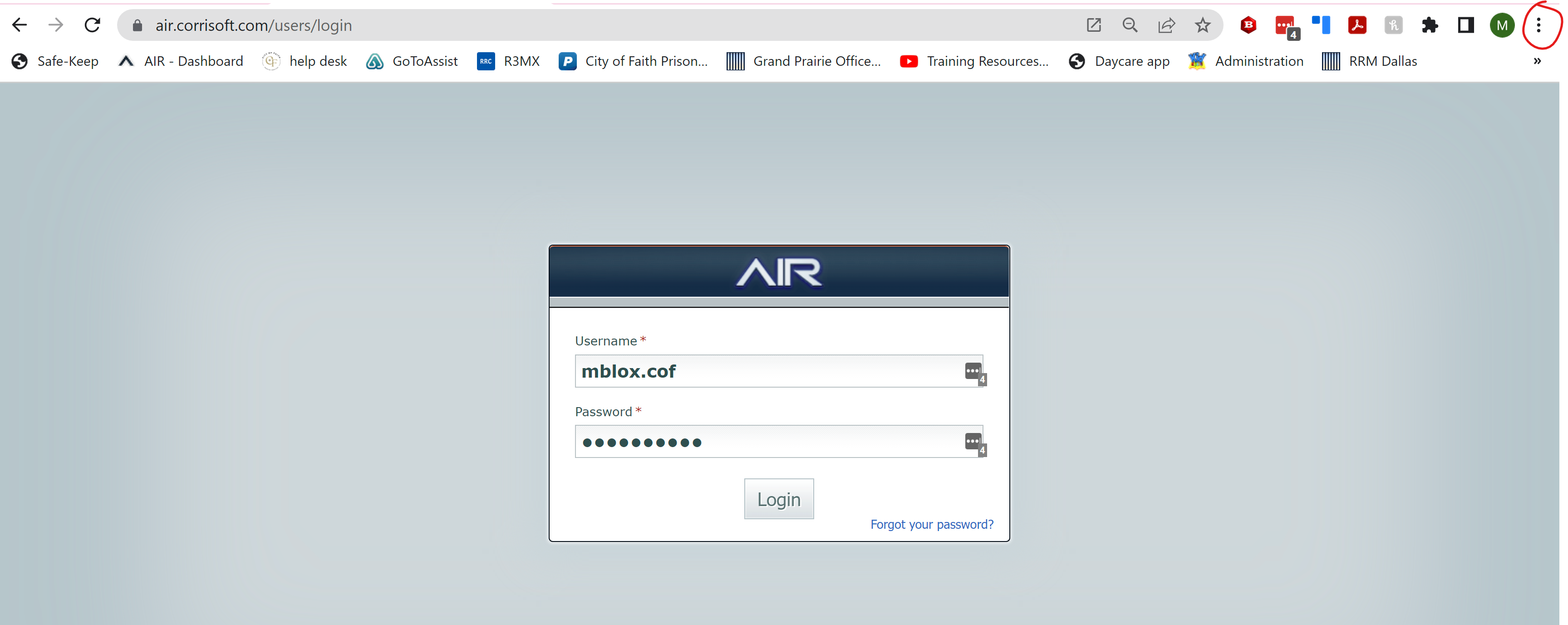
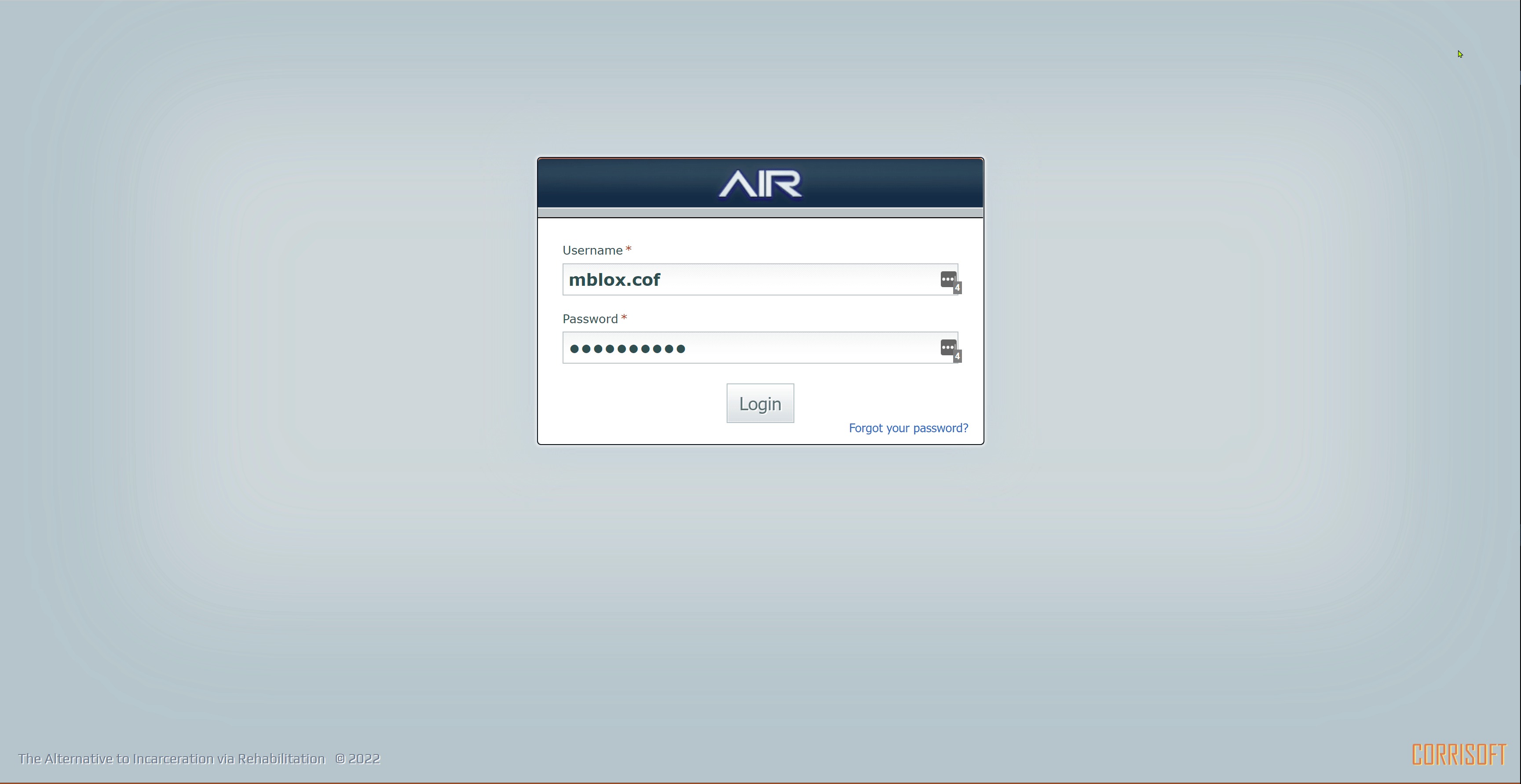
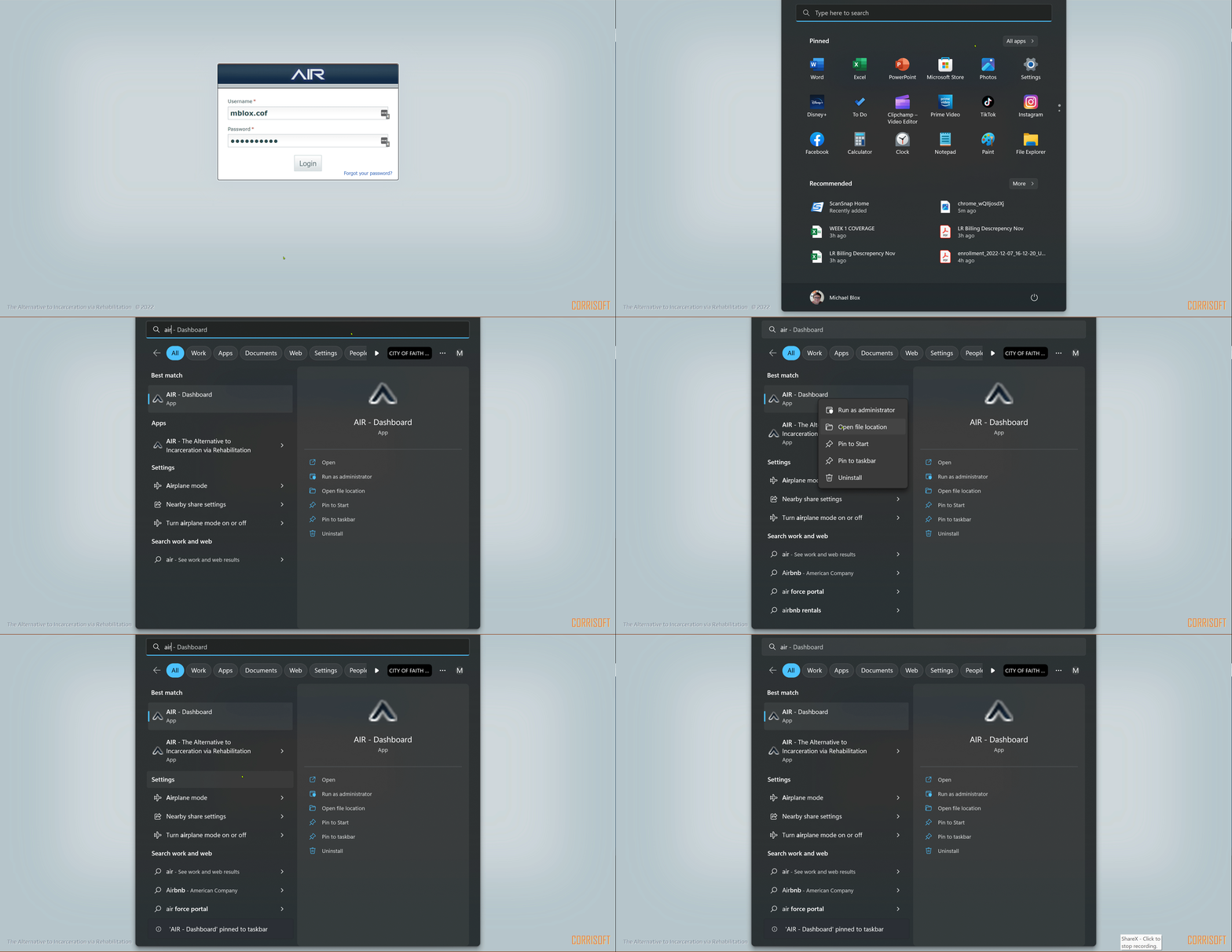
4. After you will have a new app saved in your windows button. You can then right click it and pin to task bar.
Was this article helpful?
That’s Great!
Thank you for your feedback
Sorry! We couldn't be helpful
Thank you for your feedback
Feedback sent
We appreciate your effort and will try to fix the article