Keyboard Rumblings

Loading IT Saying...

Finding a Sim Card on An Air Phone

    • Ensure the device is powered off.
    • From the left edge of the device (display facing up), remove the card tray.
      Utilize the insertion/removal tool (or a paperclip) to unlock the tray by inserting it into the provided slot then remove the tray.
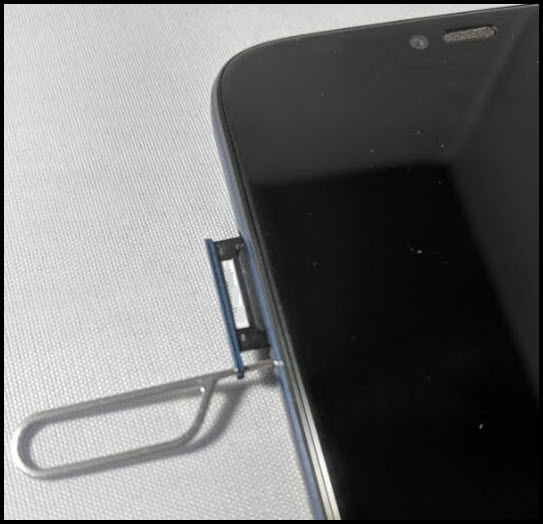
      Remove card tray
    • Do one of the following:
        • Insert SIM card
          Ensure the gold contacts are facing away from the screen and the notch is aligned with the SIM tray.
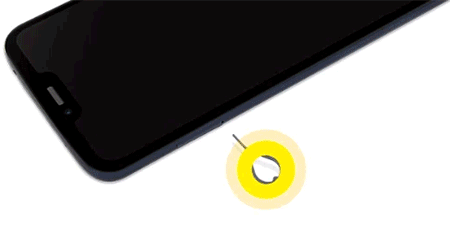
          Insert SIM card animation
        • Remove SIM card
          Once the tray is removed, lift the SIM card from the tray.
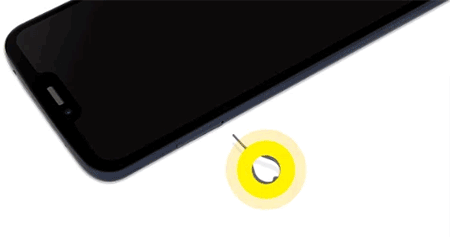
          Remove SIM card animation
    • Insert the card tray then press in on the tray to lock it into place.

Was this article helpful?

That’s Great!

Thank you for your feedback

Sorry! We couldn't be helpful

Thank you for your feedback

Let us know how can we improve this article!

Select at least one of the reasons
CAPTCHA verification is required.

Feedback sent

We appreciate your effort and will try to fix the article