Schedule Check-in or Photo Verification Series for AIR
1. Navigate to the participants Calendar
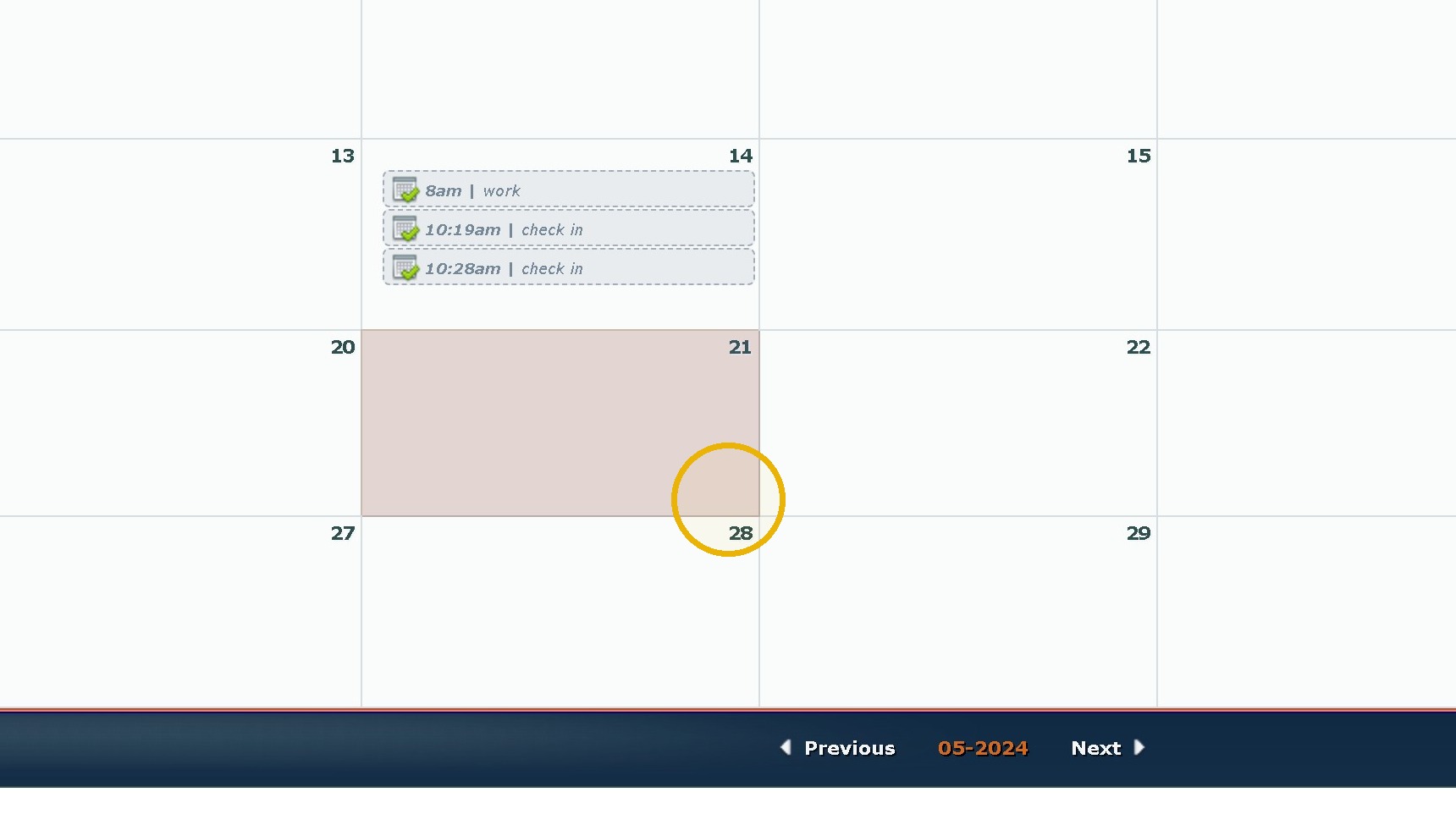
2. Click "The Date You'd like to add an item"
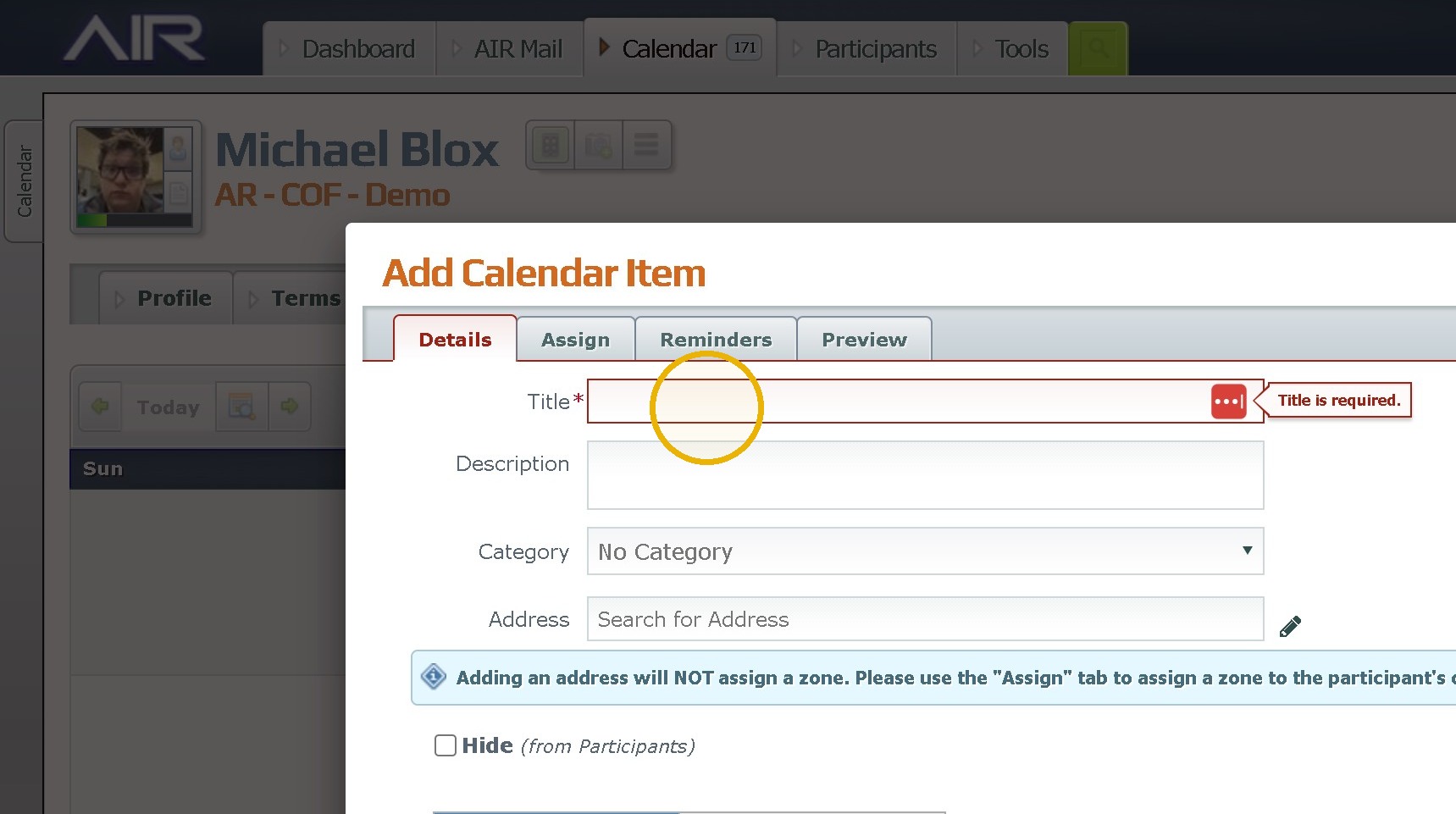
3. Click the "Title" field. Label it Check in
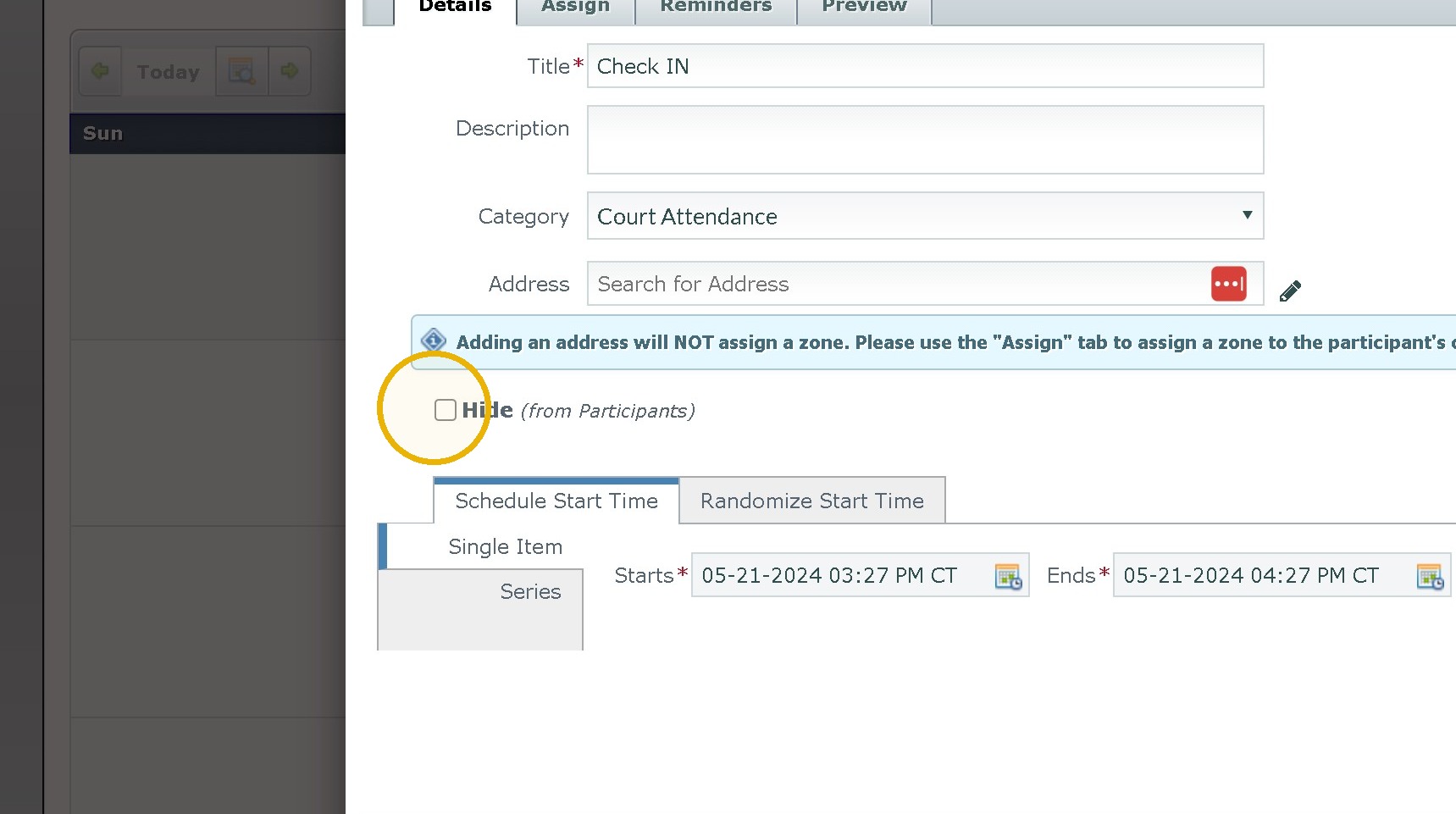
4. Click the "Hide (from Participants)" field.
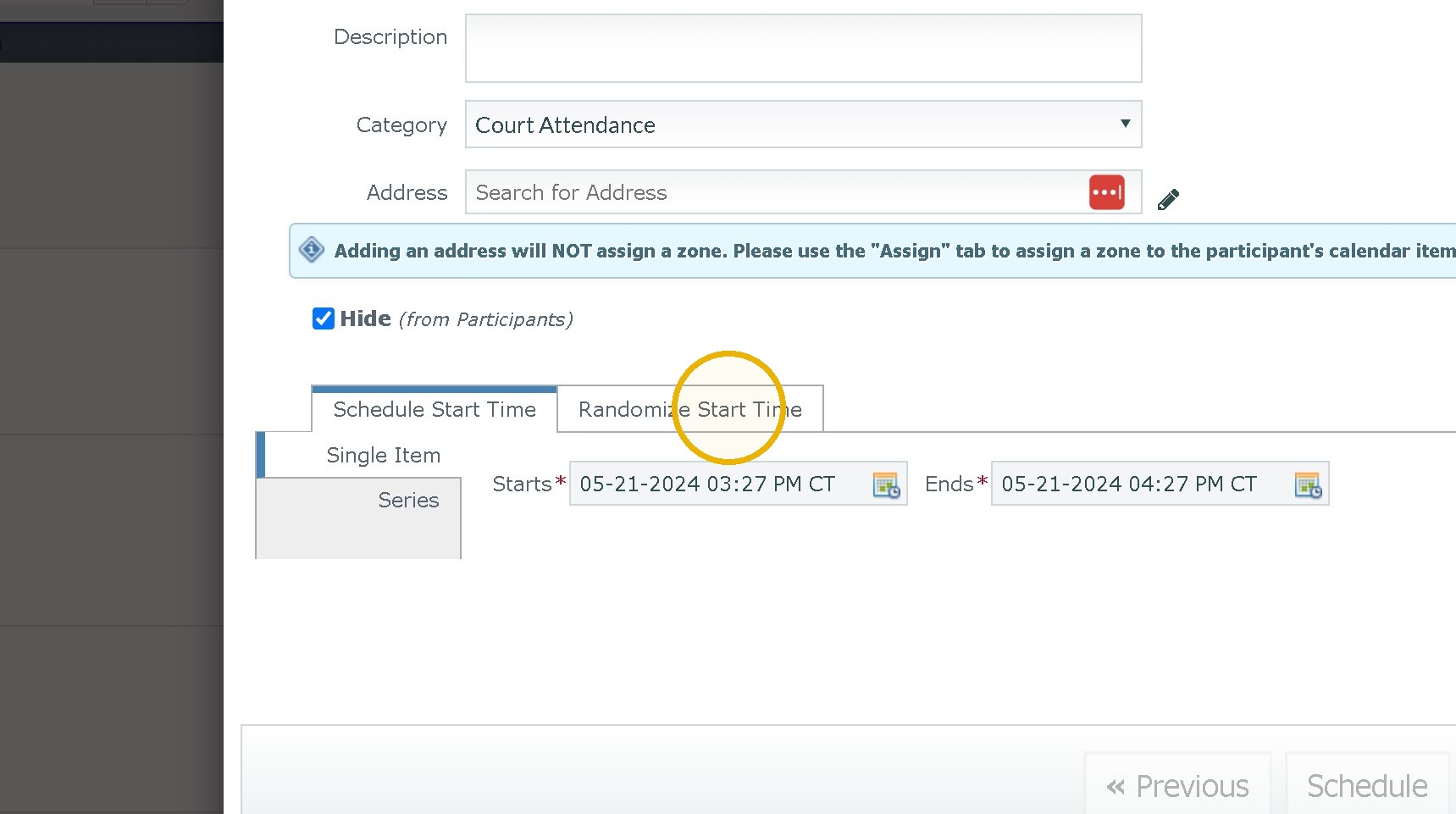
5. Click "Randomize Start Time"
6. Click "Series"
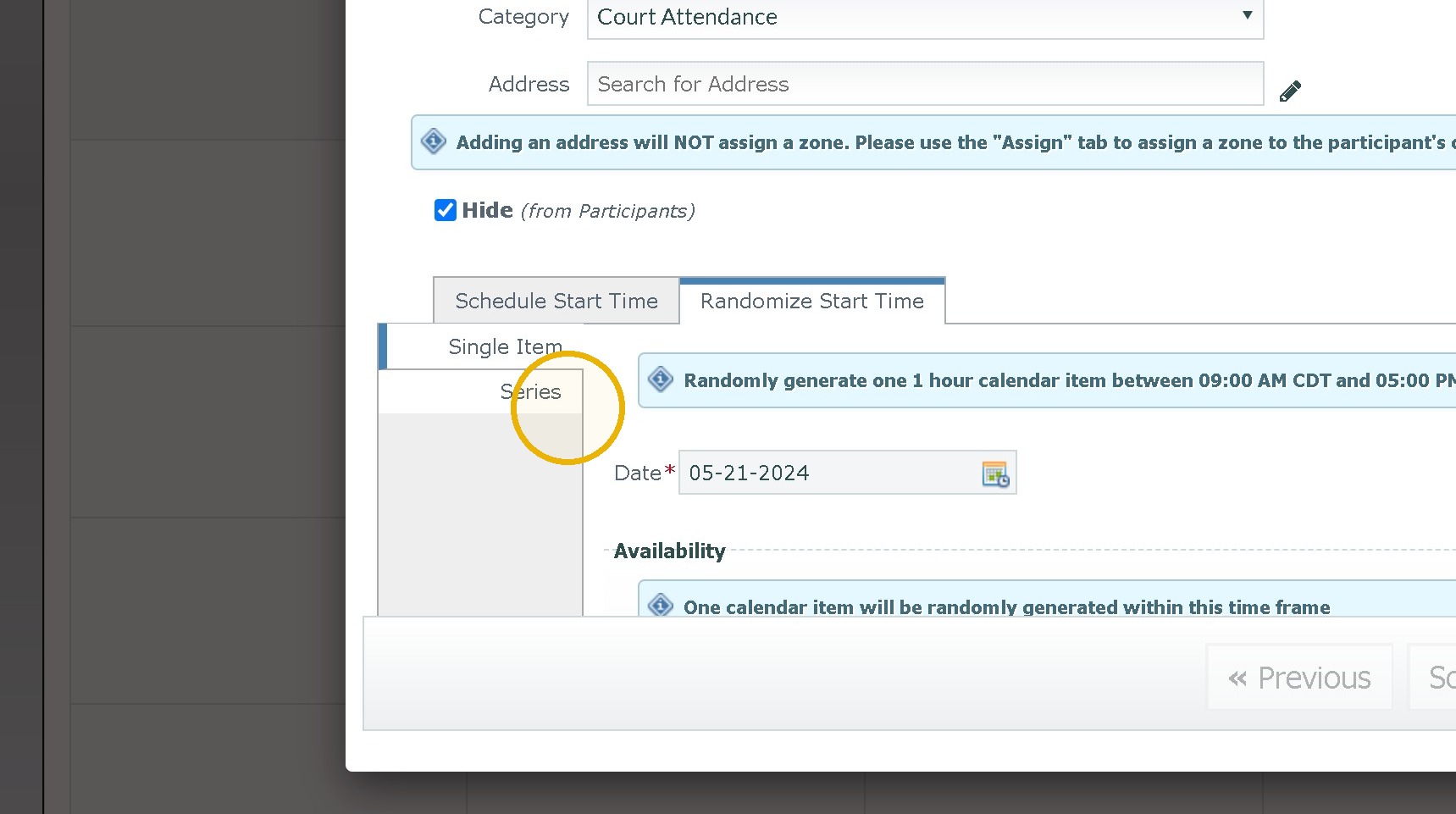
7. Click the "Starts" field.
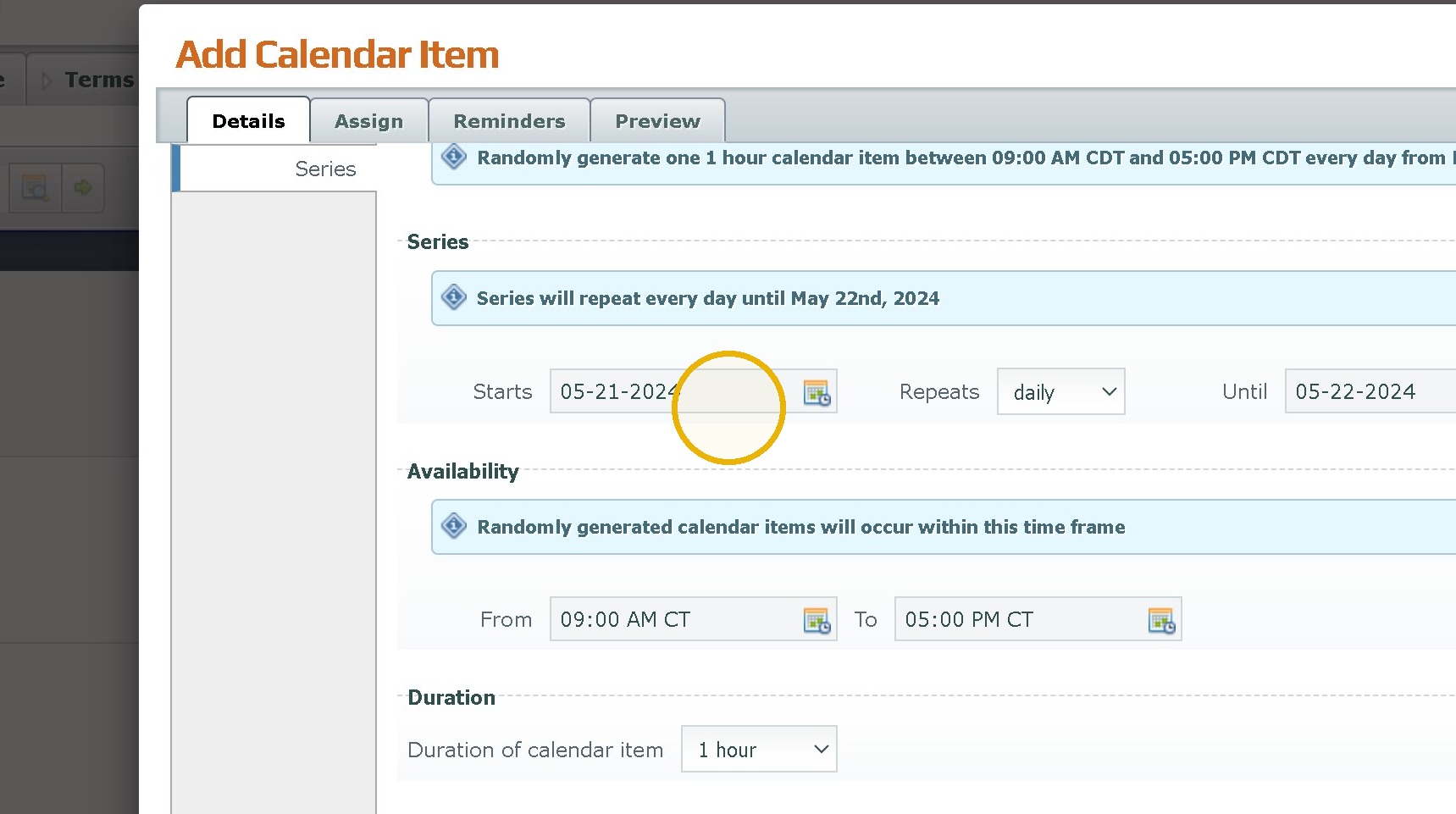
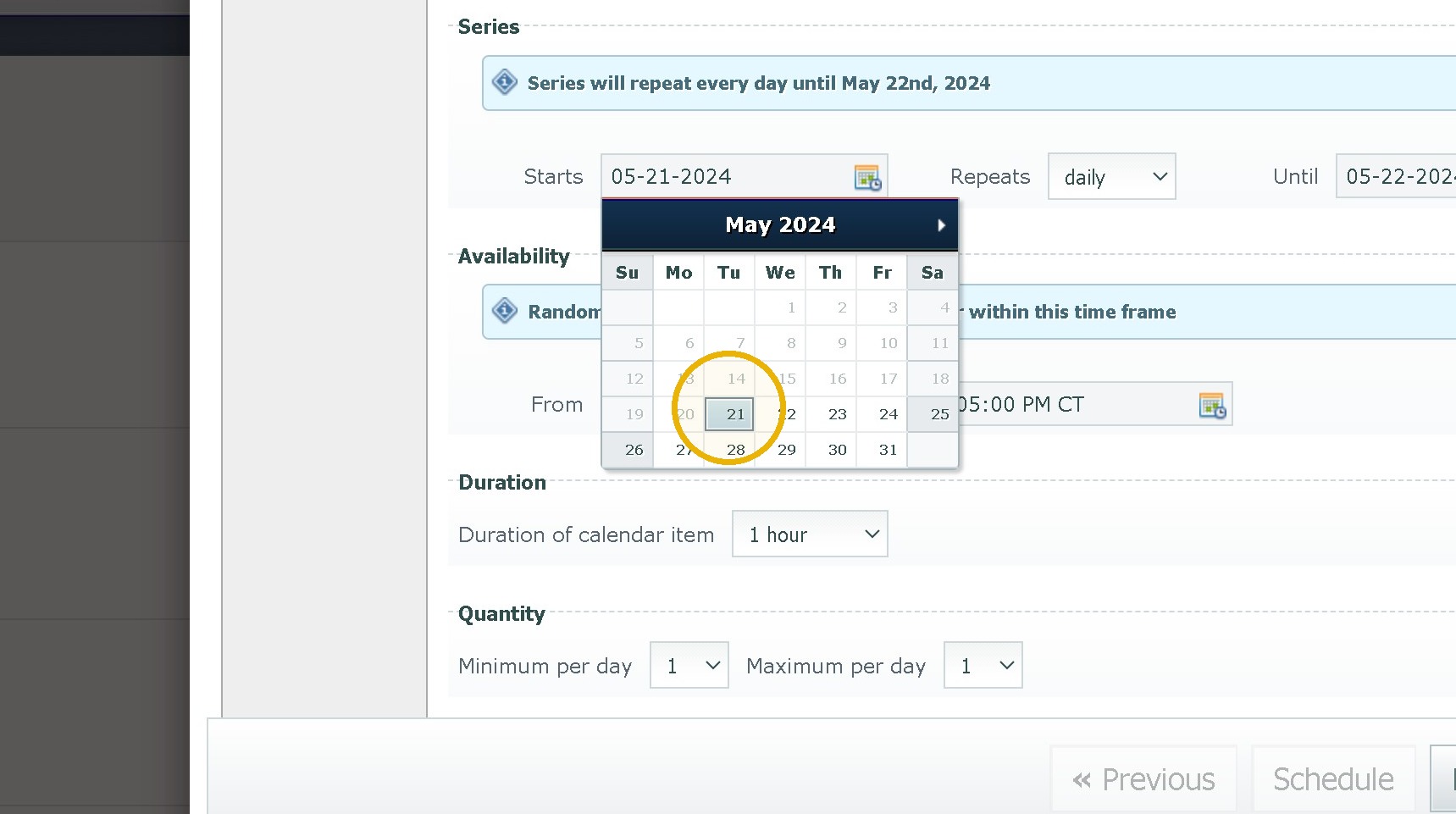
8. Select a Start Date
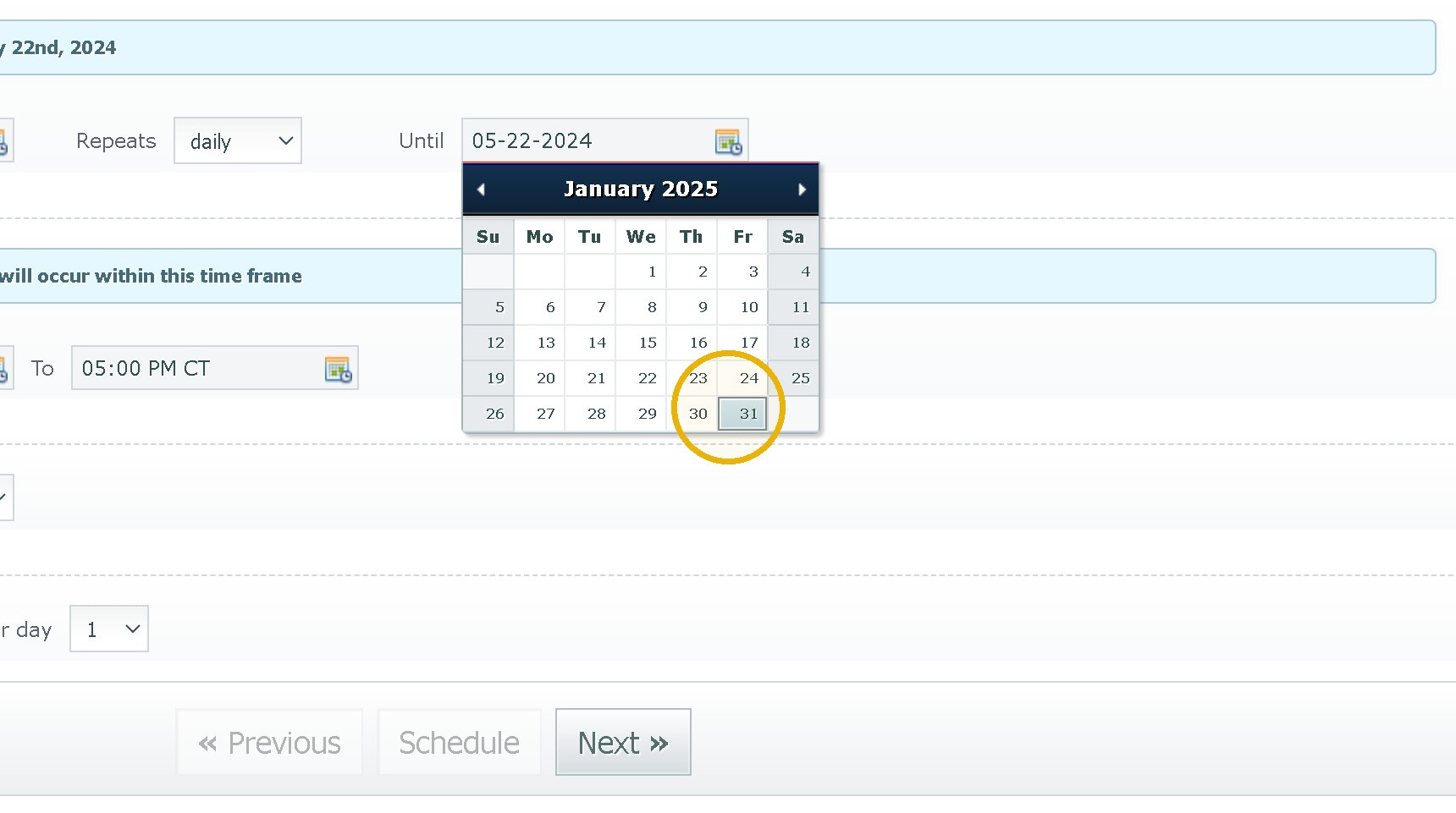
9. Click the "Until" field.
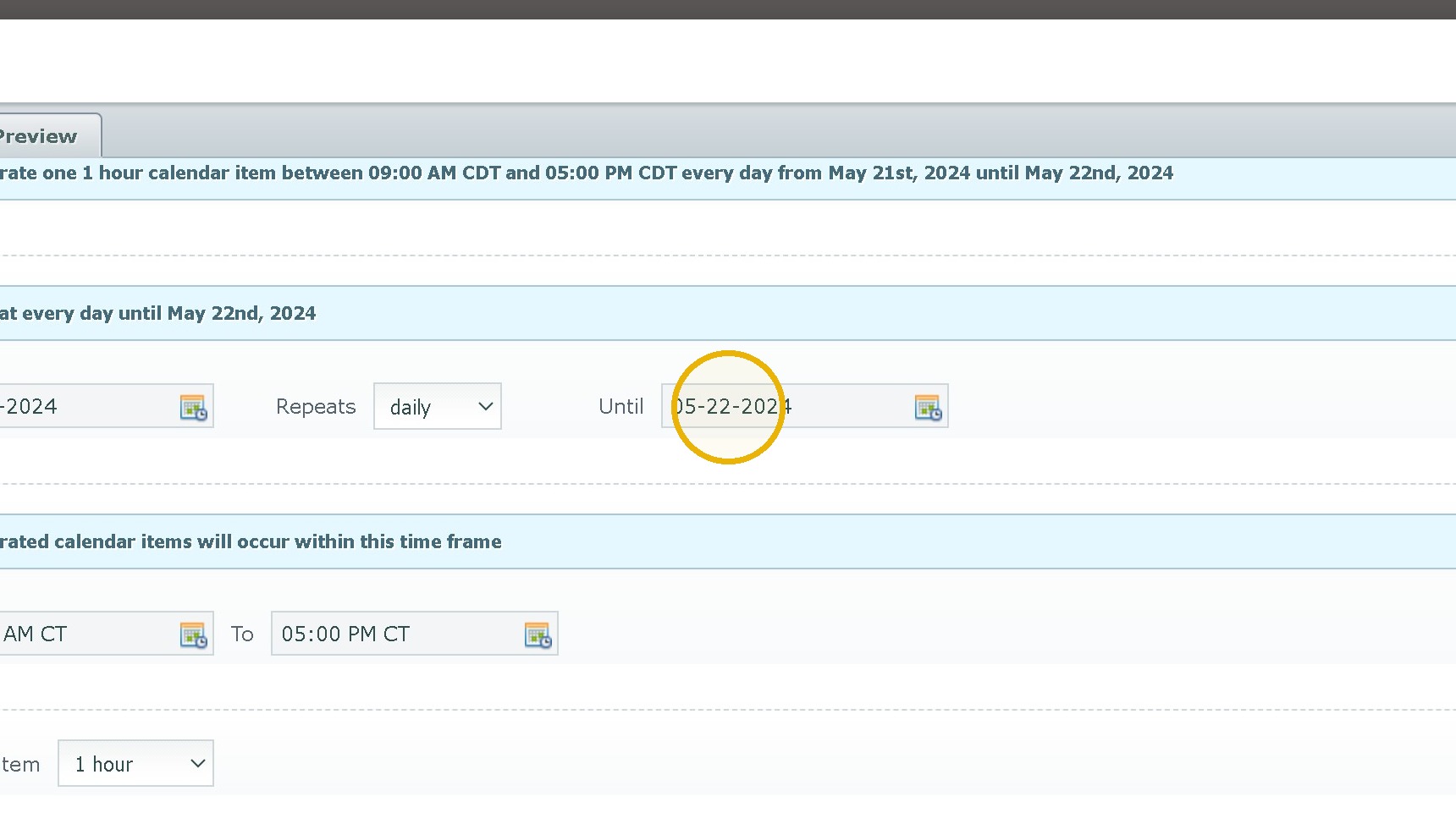
10. Select an End Date
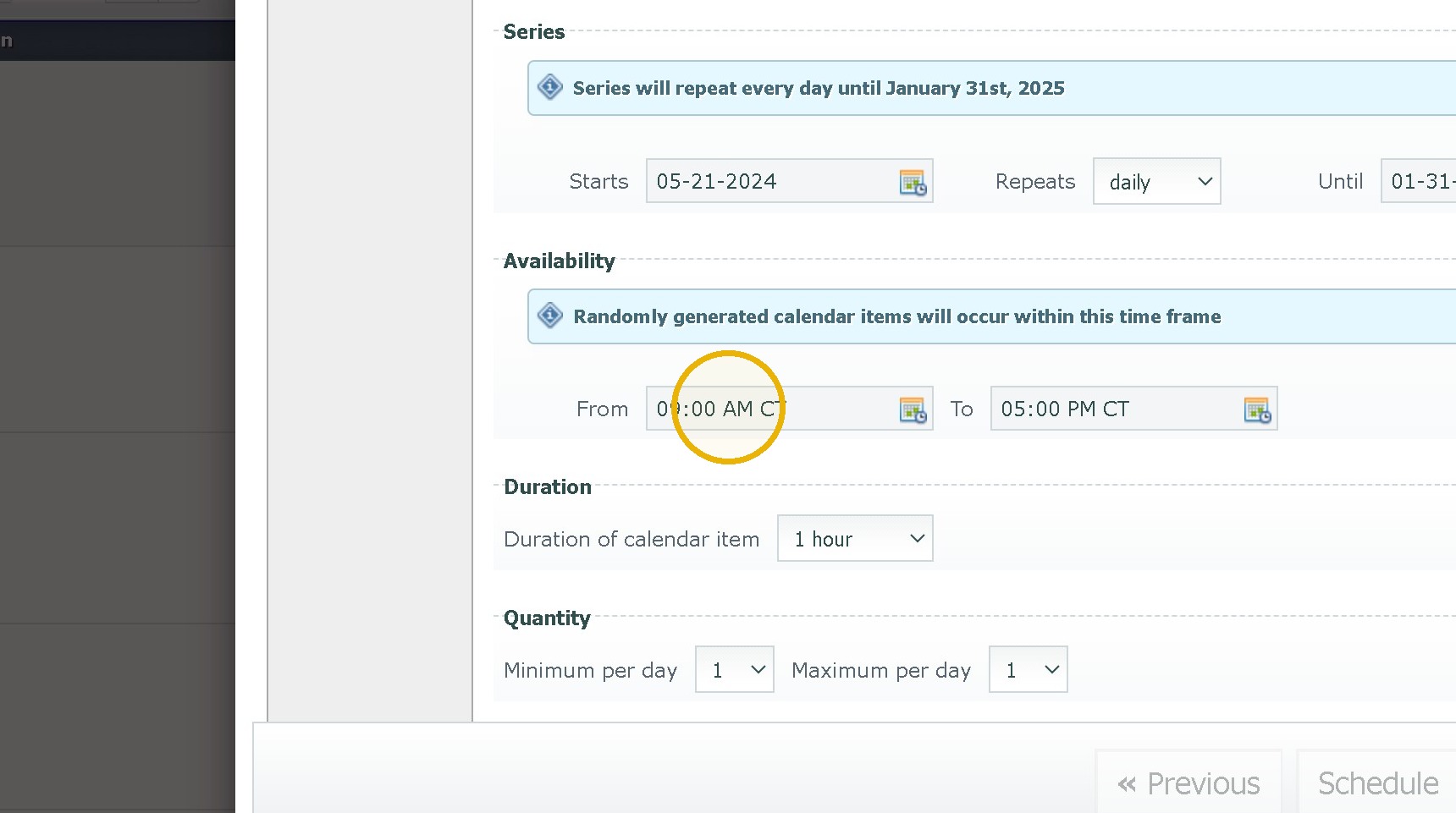
11. Click the "From" field.
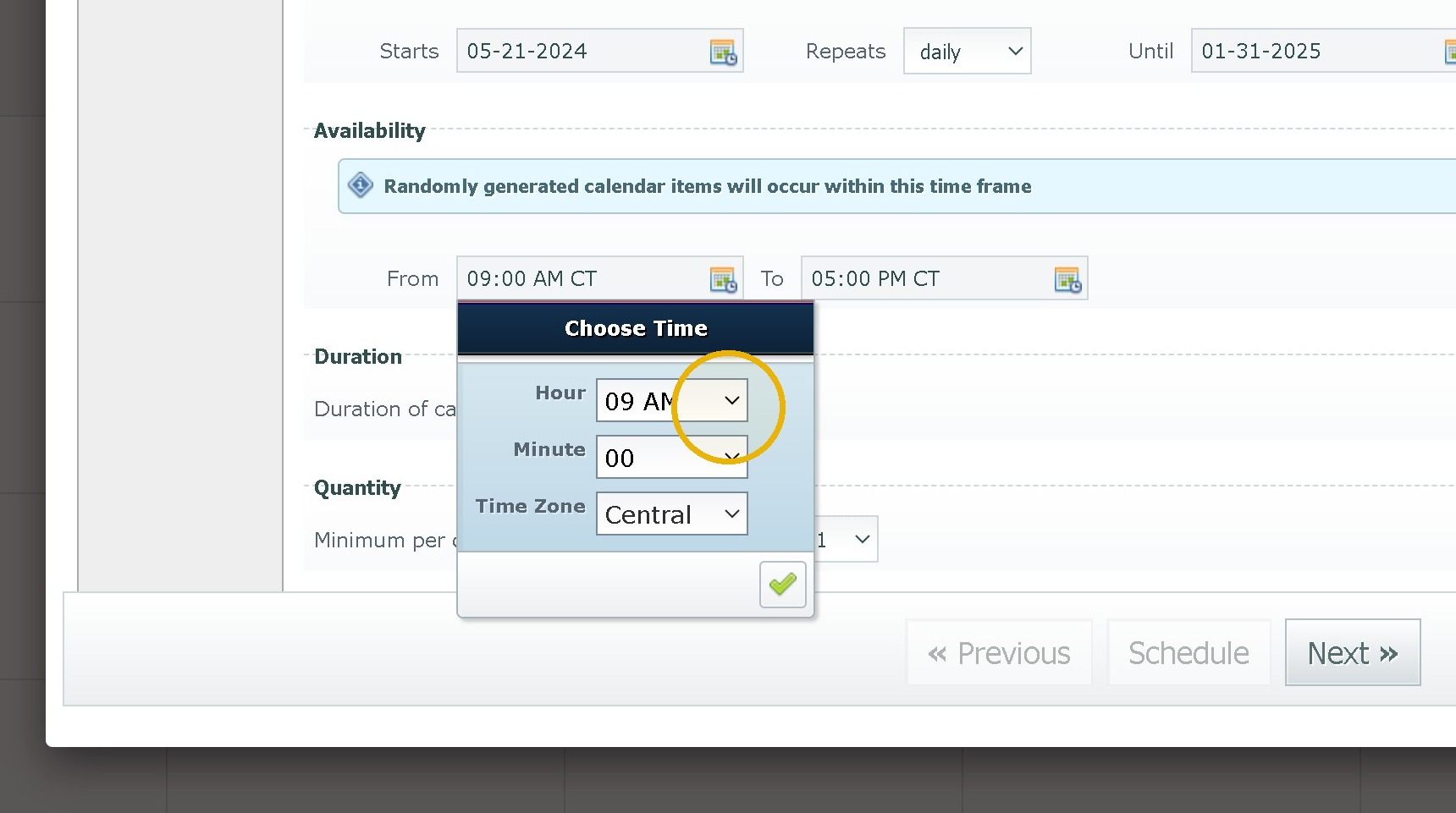
12. Click this dropdown. and select a time
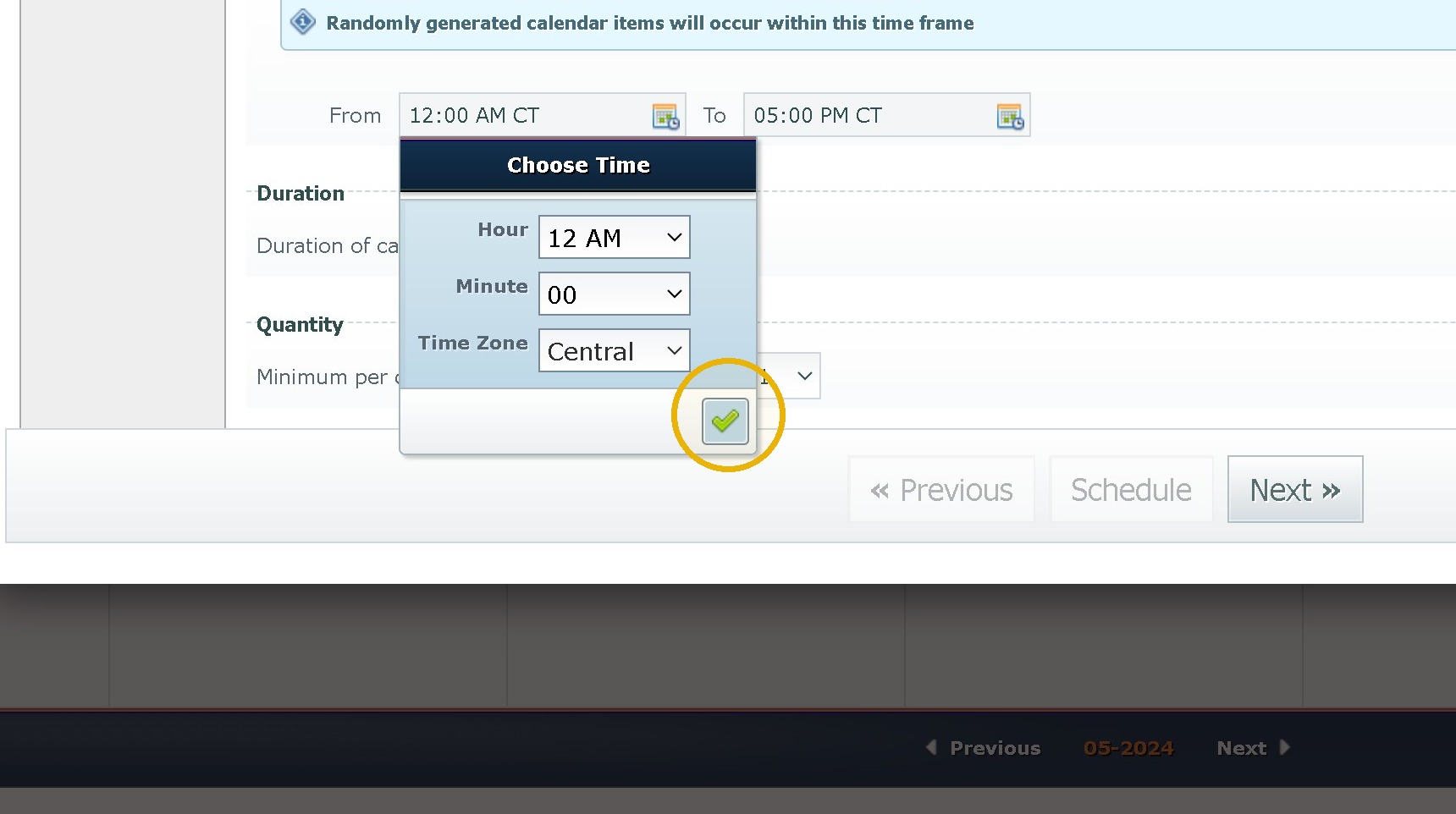
13. Click "Done"
14. Click the "To" field.
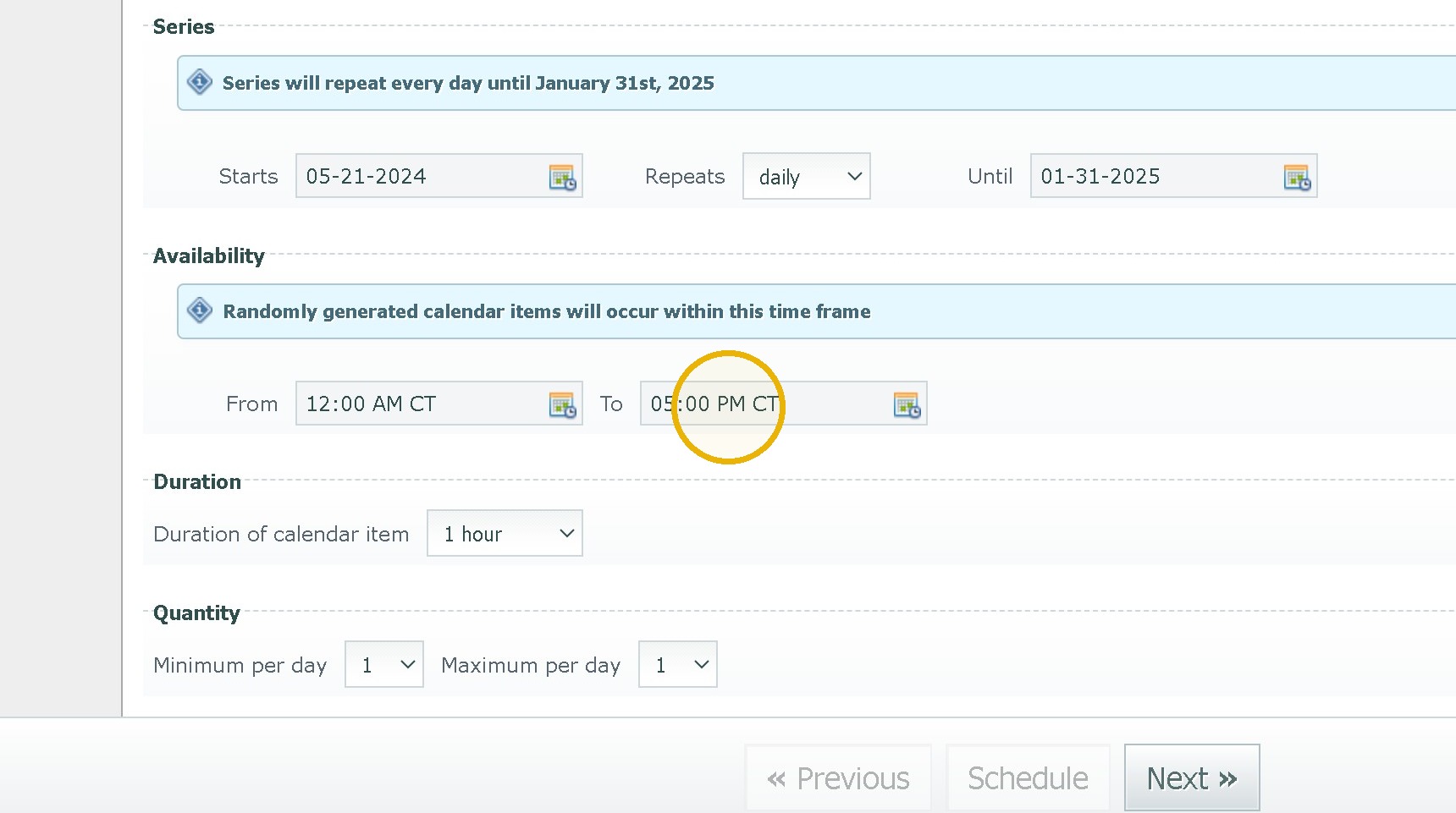
15. Click this dropdown. Select an End Time
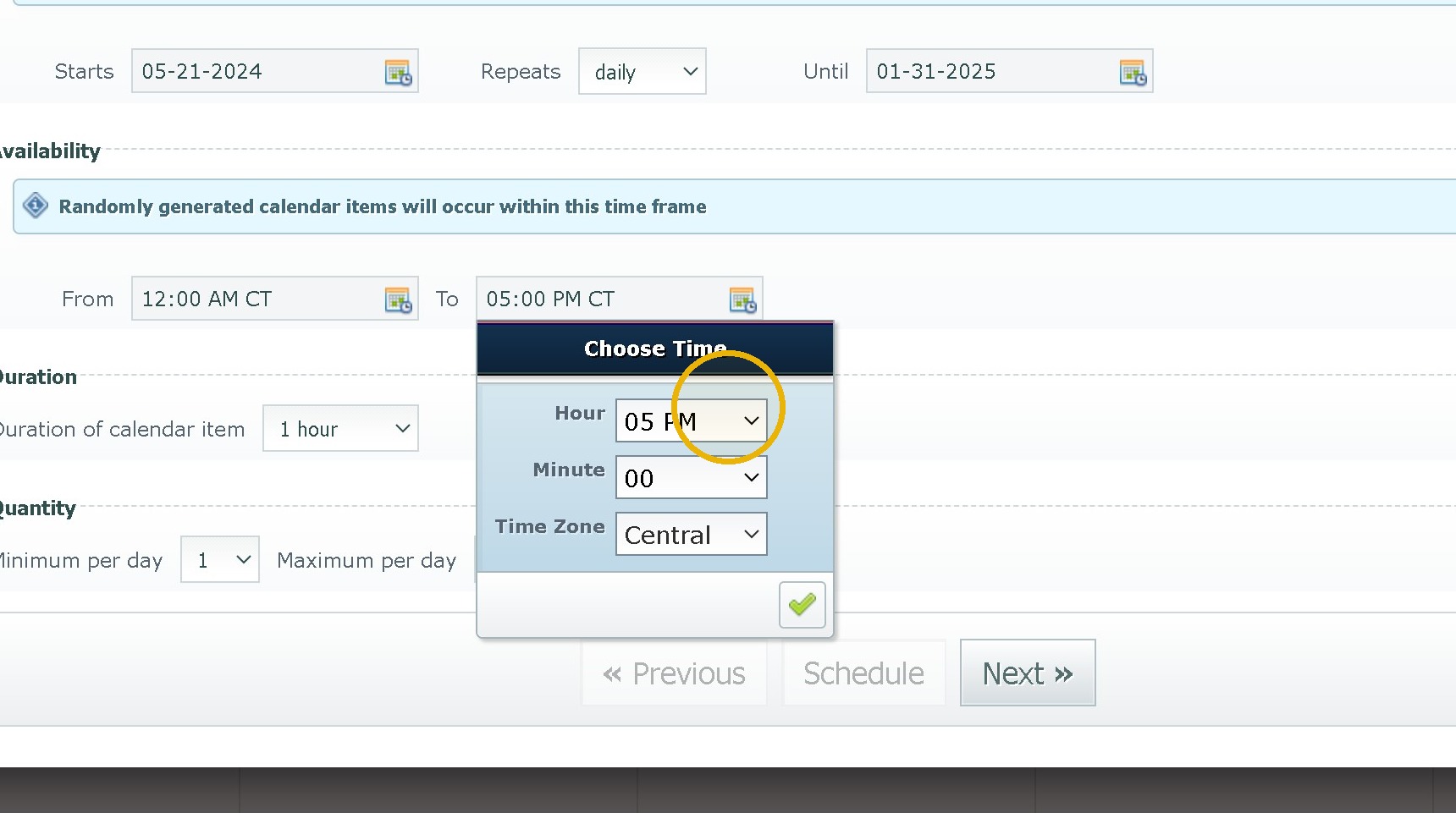
16. Click "Done"
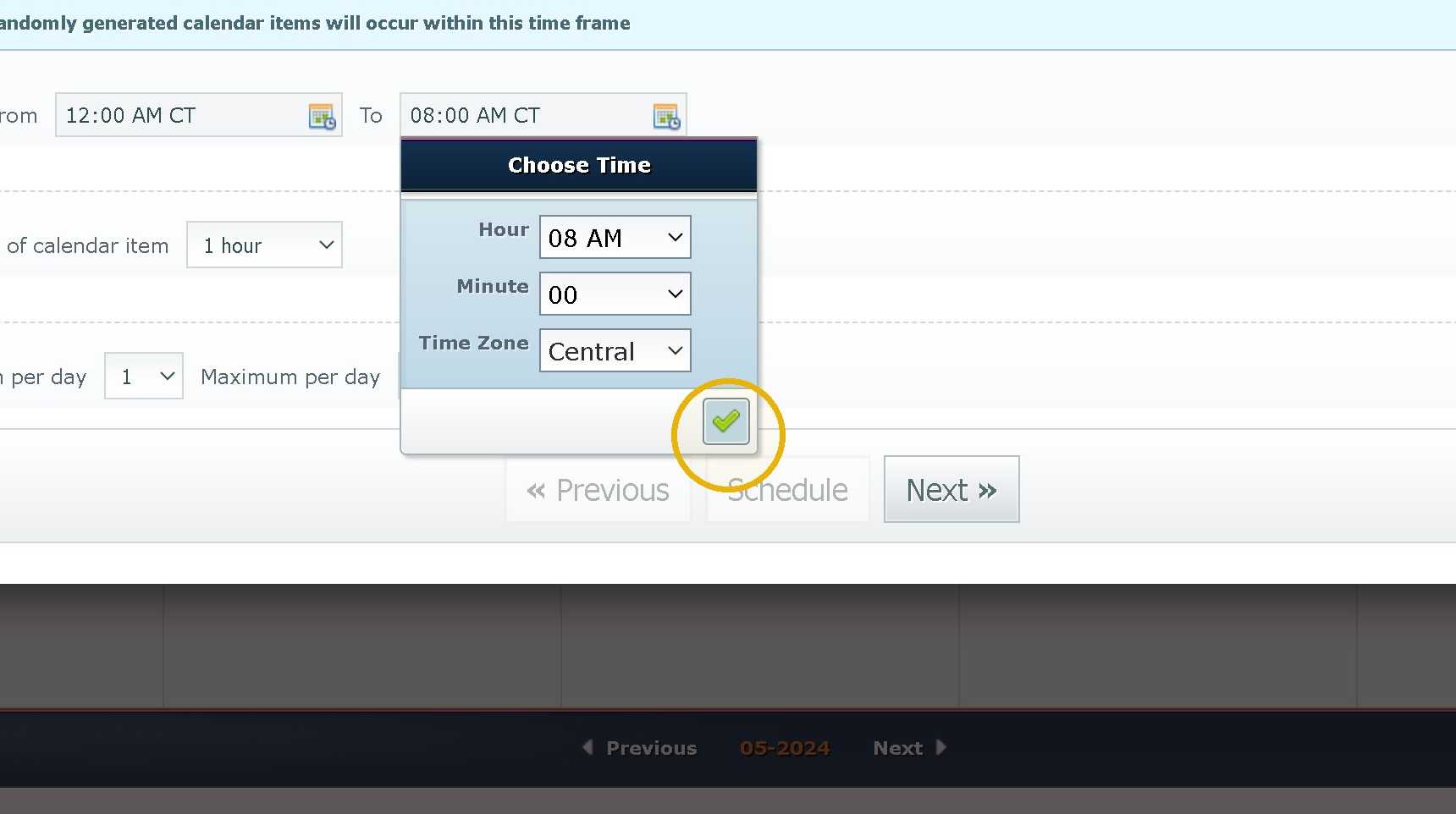
17. Click the Duration and Set it to 15 Minutes.
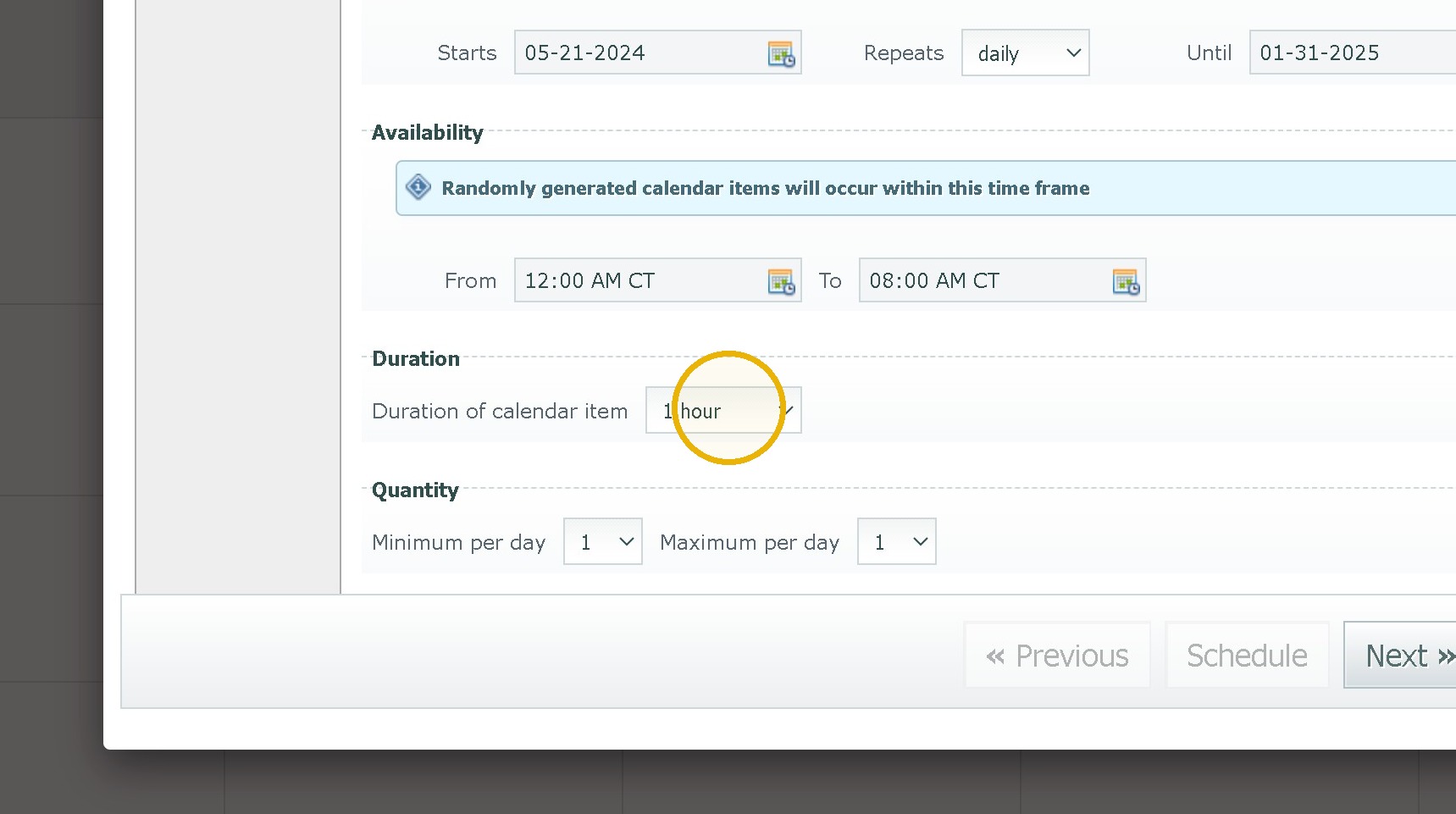
18. Click this dropdown.
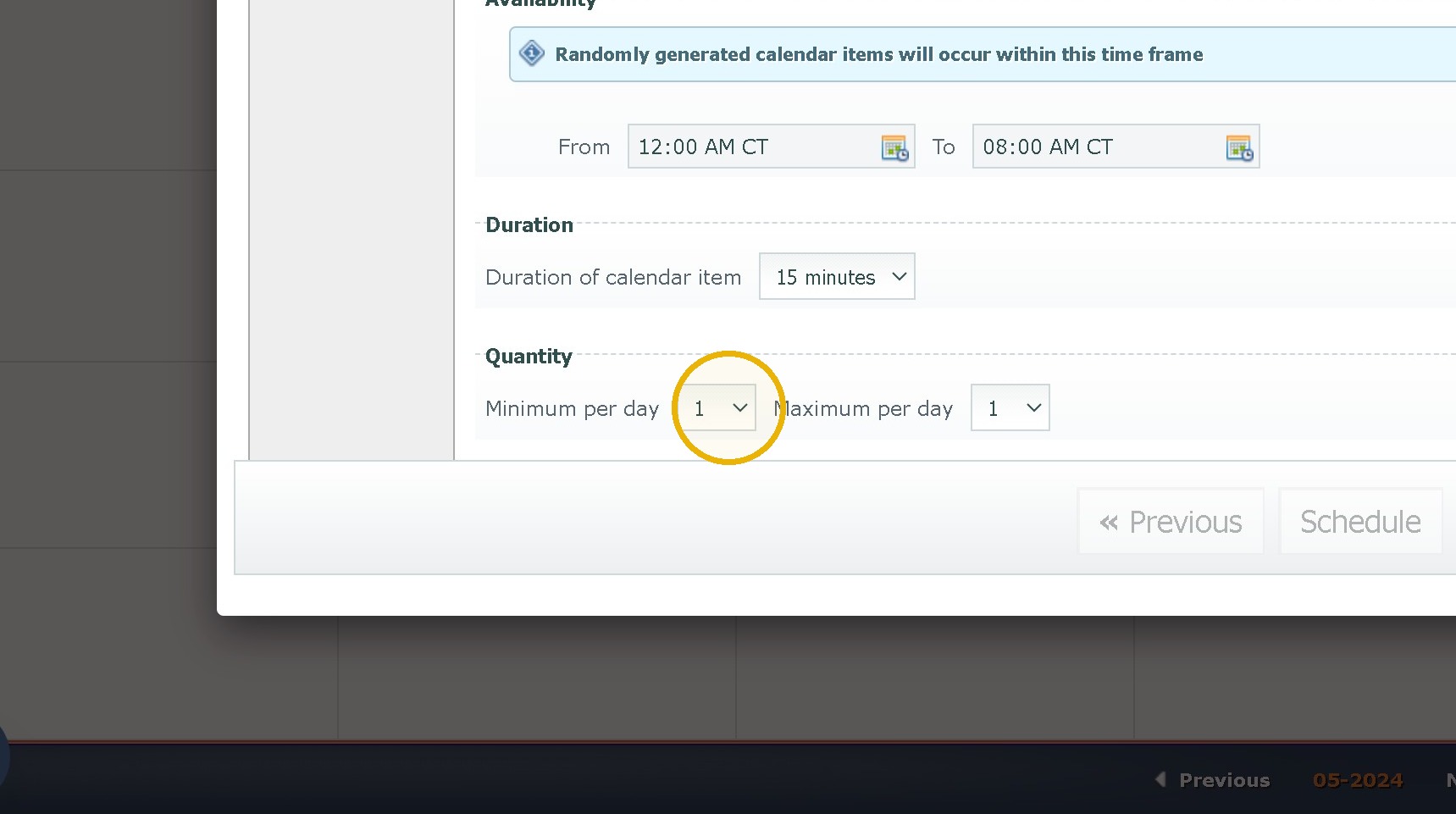
19. Set a range of 1 to 3 for Morning and Evening Shifts and 1 to 2 for Overnight Shifts.
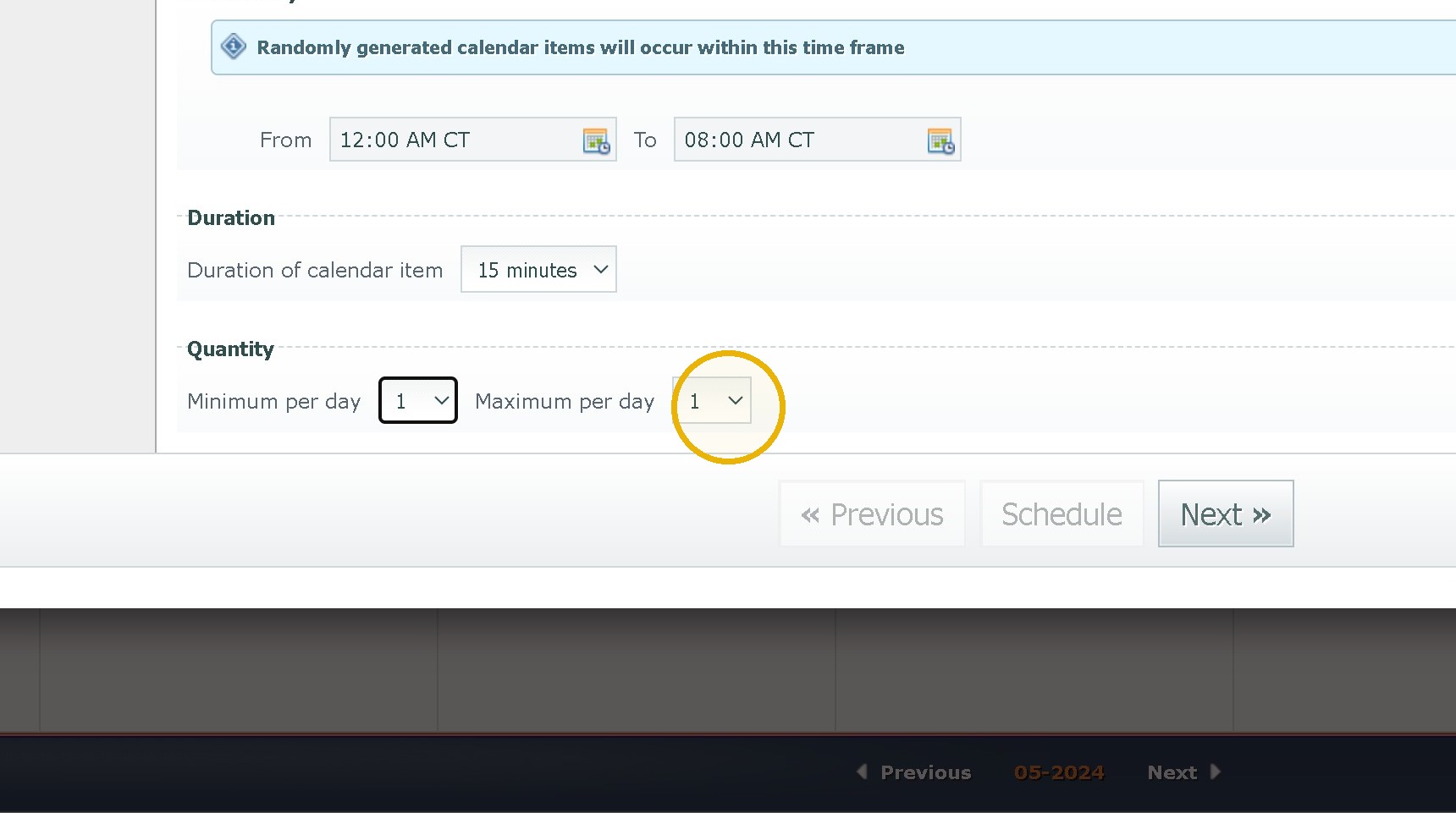
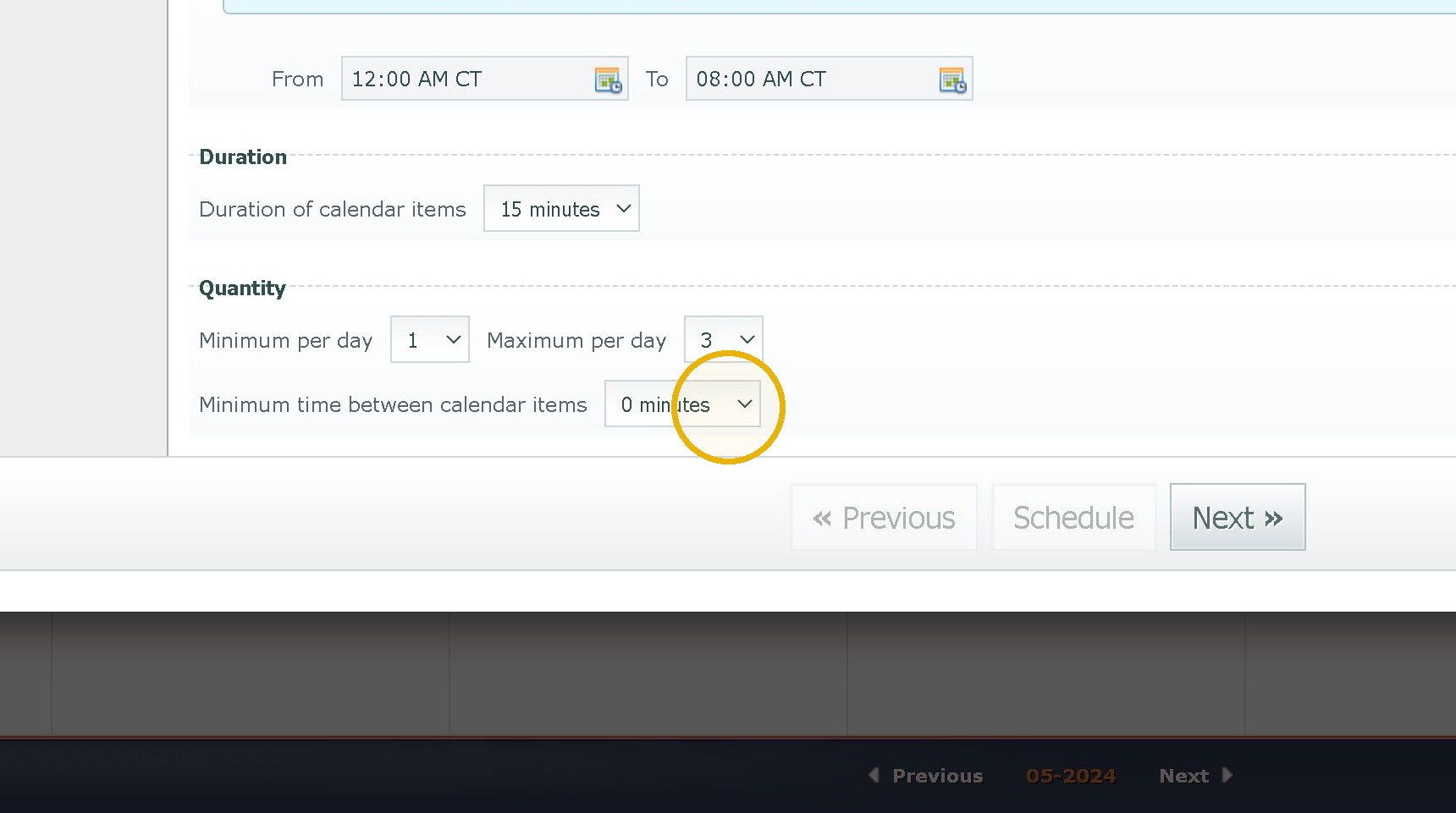
20. Click this Minimum Time between and set it for a minimum of 30 minutes.
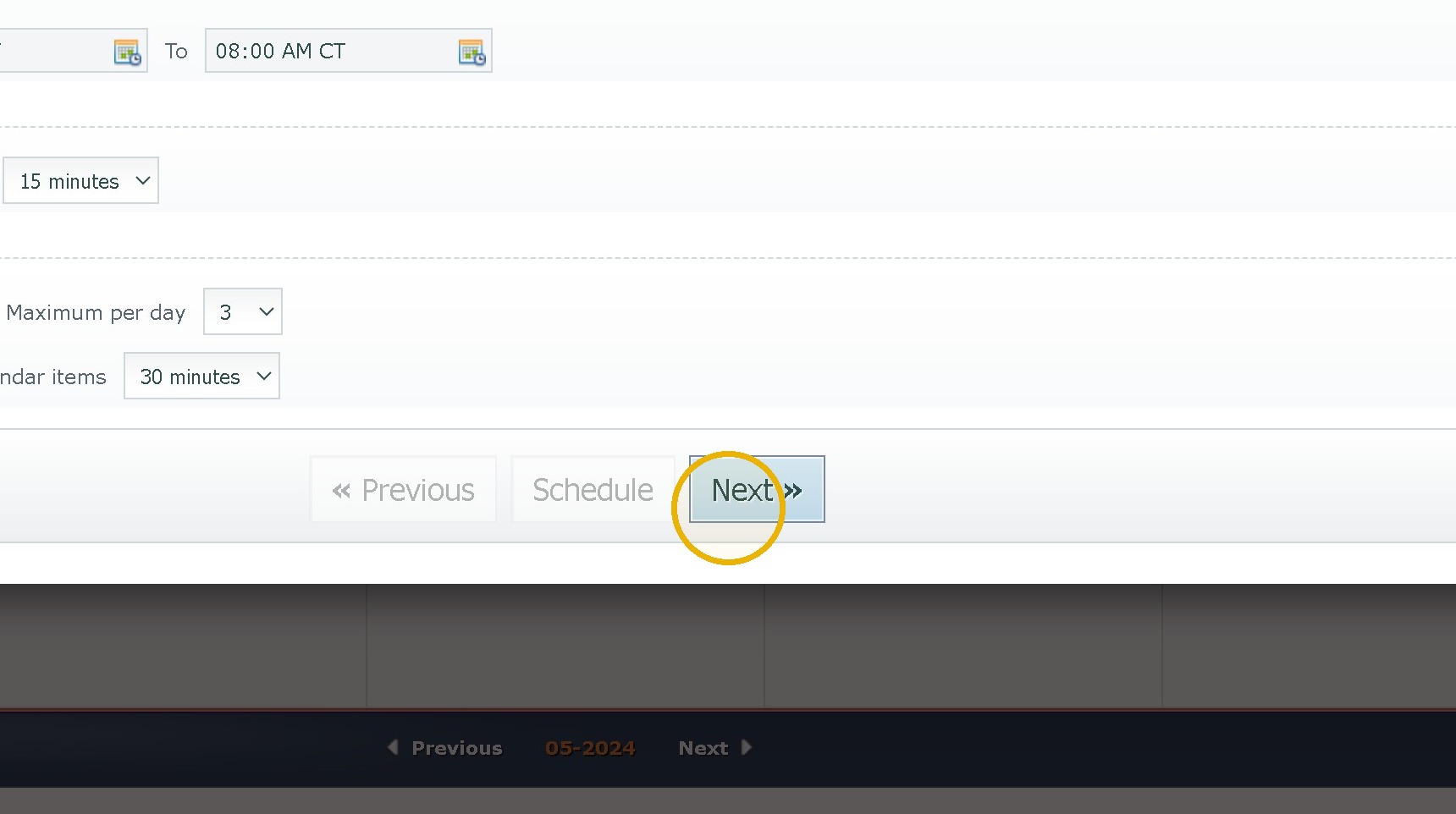
21. Click "Next »"
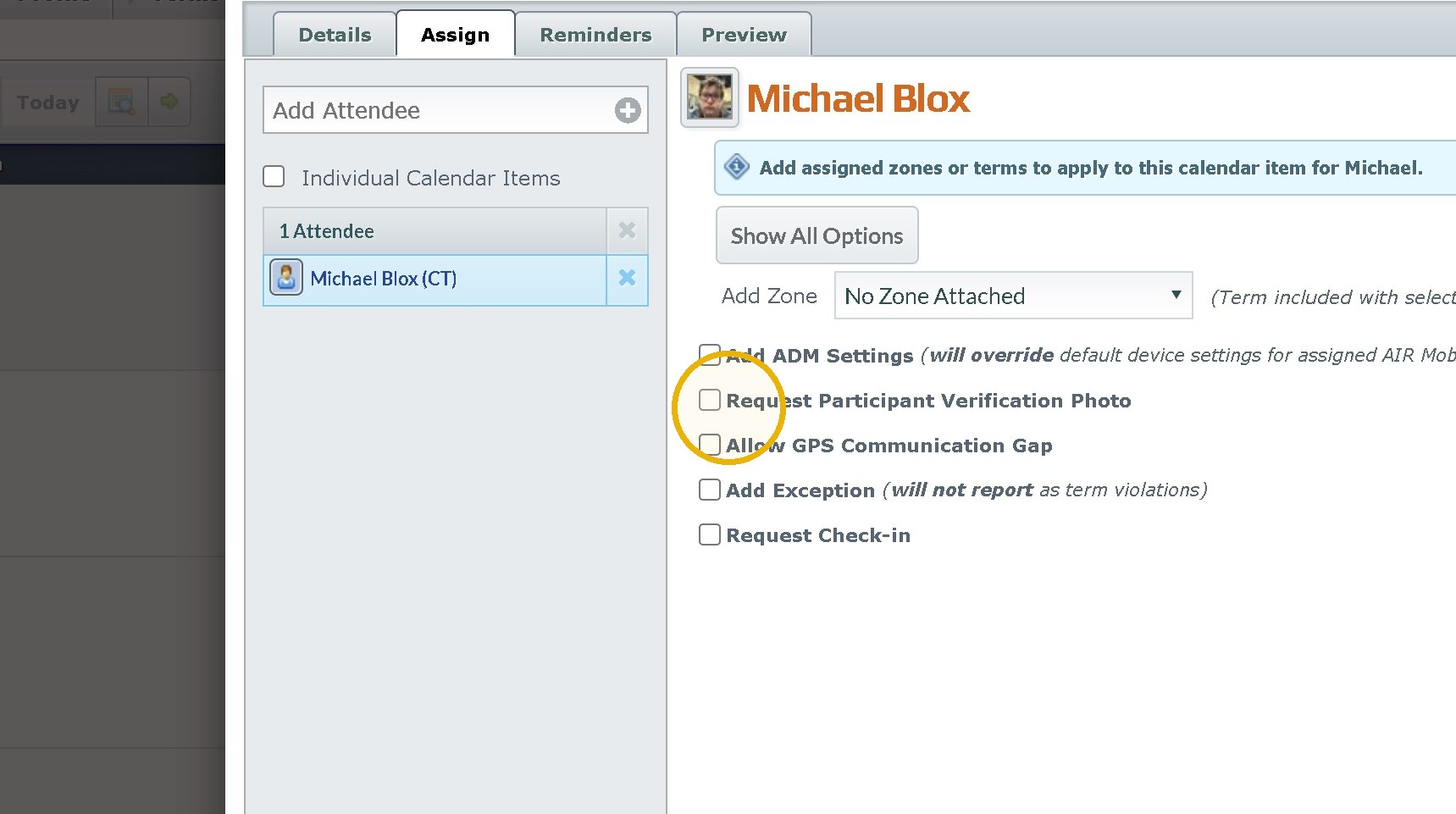
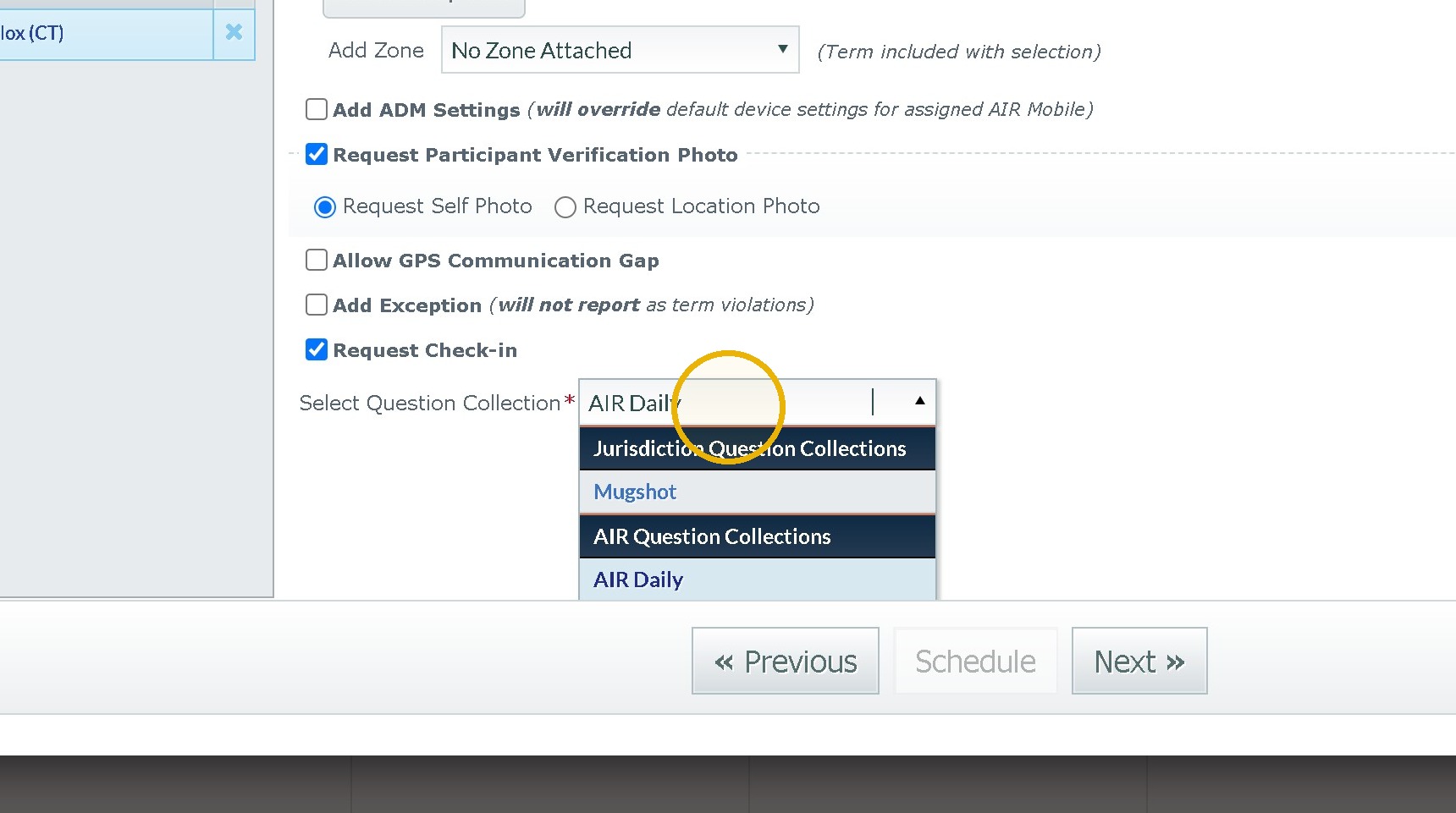
22. Click "Request Participant Verification Photo" for HC and Click "Request Check In" for Weekend Passes
23. Click the appropriate Questionnaire for this it would be Air Verification
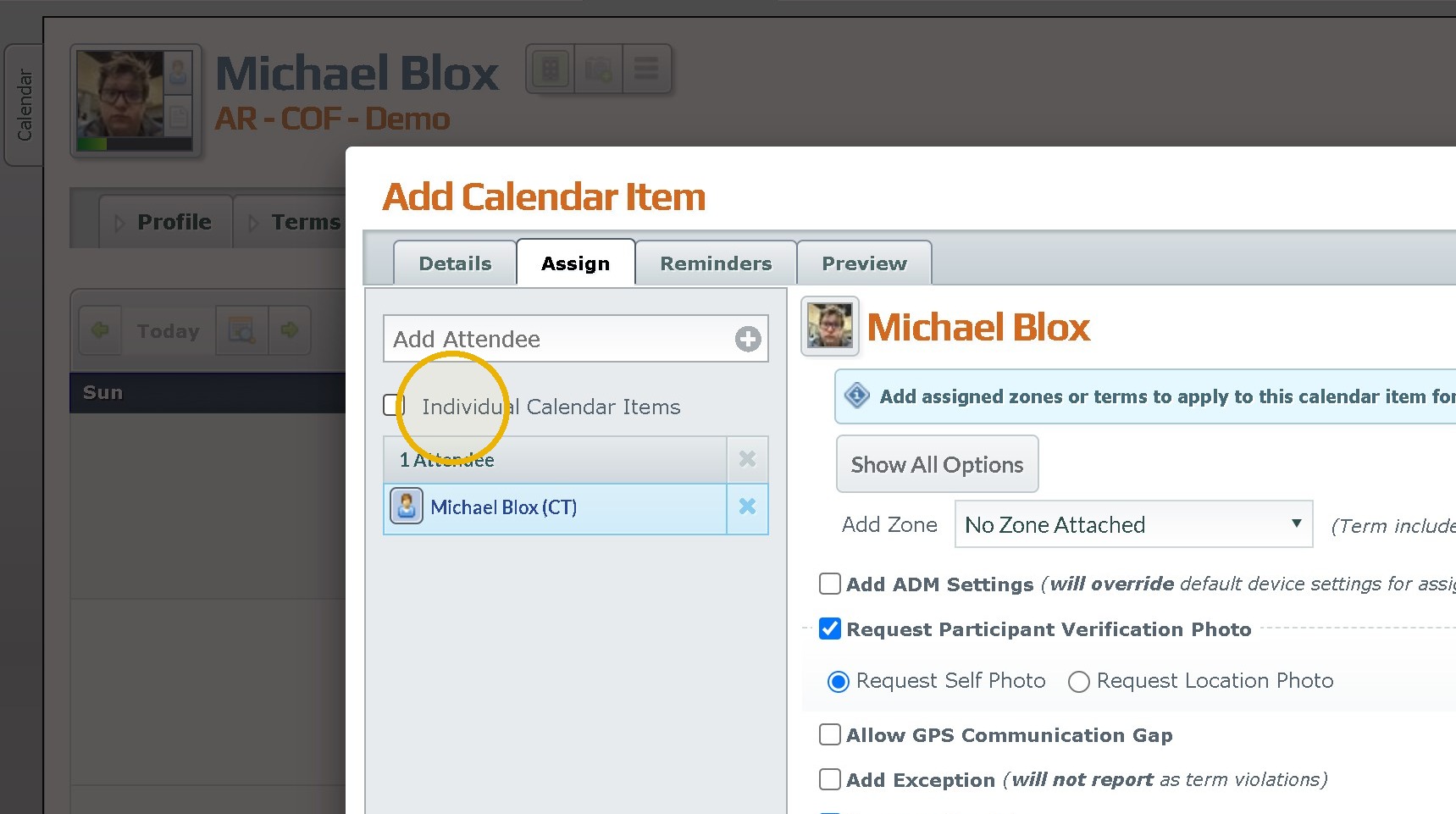
Adding Multiple peoples Check ins at a time.
24. Click "Individual Calendar Items" If adding more than one participant to this list Repeat Steps 22-24 for each Person added in this way.
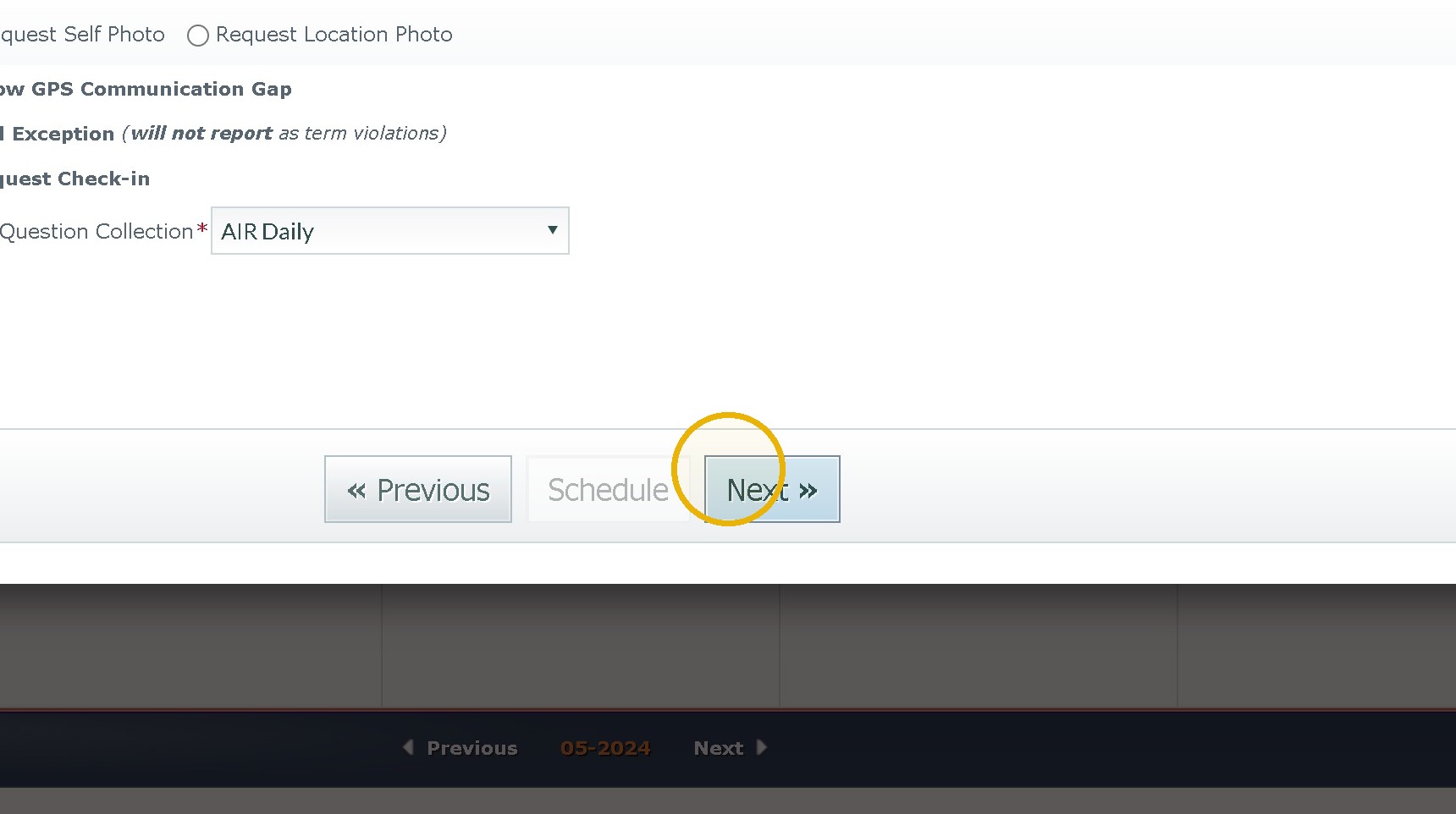
25. Click "Next »"
26. Add any reminders then Click "Next »"
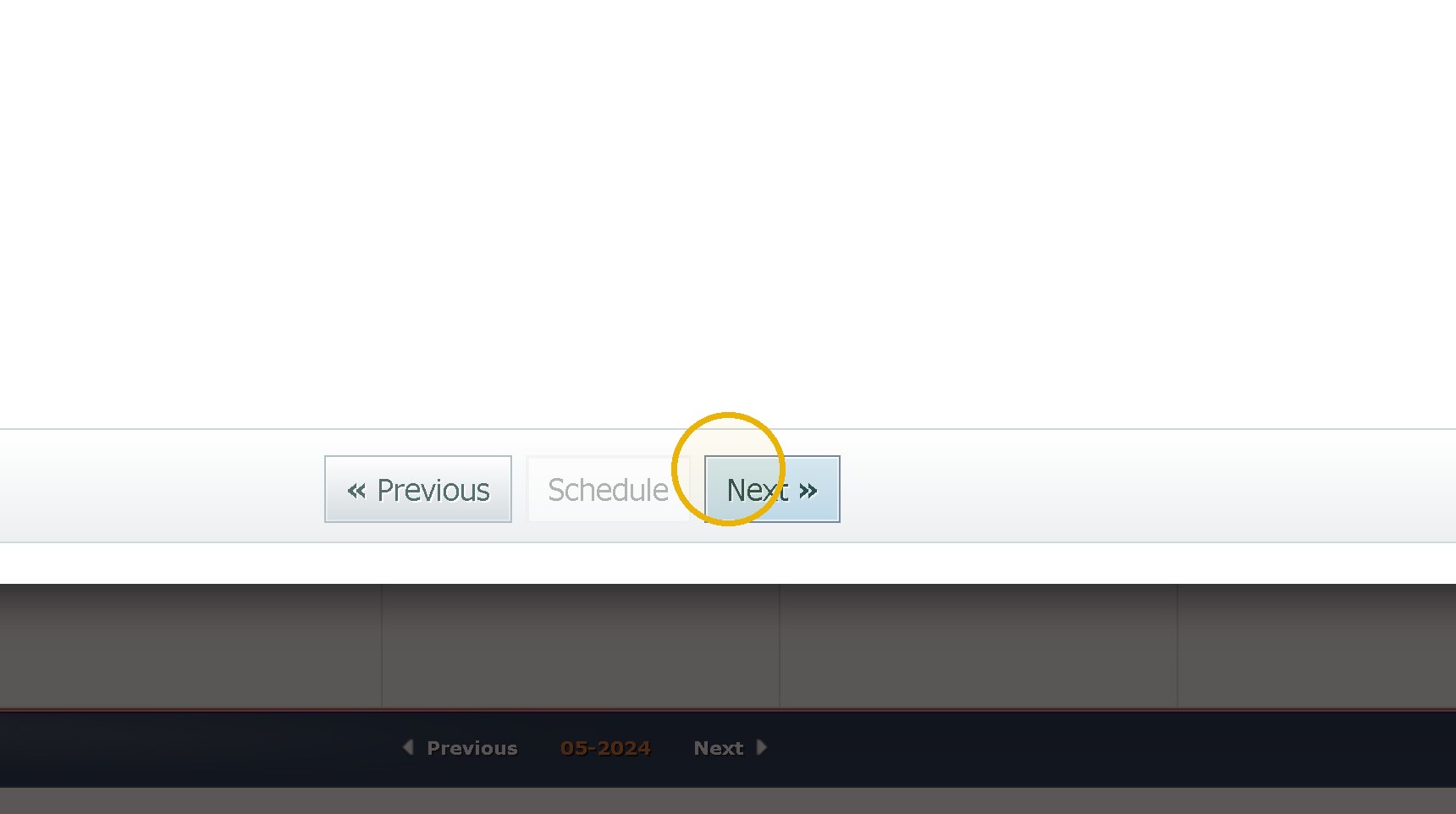
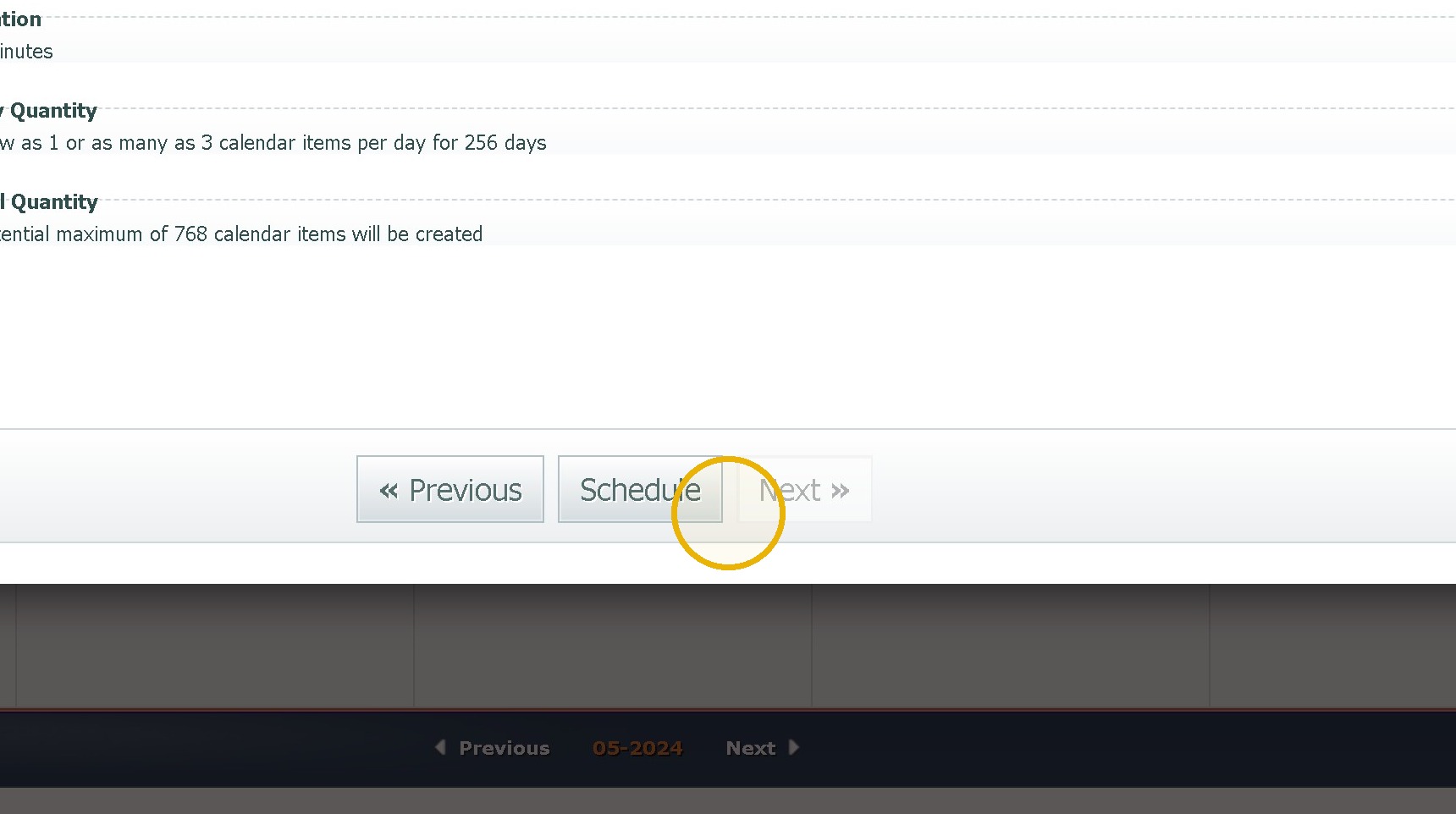
27. Finally review the information and Click Schedule.
Was this article helpful?
That’s Great!
Thank you for your feedback
Sorry! We couldn't be helpful
Thank you for your feedback
Feedback sent
We appreciate your effort and will try to fix the article