1. Navigate to https://www.maxxlms.com/my/
2. Click this grid button.
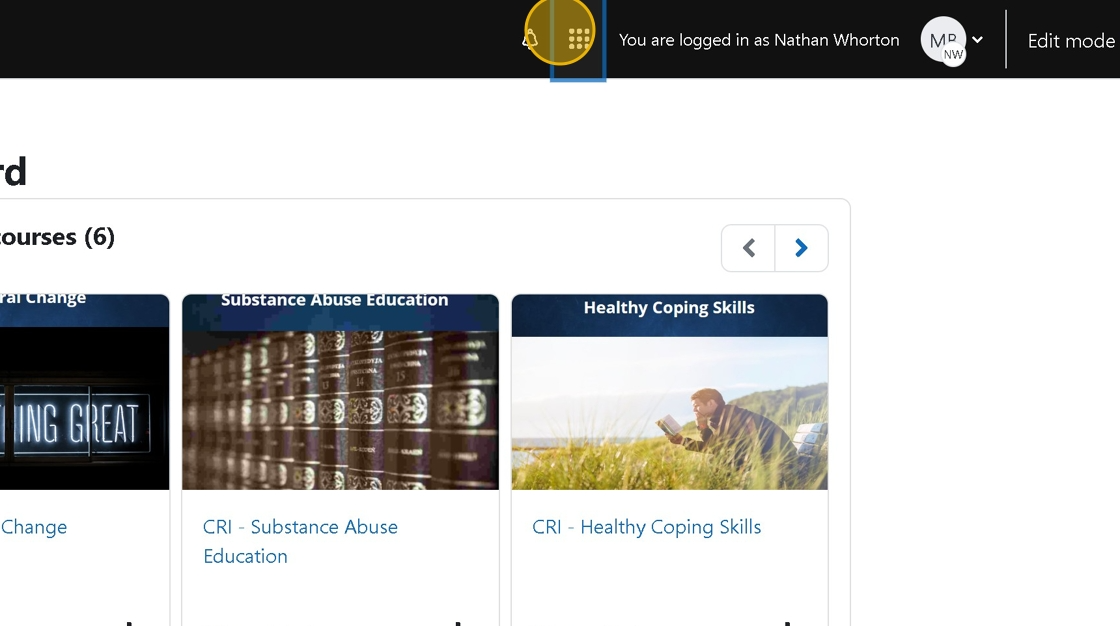
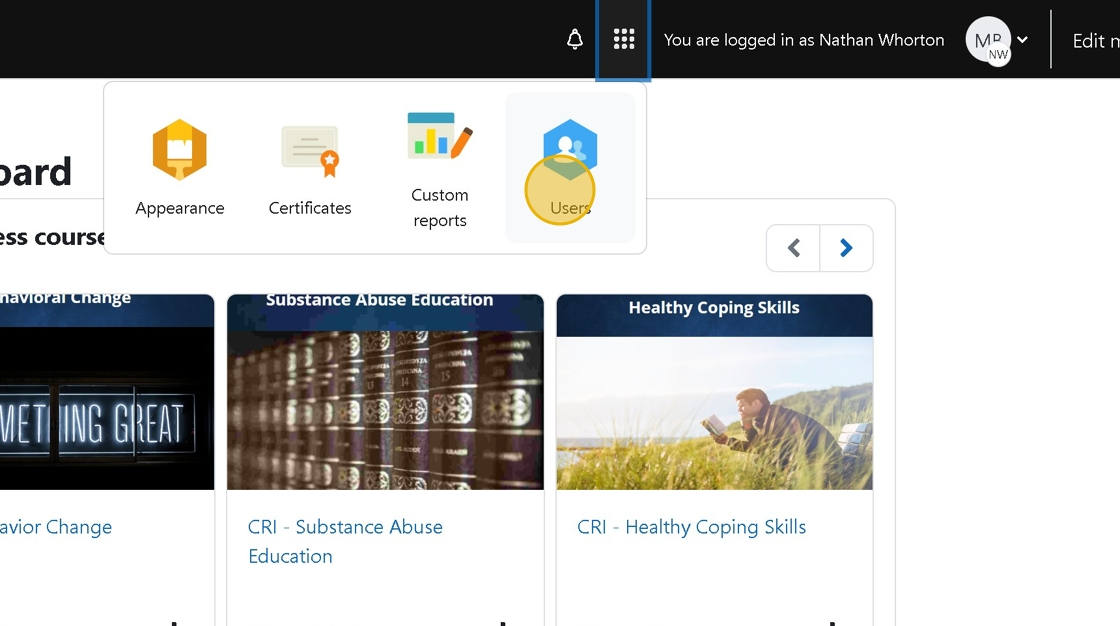
3. Click "Users"
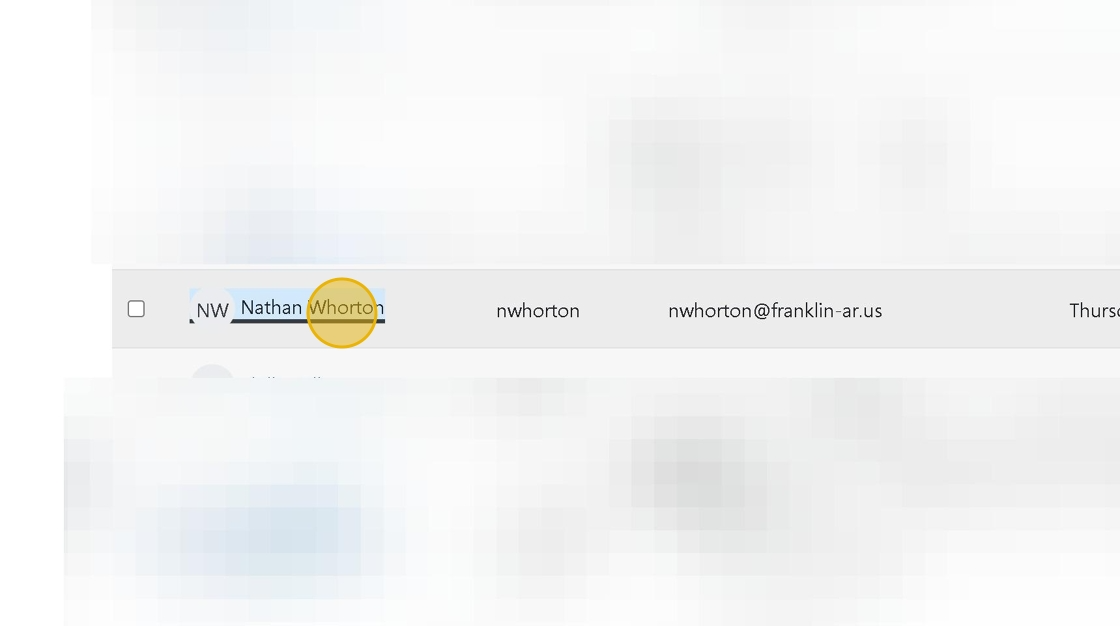
4. Click the user you'd like to review.
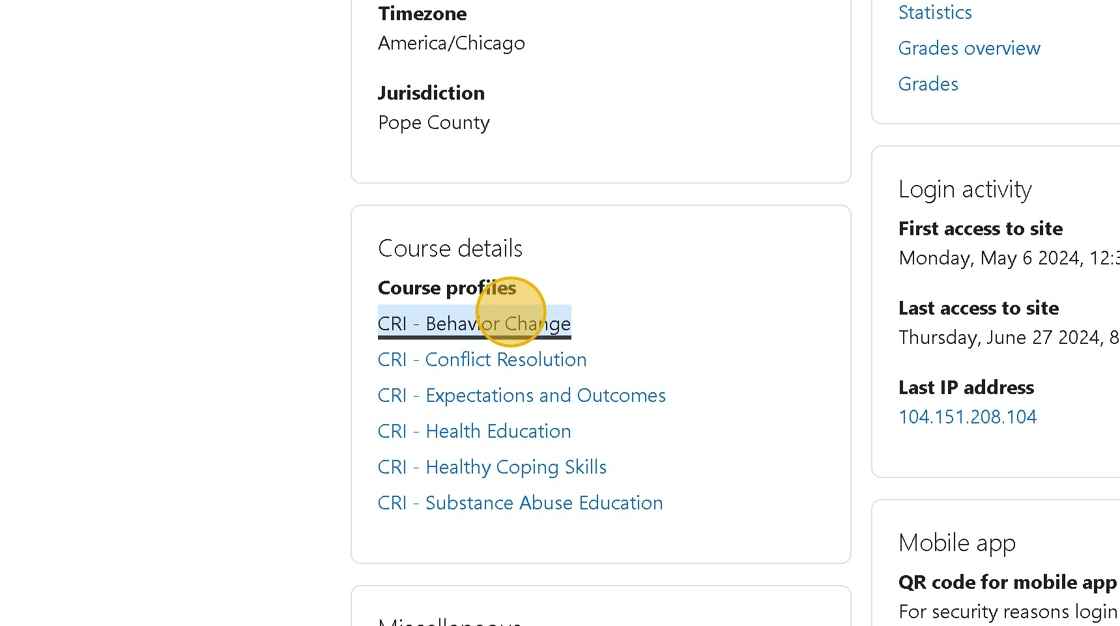
5. Click The course you'd like to review
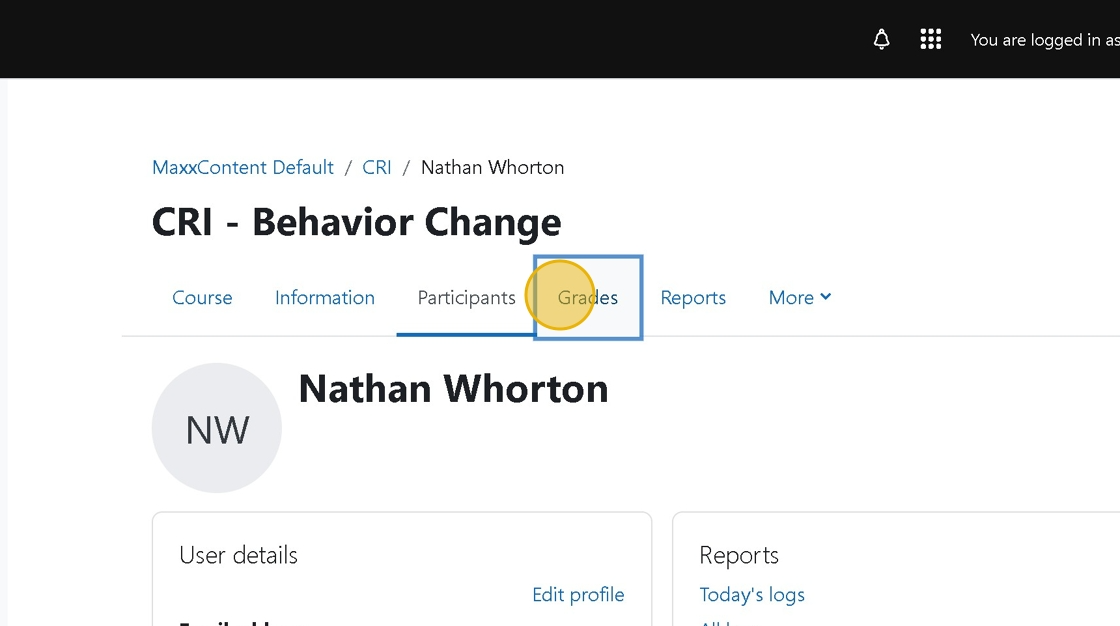
6. Click "Grades"
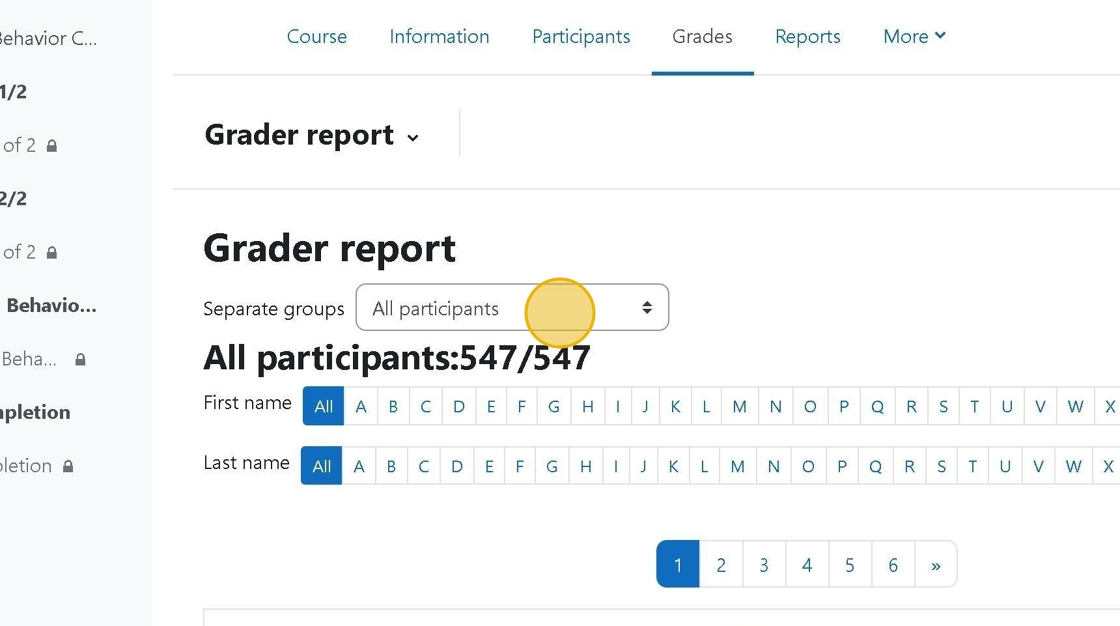
7. Click this dropdown and select City of Faith.
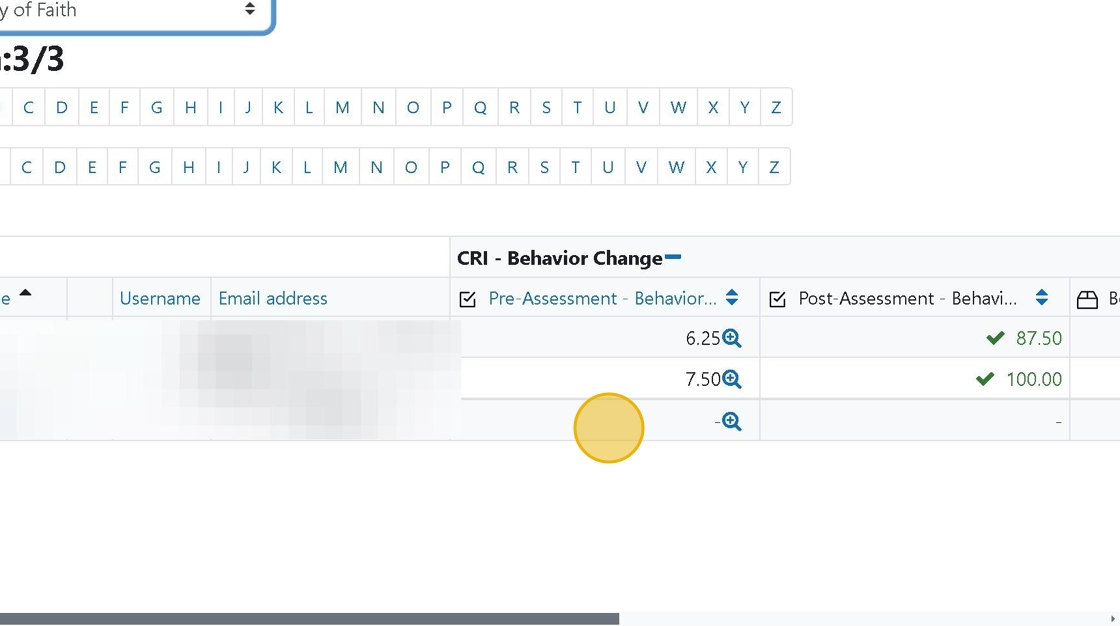
8. You will then see the users for this group and their scores
Was this article helpful?
That’s Great!
Thank you for your feedback
Sorry! We couldn't be helpful
Thank you for your feedback
Feedback sent
We appreciate your effort and will try to fix the article