Add Medication and Prescription Information for Specific User Profile
1. Navigate to the participant profile
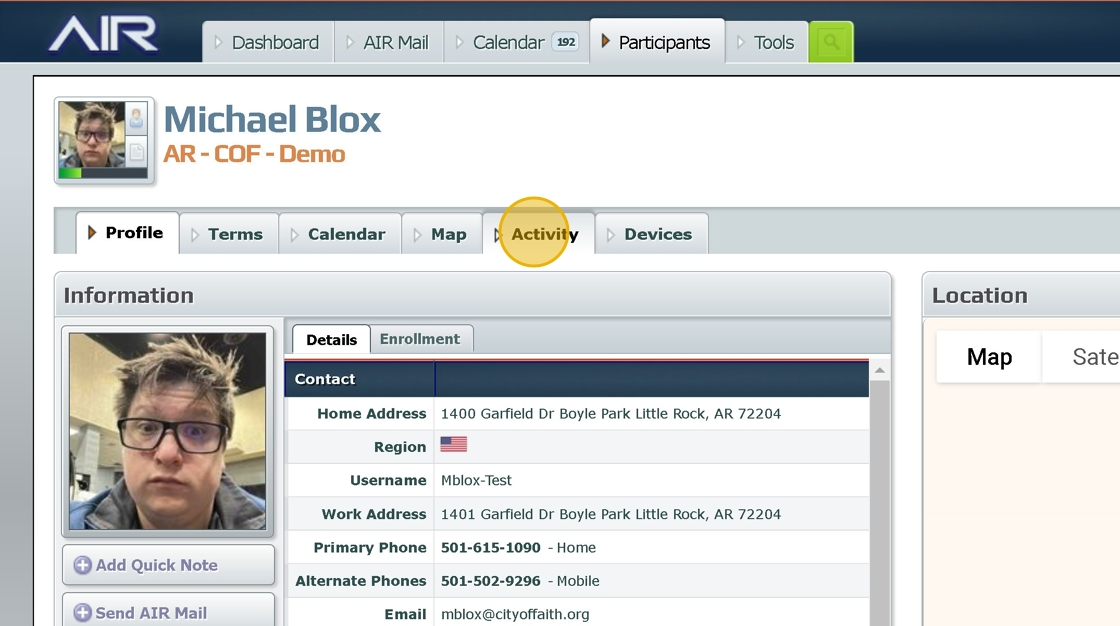
2. Click "Activity"
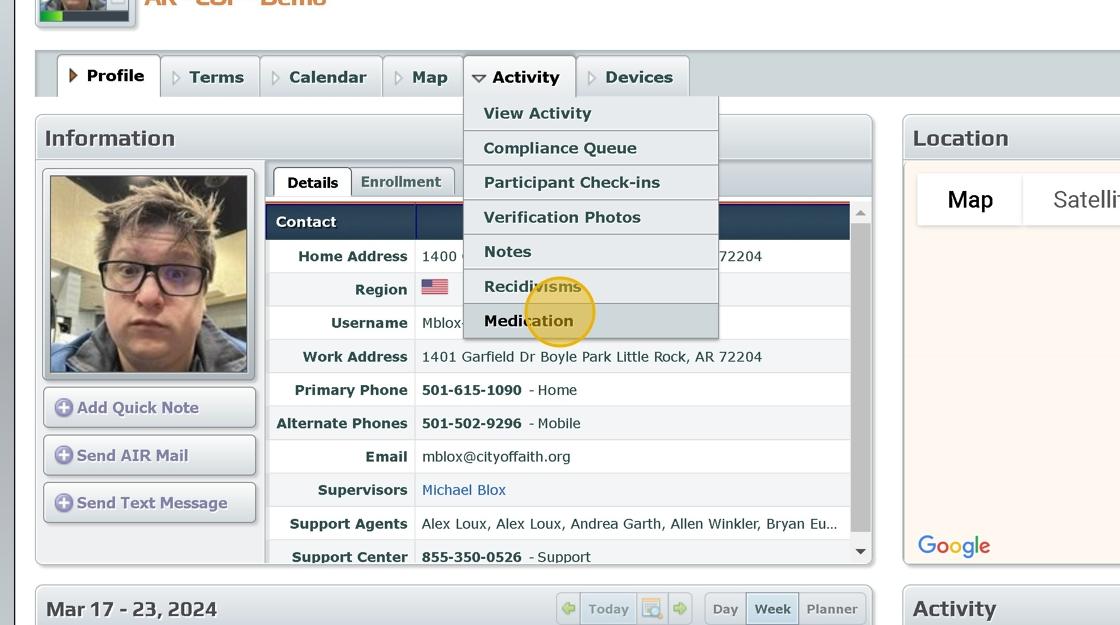
3. Click "Medication"
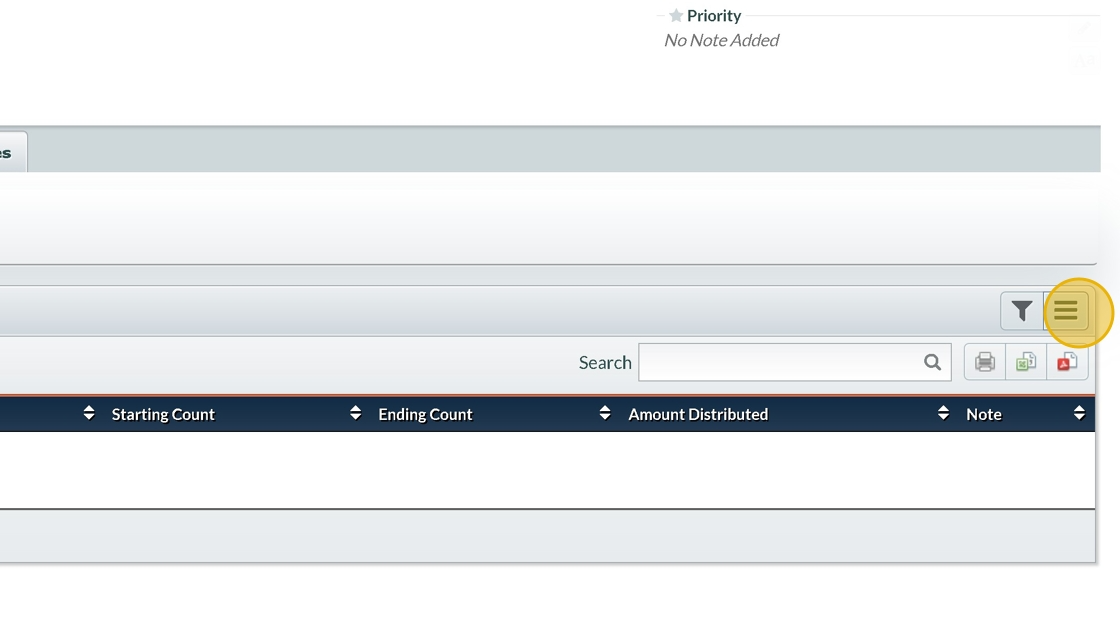
4. Click this hamburger.
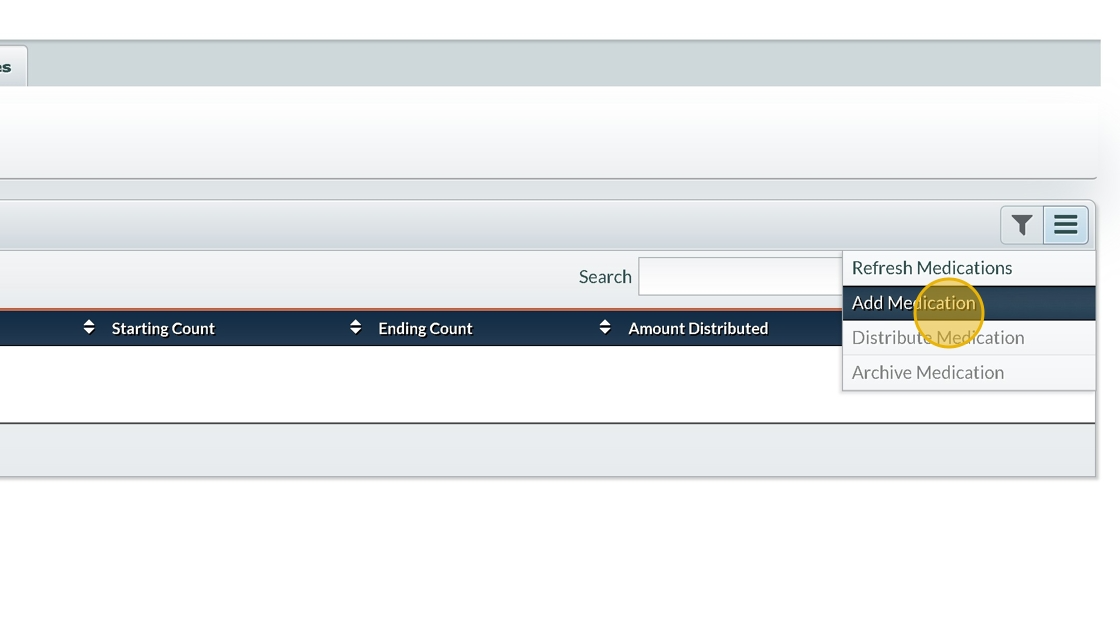
5. Click "Add Medication"
6. Click the medication name field
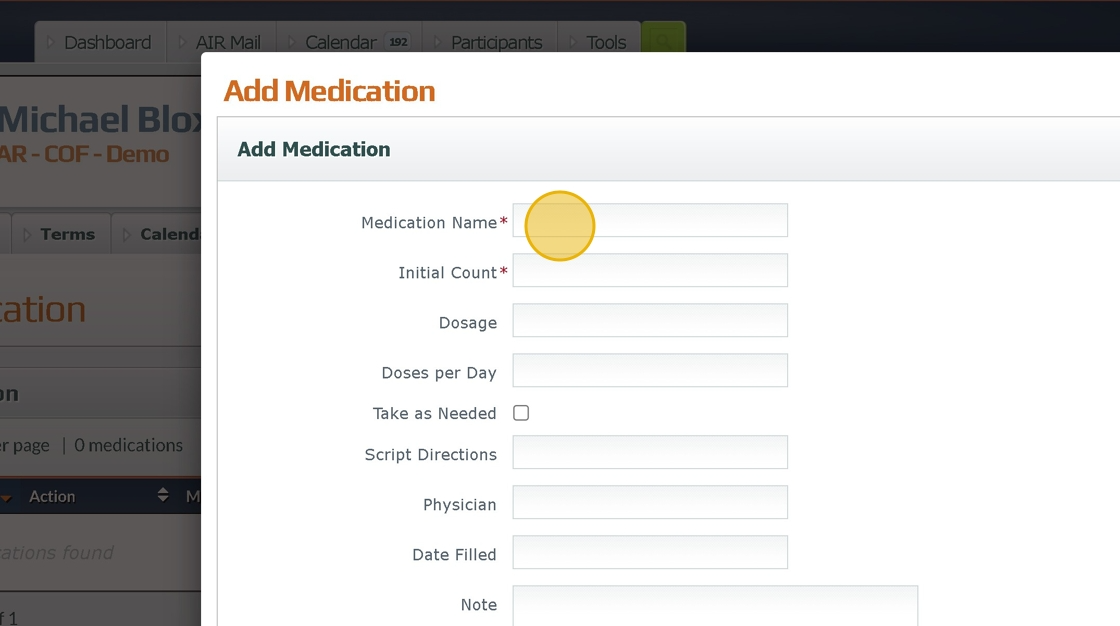
7. Type the name of the medication,
8. Fill out all subsequent fields
9. Insert any remaining notes
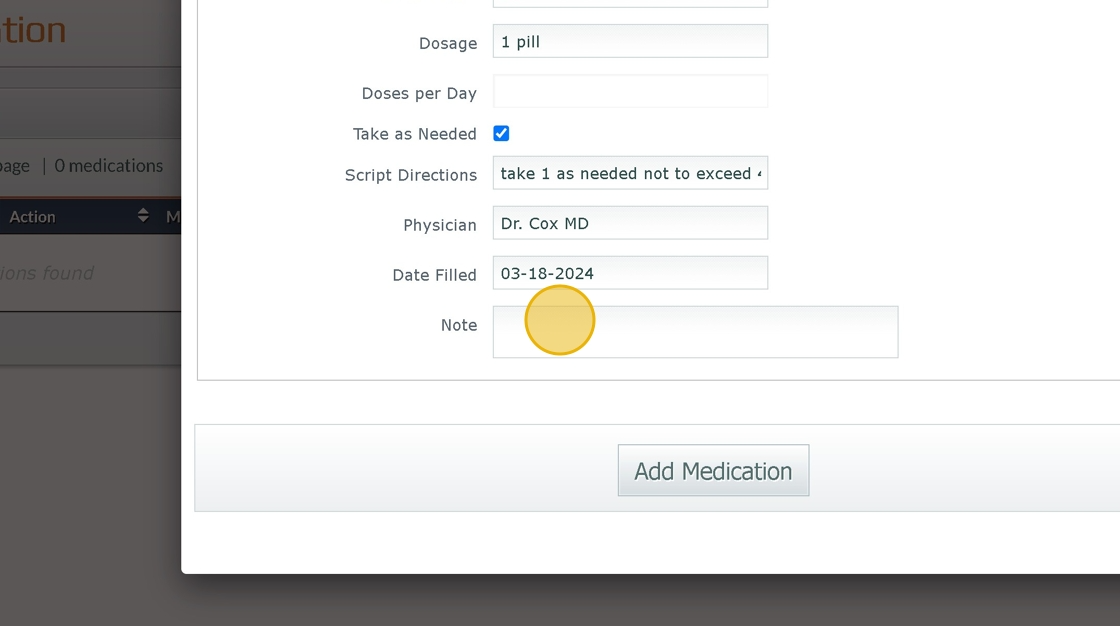
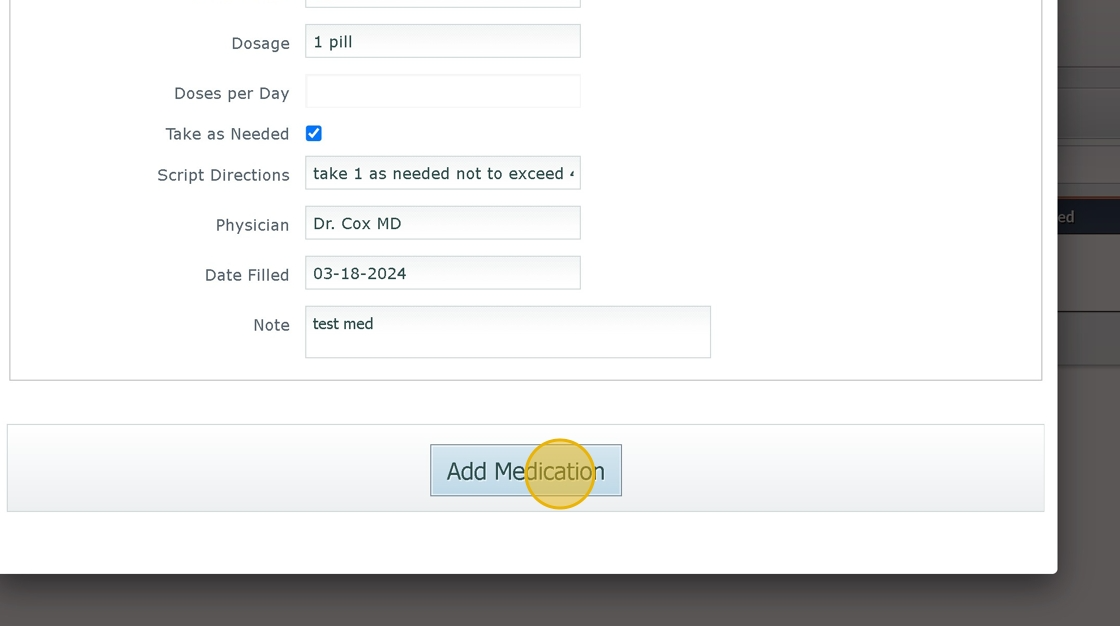
10. Click "Add Medication" button.
Was this article helpful?
That’s Great!
Thank you for your feedback
Sorry! We couldn't be helpful
Thank you for your feedback
Feedback sent
We appreciate your effort and will try to fix the article