How to Complete a Compliance Event on AIR Dashboard
1. Navigate to https://air.corrisoft.com/dashboard
2. Click "Expand"
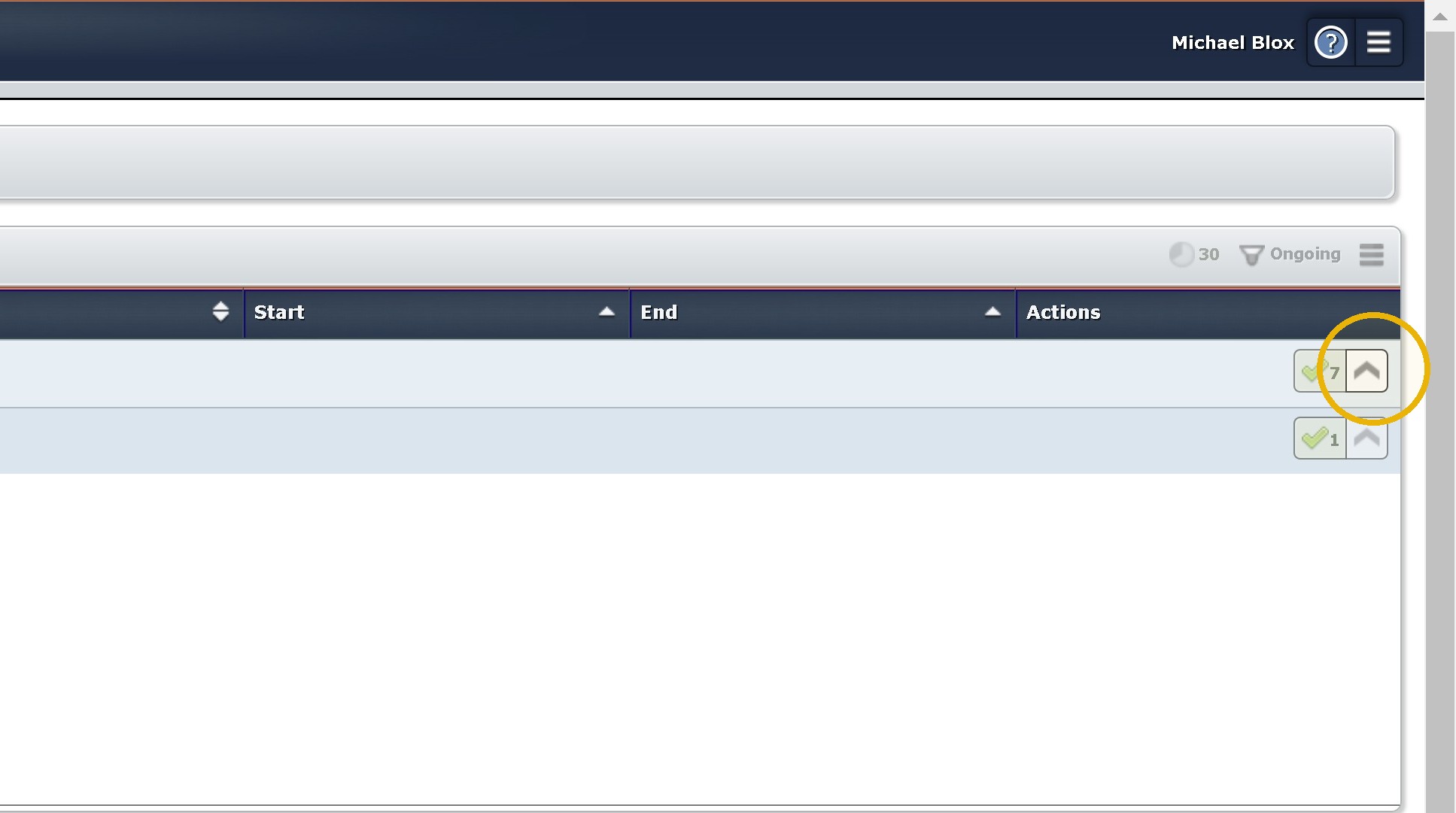
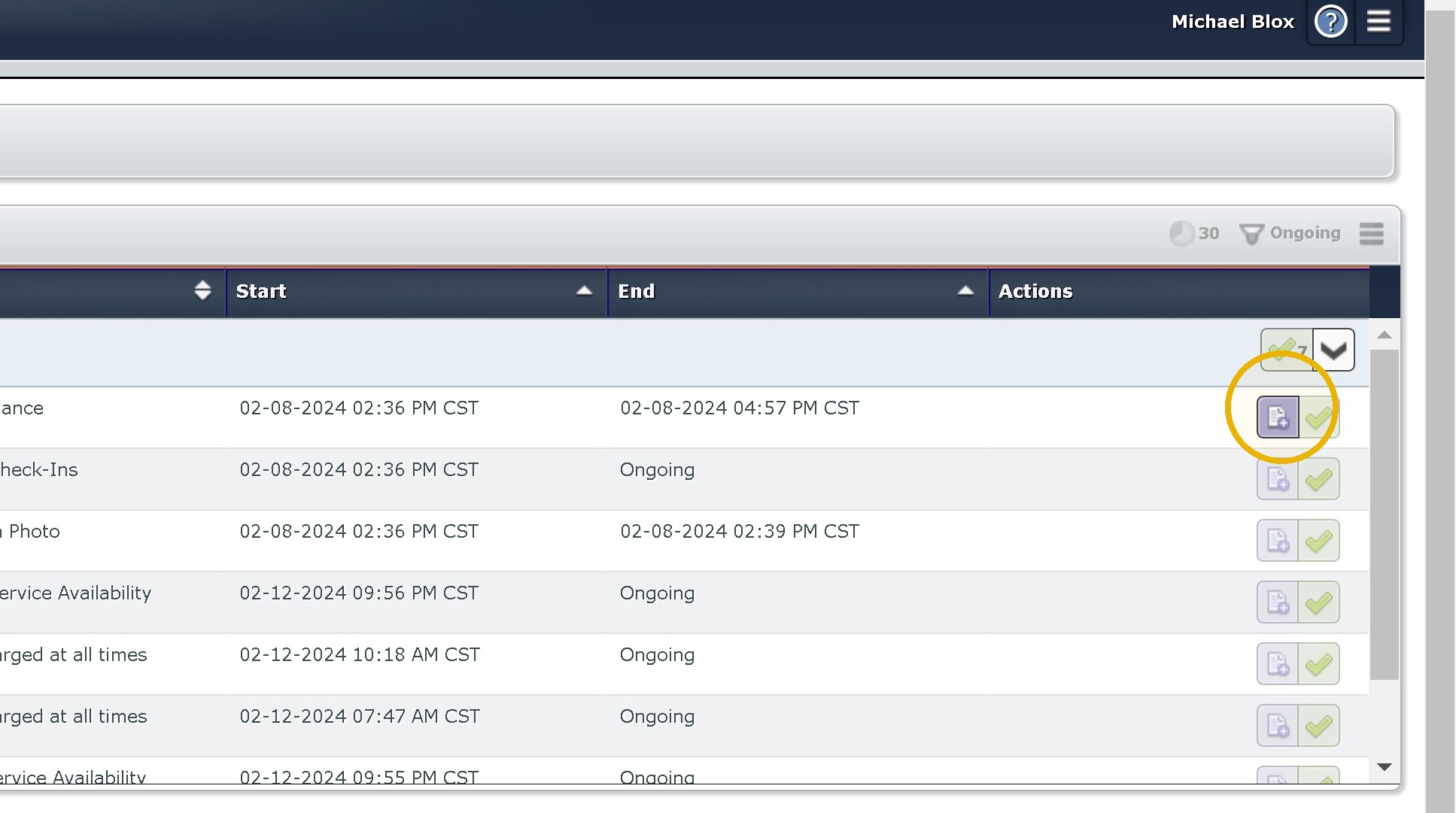
3. Click here.
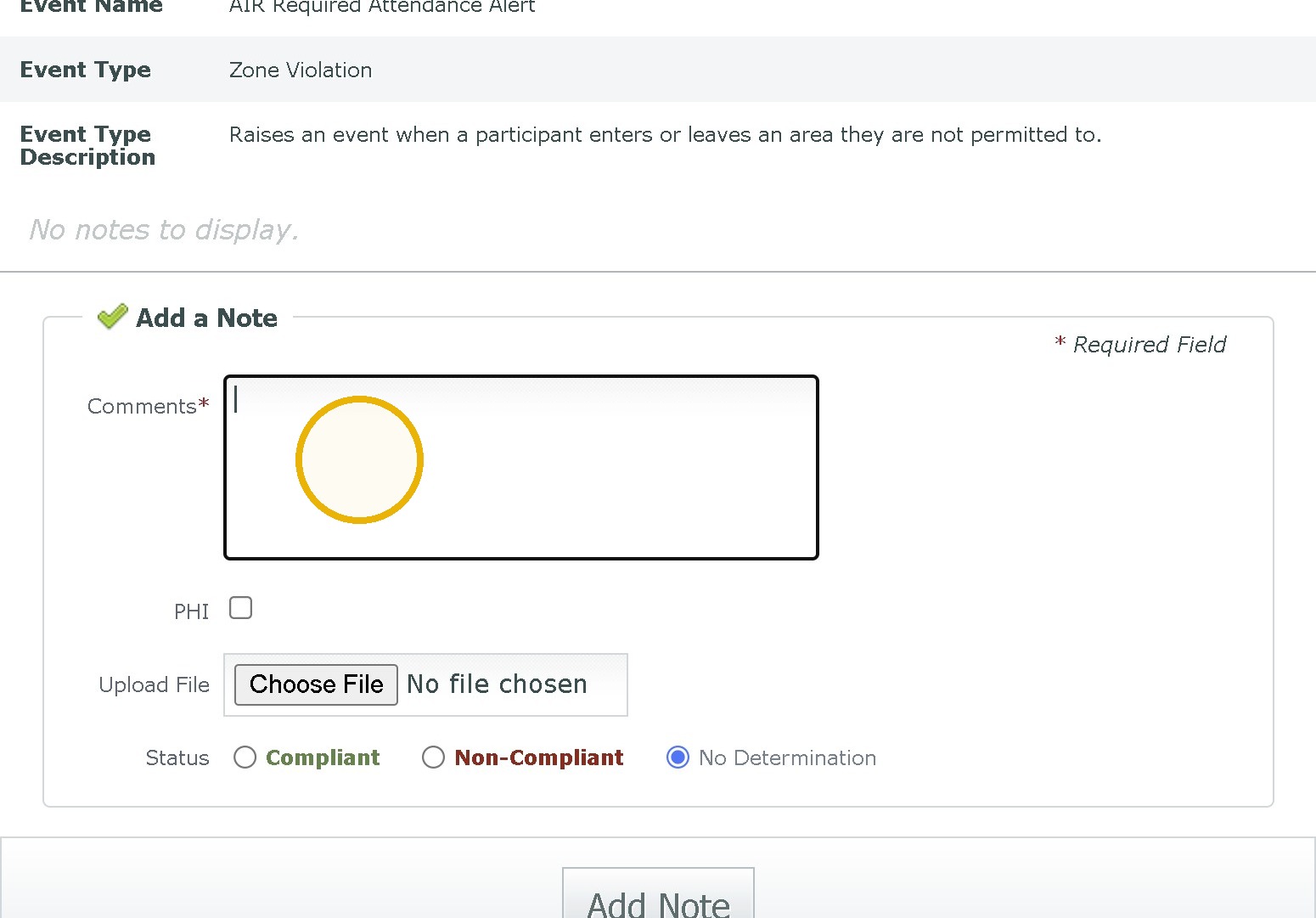
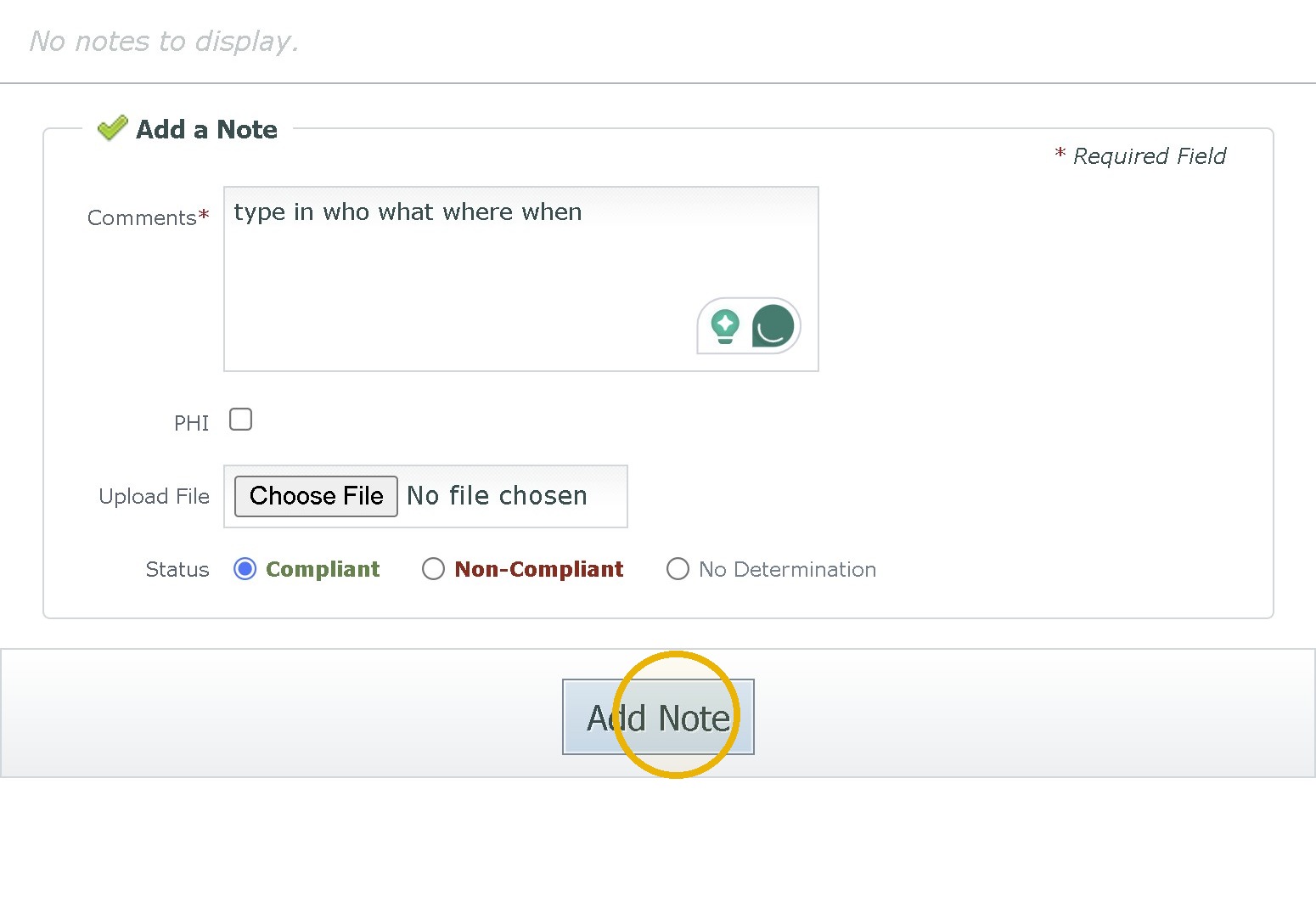
4. Click the "Comments" field.
Type "type in how you determined if the person was compliant or not. Be specific about what steps you took. Putting in they were at work is not enough.
Did you call them? Did you have them compete a check in etc.
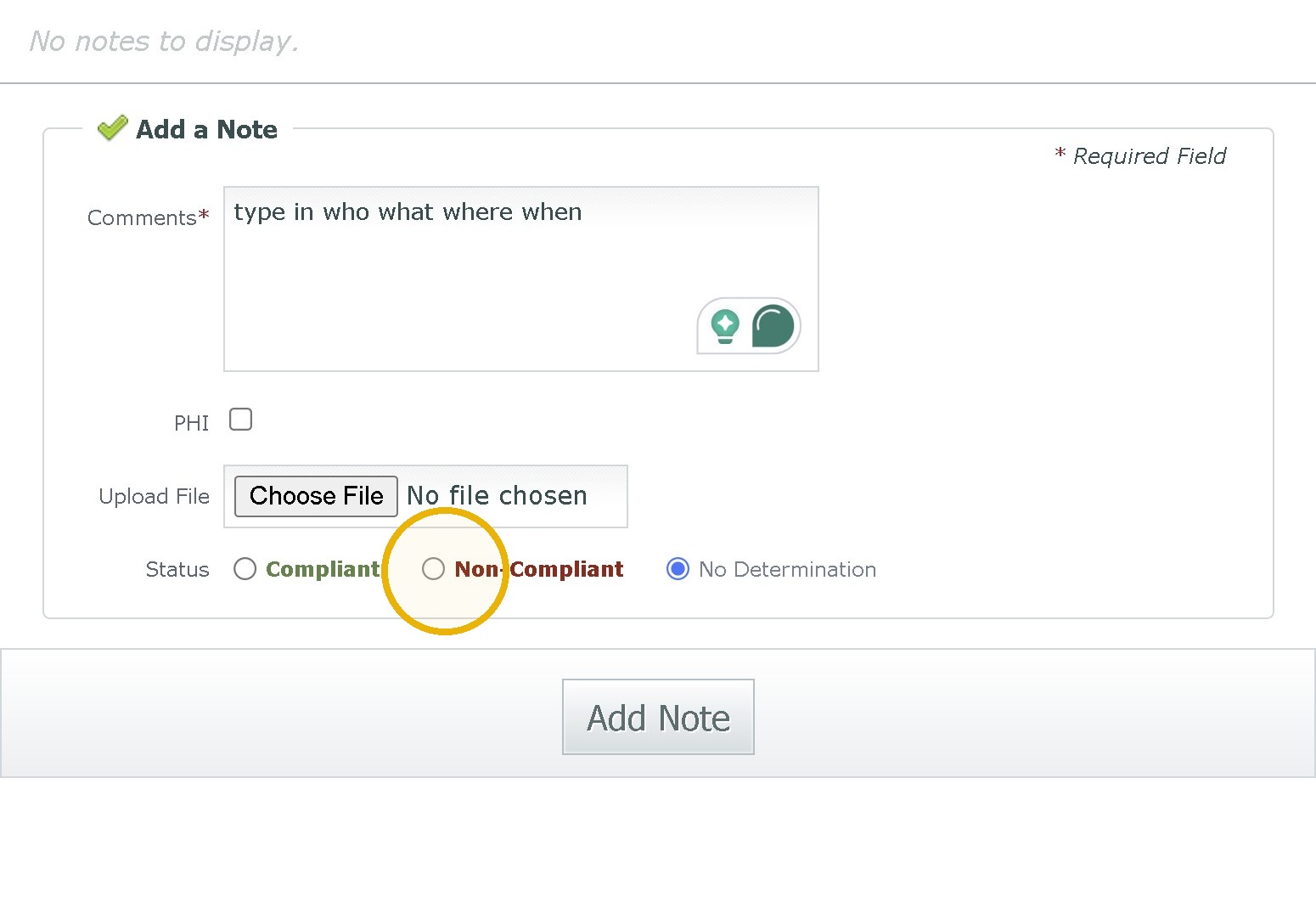
5. Click the "Non-Compliant" or "Compliant" field.
6. Click "Add Note."
Was this article helpful?
That’s Great!
Thank you for your feedback
Sorry! We couldn't be helpful
Thank you for your feedback
Feedback sent
We appreciate your effort and will try to fix the article