Re-Enrolling a Participant
1. Navigate to https://air.corrisoft.com/participants
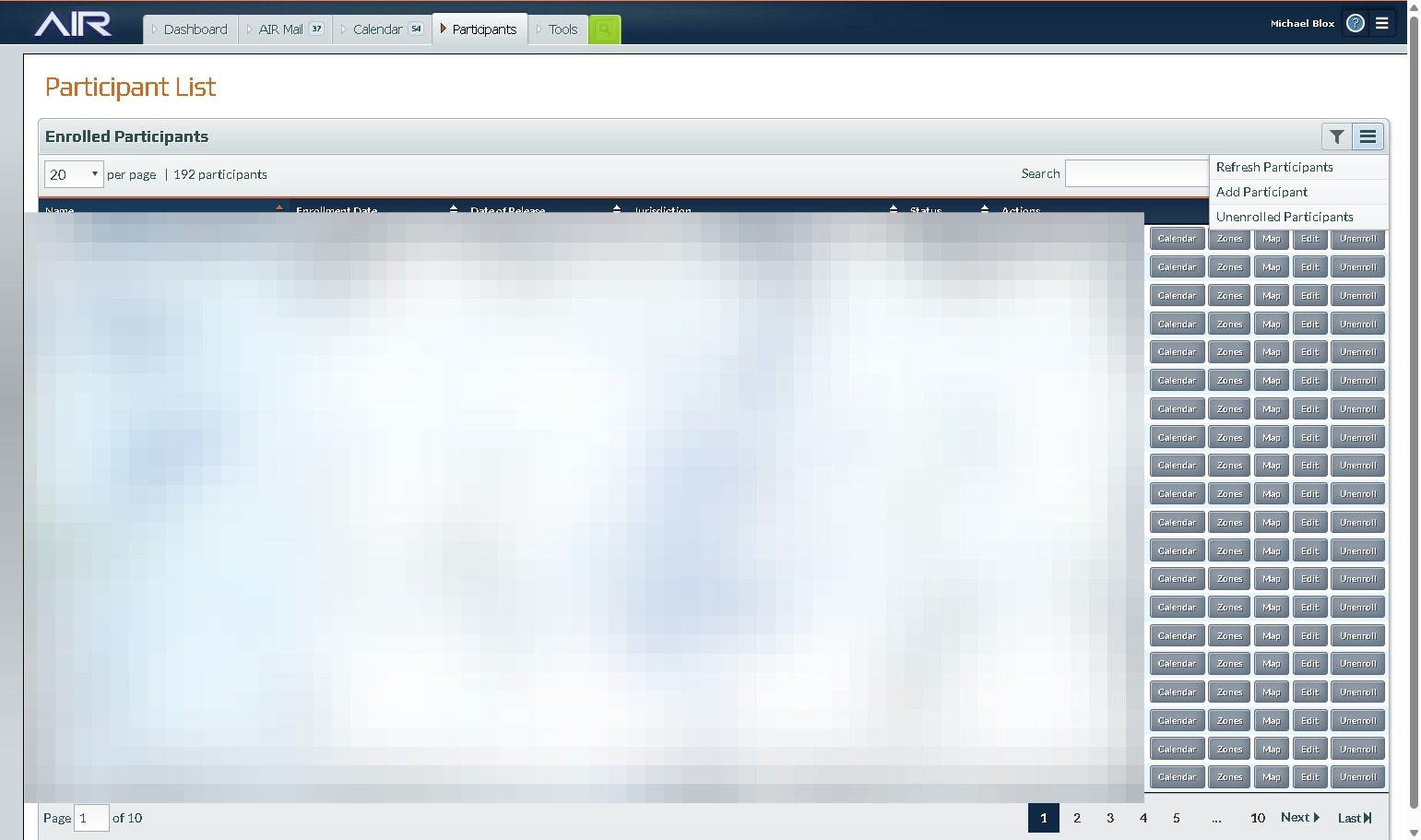
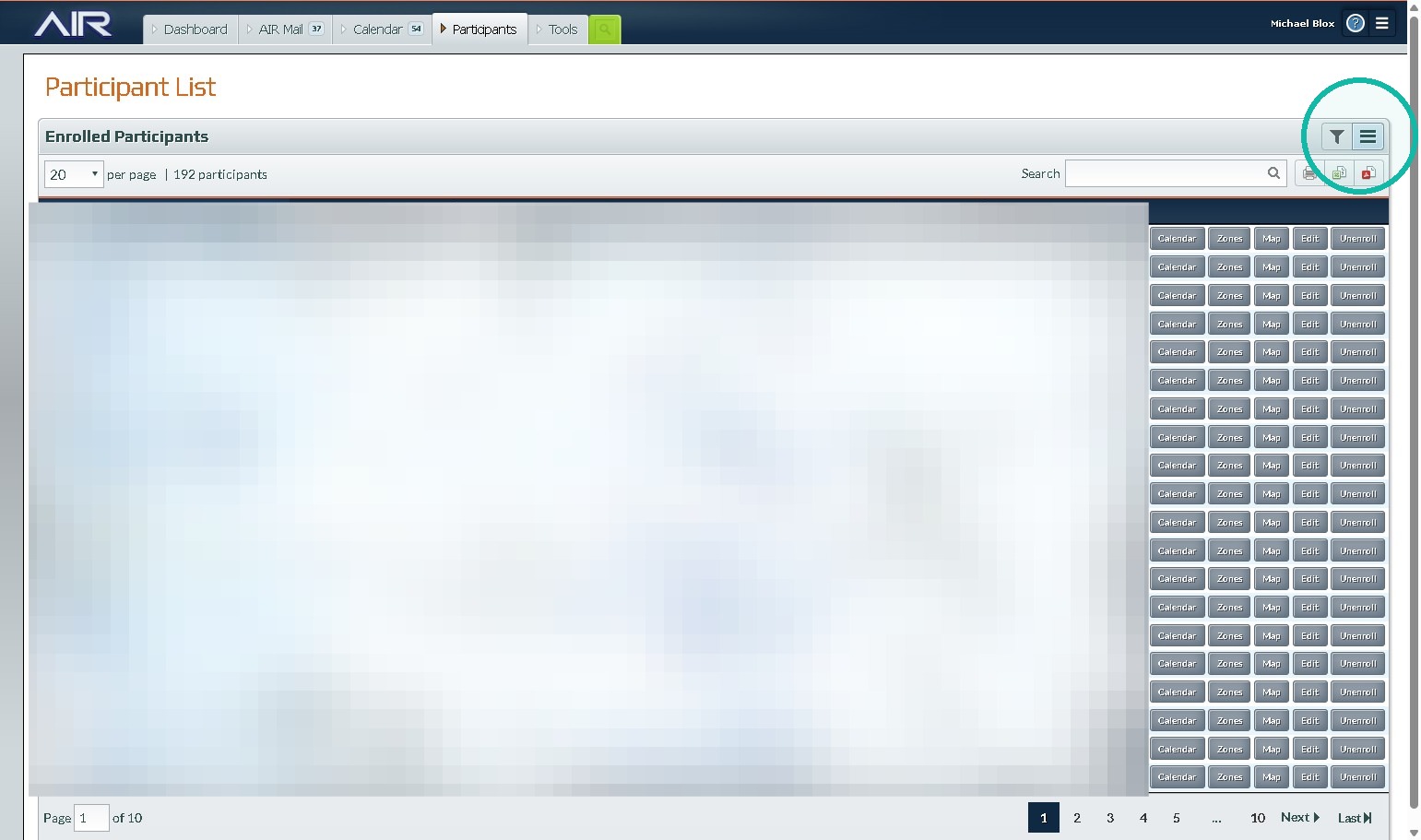
2. Click this link.
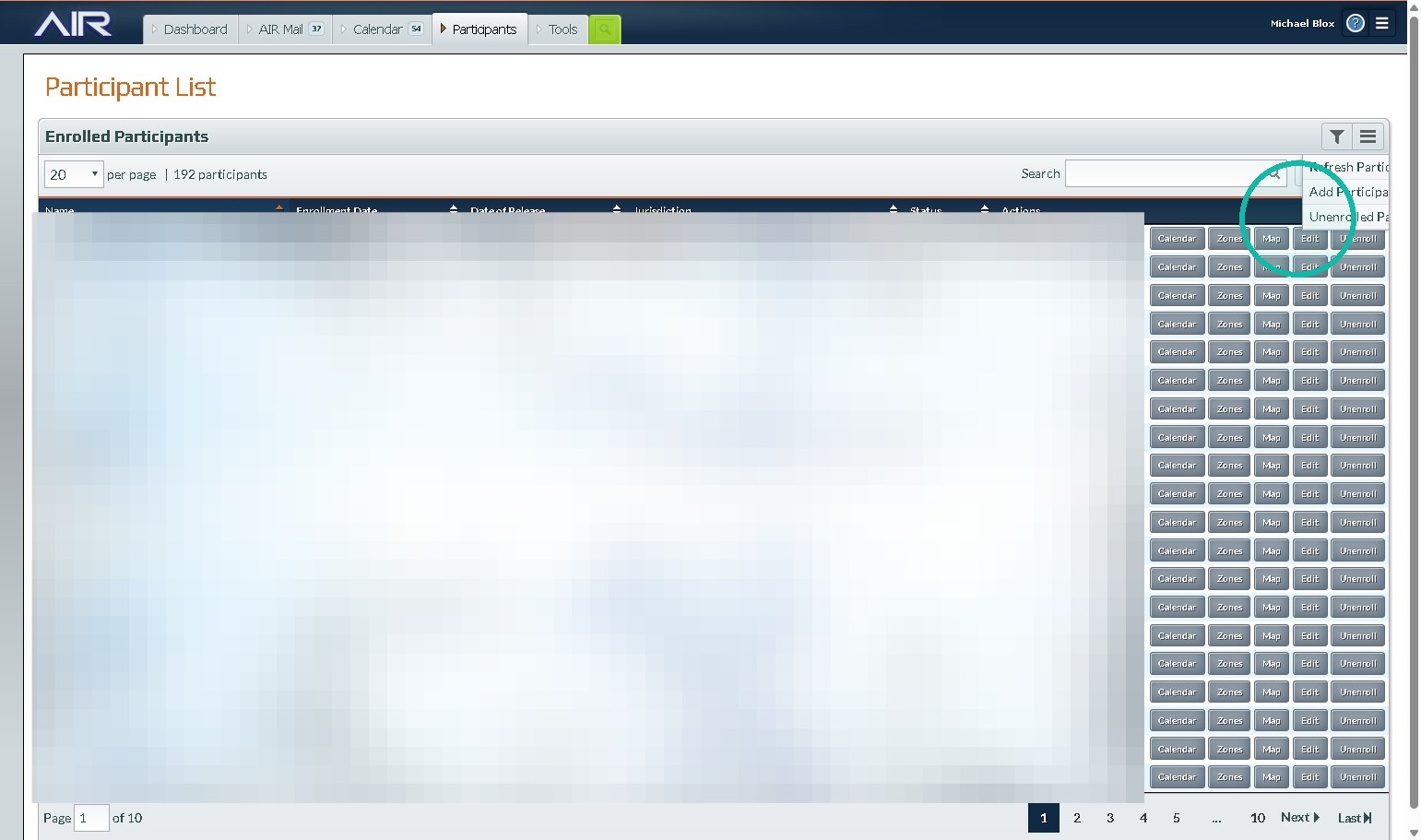
3. Click "Unenrolled Participants"
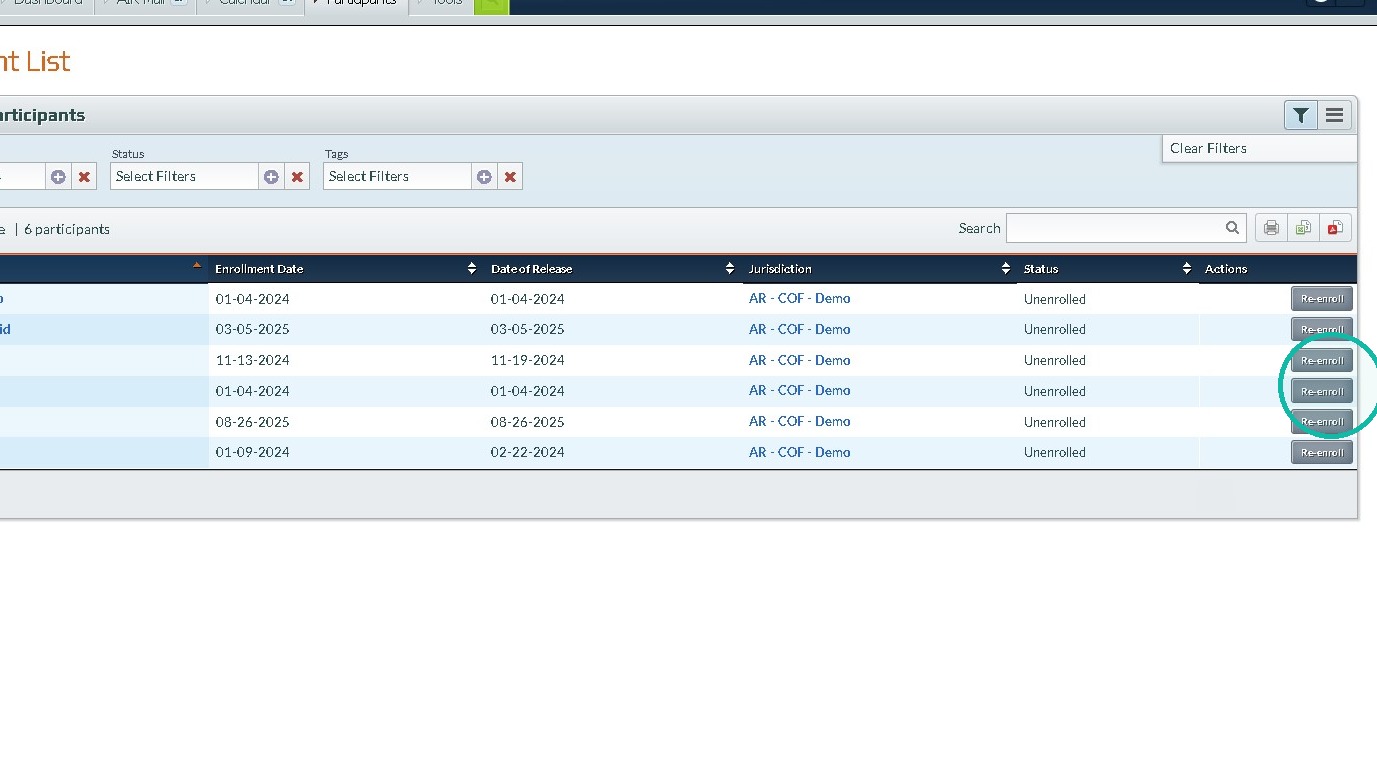
4. Find your Participant and Click "Re-enroll"
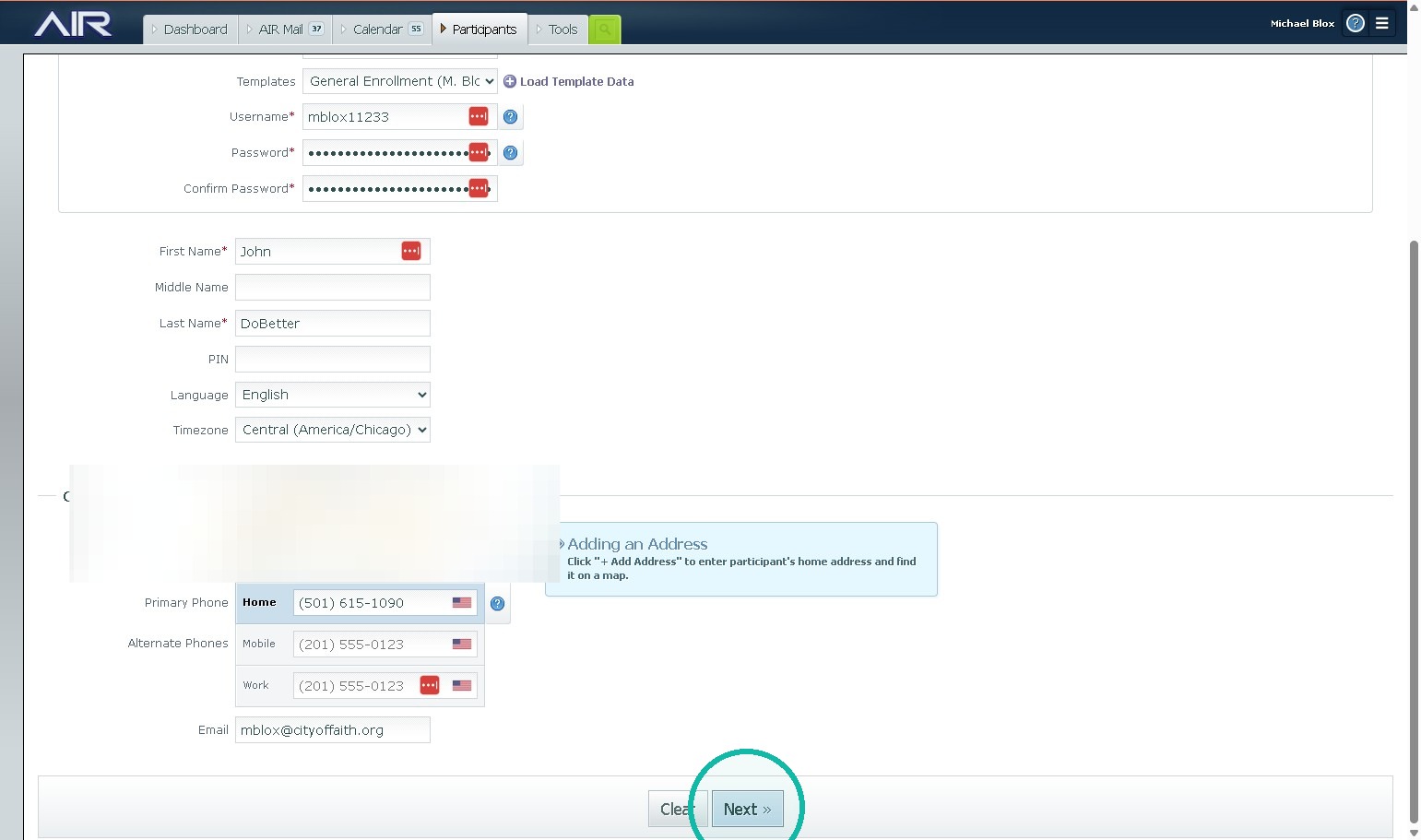
5. Complete all enrollment steps For a more detailed breakdown go to enrolling a new participant
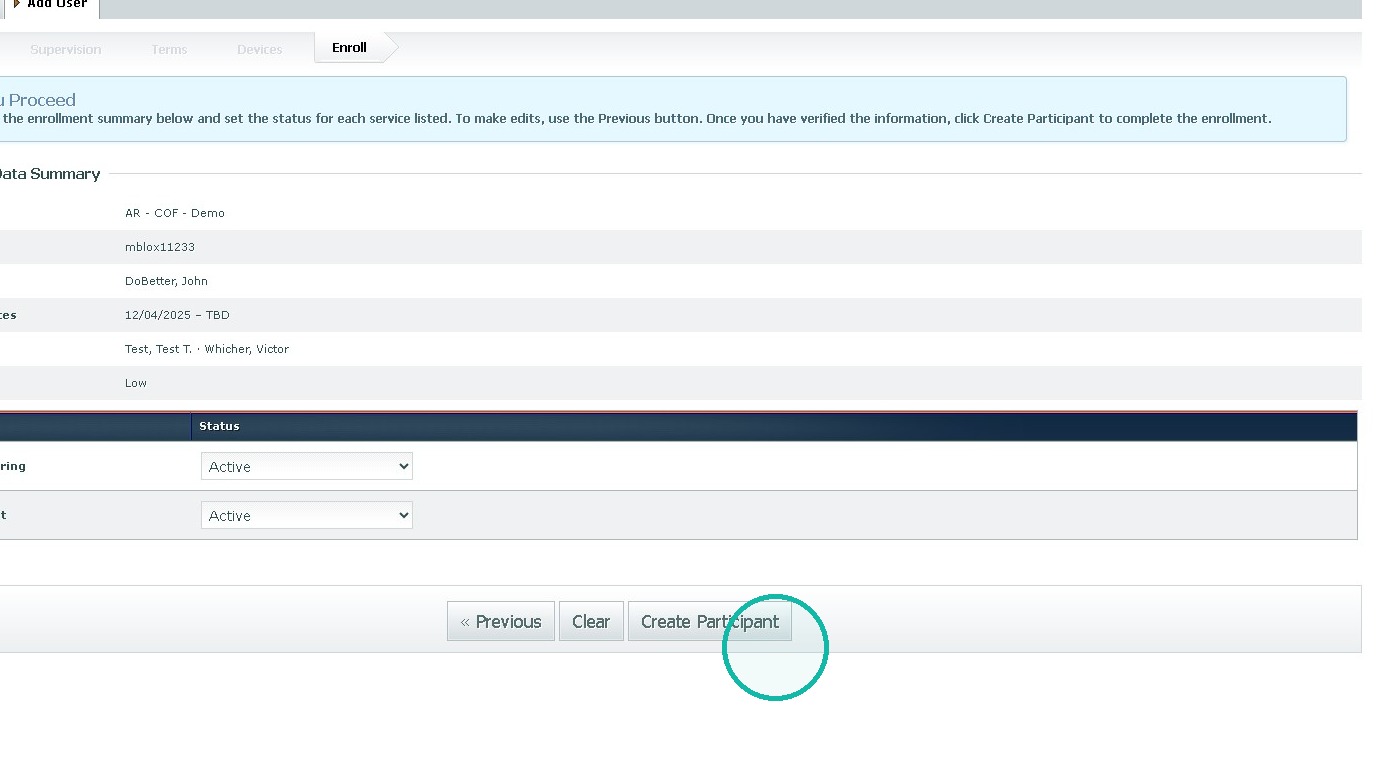
6. Click "« Create Participant"
Was this article helpful?
That’s Great!
Thank you for your feedback
Sorry! We couldn't be helpful
Thank you for your feedback
Feedback sent
We appreciate your effort and will try to fix the article