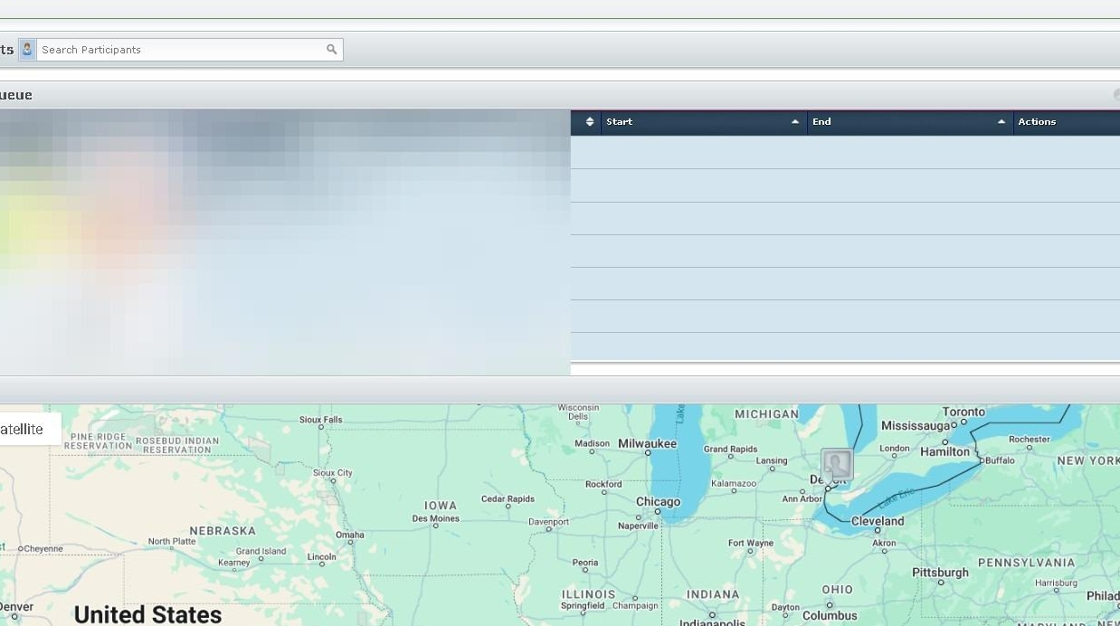
1. Navigate to https://air.corrisoft.com/
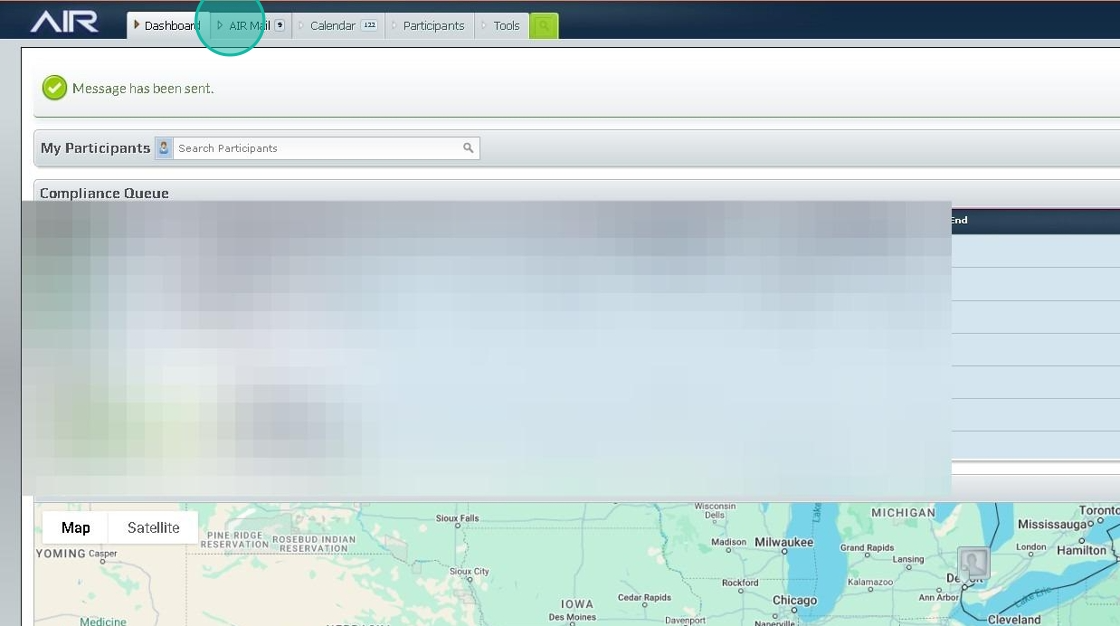
2. Click "AIR Mail"
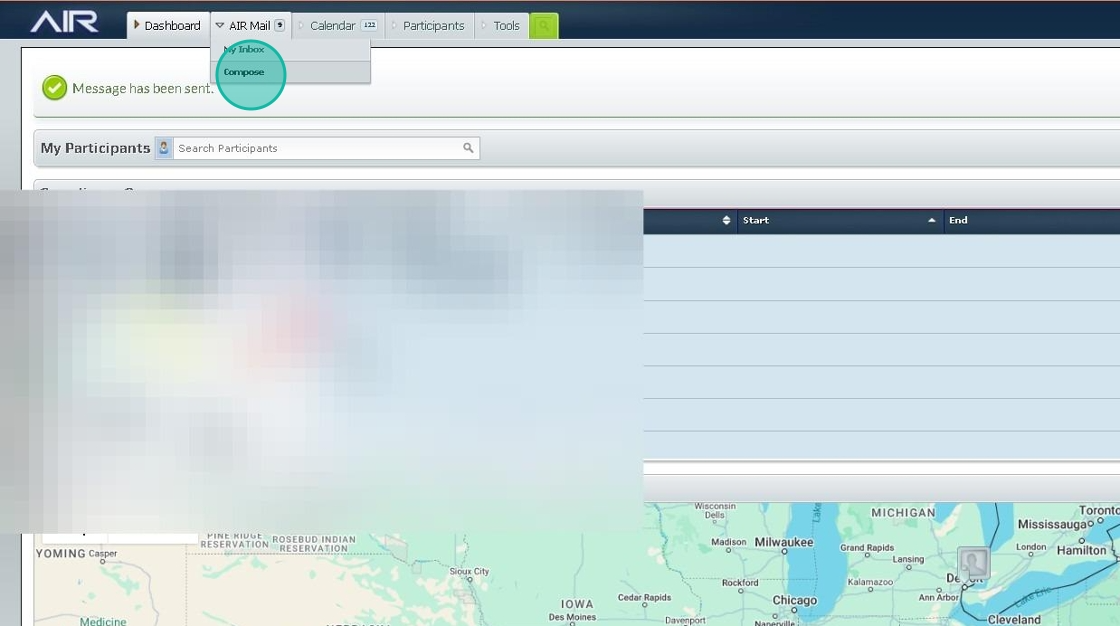
3. Click "Compose"
4. Click the "Recipients" field.
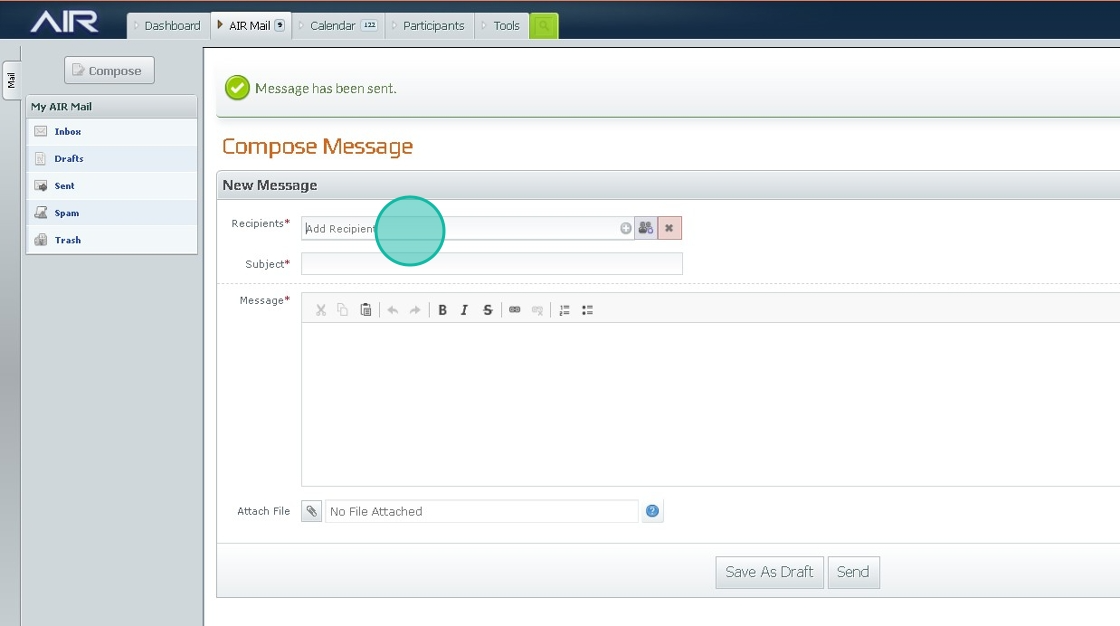
5. Type "sou"
6. Click the name of the user
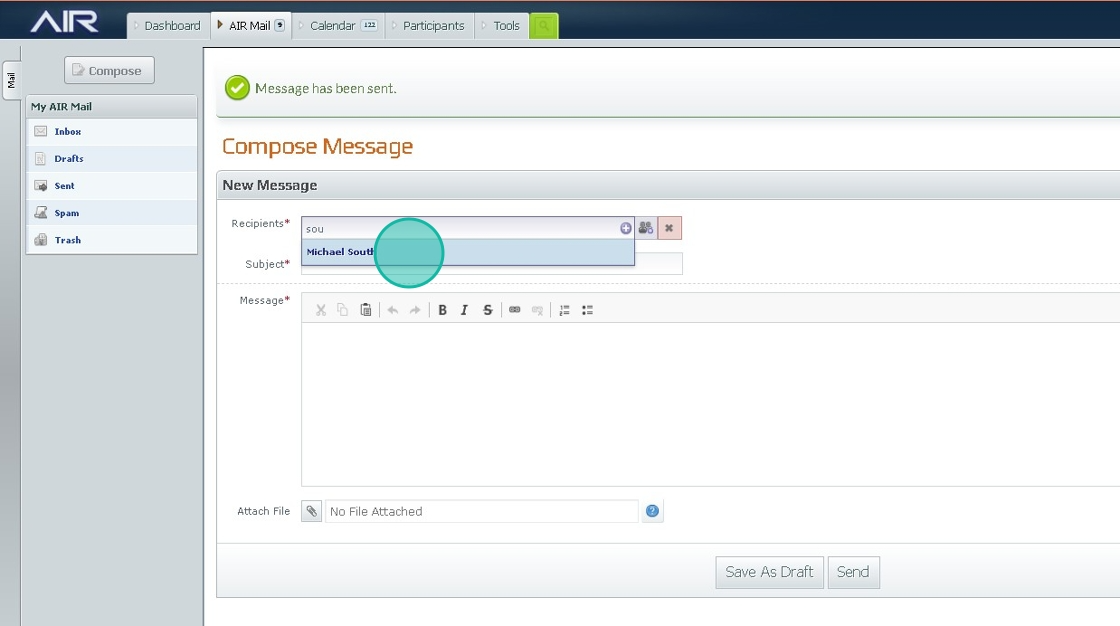
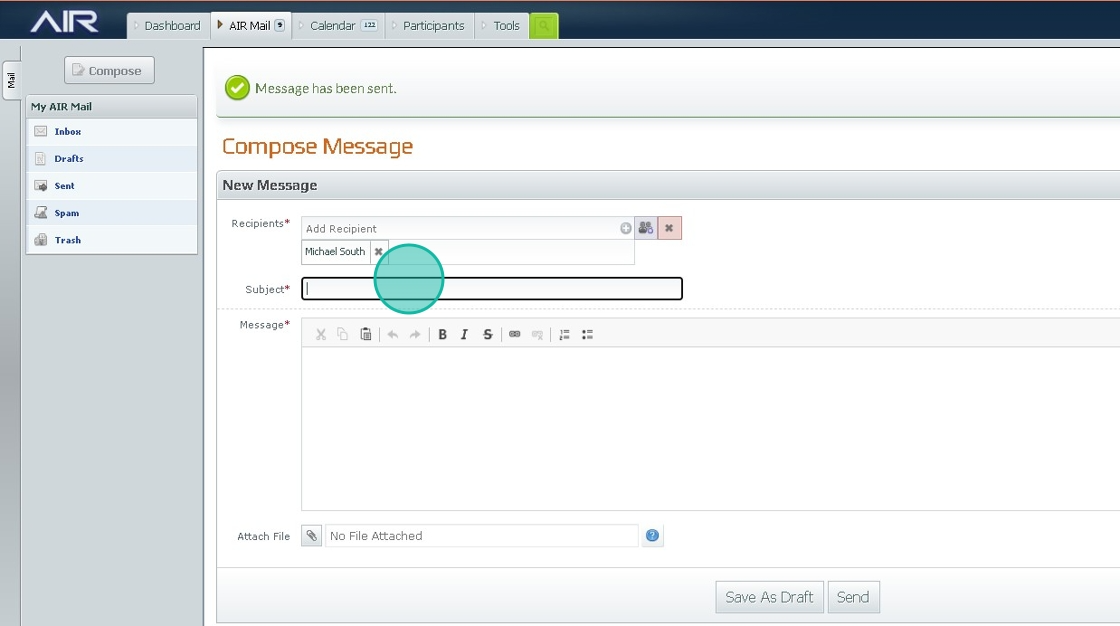
7. Click the "Subject" field. and fill out the subject and message section
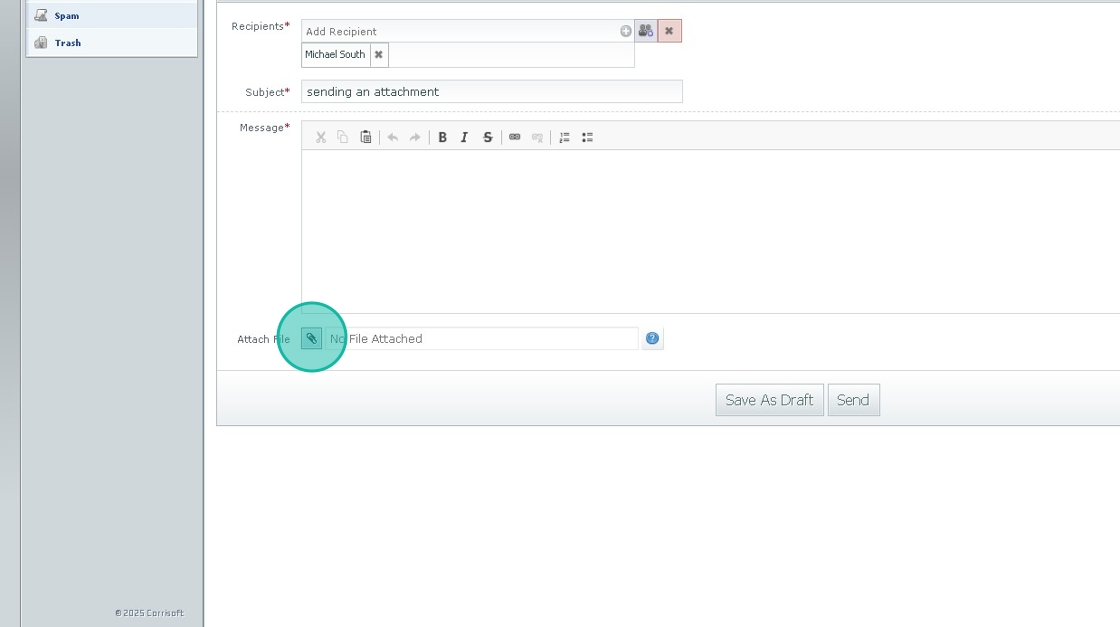
8. Click the "Attach File" field and attach the file
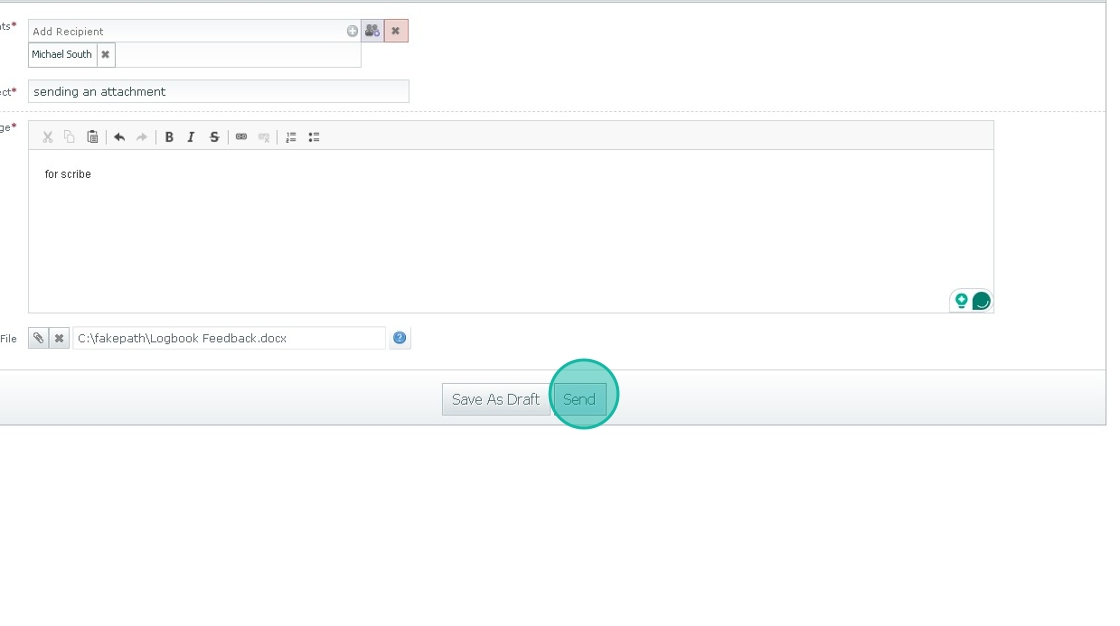
9. Click this "Send."
Was this article helpful?
That’s Great!
Thank you for your feedback
Sorry! We couldn't be helpful
Thank you for your feedback
Feedback sent
We appreciate your effort and will try to fix the article